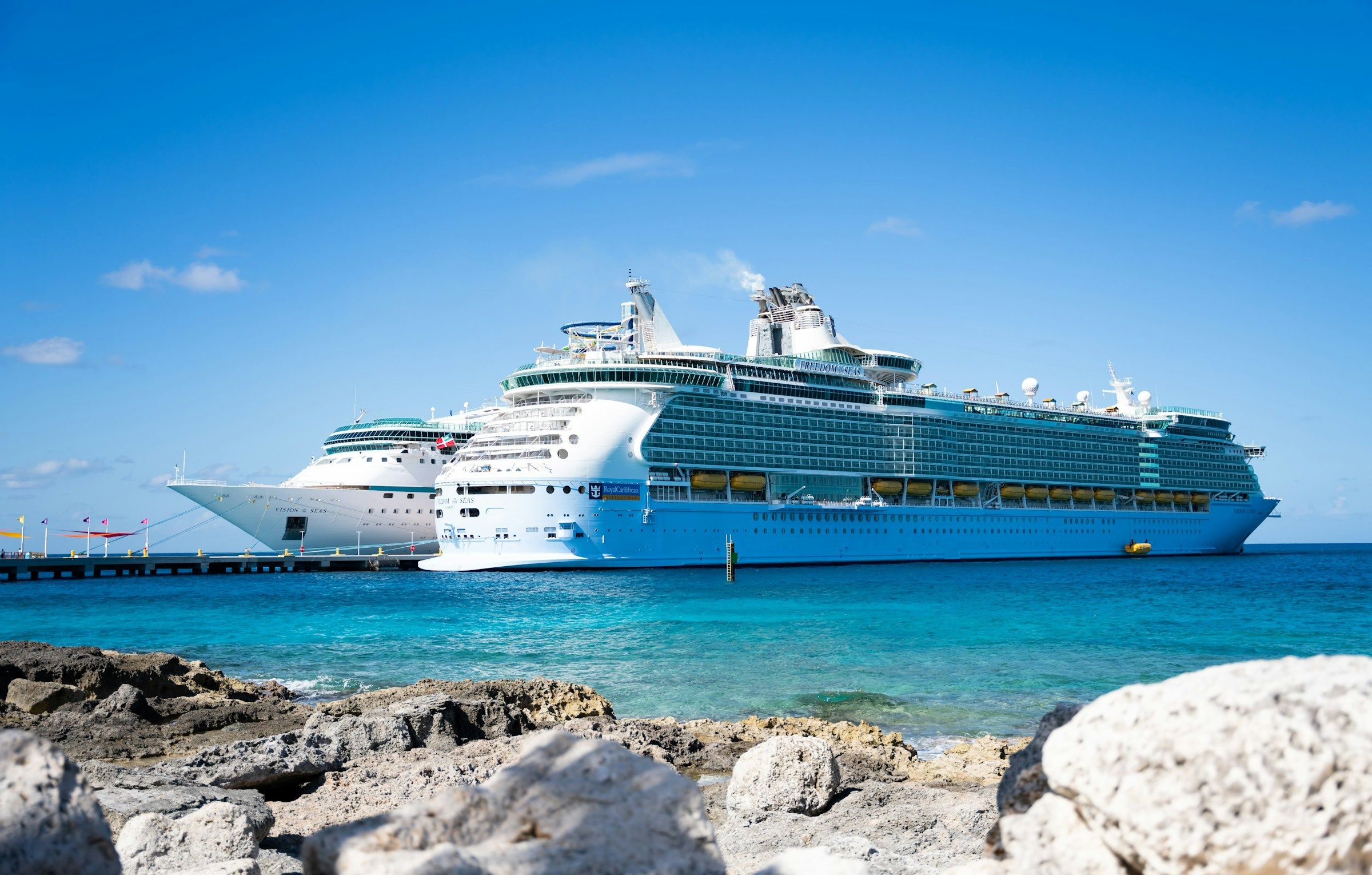
Most people budget for the fare, the drinks package and maybe a shore excursion. Staying connected tends to get forgotten until the final bill arrives. On mainstream lines, a week of Wi-Fi bought ahead runs roughly $140 to $250 on one shared login, but $280 to $500 if a couple each buy their own.[1]
The phone itself can be a bigger risk than the Wi-Fi plan. A few small habits and decisions before you board can change the total a lot. Here’s what’s worth knowing in 2026.
Switch On Airplane Mode Before the Ship Leaves Port
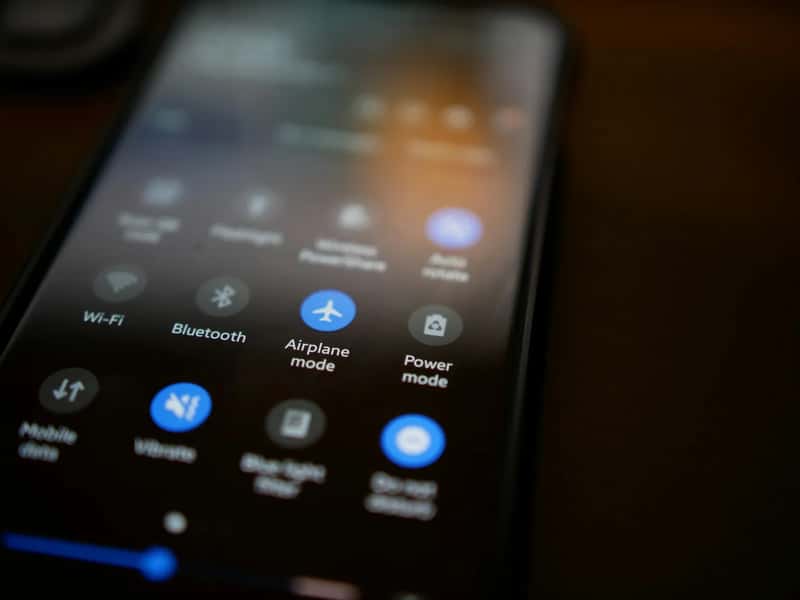
This is the single most important step. Once a ship is a few hundred metres from the coast, your phone can connect to the maritime network and start racking up charges, even if you aren’t using it.[2] If an email arrives and your phone downloads it automatically, you’ll be billed for it.[2]
The rates explain why it matters. Maritime roaming fees can run between $3 and $5 per minute for voice calls, $0.50 or more per text, and very high rates for data.[3] Do it on every device you carry, including phones, tablets and smartwatches.[4] You can still turn Wi-Fi back on afterward, since you can manually toggle select services on once airplane mode is active.[5]
Buy Your Wi-Fi Package Before You Sail

Timing changes the price noticeably. On Royal Caribbean, the cost is about $20 a day before the cruise against $39 aboard.[1] Across the industry, pre-cruise prices are typically 20 to 30 percent cheaper than buying onboard[6], which is roughly a fifth to nearly a third off.
Most lines make this easy. You can usually buy through the cruise line’s app or website.[6] Prices do move, though. Carnival, for example, raised its Wi-Fi prices in late 2025 for all sailings from December onward[6], so check the current rate when you book rather than relying on last year’s numbers.
Pick the Tier That Matches How You Actually Use Your Phone
Many travelers pay for streaming speeds they never use. Carnival is a useful example. Its Social plan at $20.40 a day covers popular social sites and airline apps, but not general browsing or email.[7] The Value plan at $23.80 adds web surfing and email but not video streaming.[7]
The top tier makes sense only if you plan to stream or take video calls. Carnival’s Premium plan at $25.50 a day is the one built for that.[7] On Norwegian, a Voyage Wi-Fi Pass for browsing, email and social media costs $29.99 a day, while the streaming version is $39.99.[8] Figures differ between sources and change often, so confirm the price with your cruise line.
Share One Login Instead of Buying Per Person

Wi-Fi is priced per device, not per cabin. Prices are quoted per device, not per stateroom, and are almost always higher onboard.[1] That means a couple with two phones can double their spending without noticing.
The gap is large. One estimate puts a couple sharing a login at $140 to $250 for the week, against $280 to $500 with a device each.[1] For larger groups, multiple device packages are usually better value than individual purchases.[9] Taking turns on one connection is an easy way to save, especially if only one person needs to be online.
Check for Free Wi-Fi Through Loyalty Status or Promotions

Before you pay anything, look at what you’ve already earned or booked. Loyalty programs such as Royal Caribbean’s Diamond Plus, Norwegian’s Latitudes Platinum Plus and Carnival’s Diamond tier include increasing amounts of free Wi-Fi.[9] Suite guests on some lines get it too.
Promotions can cover part of the need as well. Every Norwegian Free at Sea booking includes 150 minutes of Starlink Wi-Fi per guest for the whole cruise, one device at a time and without streaming.[8] A few lines go further, and basic access is free on Virgin Voyages, Viking and Silversea.[6] A short message plan might be all you need.
Use the Ship’s Free App Network Without a Package

You don’t need a paid plan to do everything on board. Even without a package, you should keep your phone’s Wi-Fi on and connect to the ship’s network.[7] The cruise line’s app is built to work this way.
It covers the practical basics. You can view the daily schedule, make specialty dining reservations, book shore excursions, check your onboard account balance, and message other passengers, sometimes for a small one time fee.[7] Keep the phone in airplane mode with Wi-Fi switched on, and you get all of that without roaming exposure.
Consider a Maritime eSIM or Cruise Day Pass

There is a middle route between ship Wi-Fi and a roaming bill. Cellular day passes and eSIM plans such as OneRoam and Cellular at Sea Cruise+ have made data at sea more affordable and predictable.[10] One comparison puts a maritime eSIM at roughly $28 to $66 for seven nights, against $140 to $250 per device for ship Wi-Fi.[1]
There are trade offs. Maritime eSIMs work about an hour after leaving port and suit messaging, email, maps and browsing[1], with a capped data bundle. You also need the right setup, since you must leave your phone out of airplane mode to use cellular data services.[10] Don’t assume your regular plan covers it either, because add ons like AT&T International Day Pass and Verizon TravelPass don’t cover maritime satellite networks.[4]
Save Heavy Data Use for Port Days
Ports are where connectivity is cheapest. A standard travel eSIM is a low cost option here, though it works in port only, at roughly $5 to $15 for a week of port use.[1] Local cellular data at local prices is the same idea, as long as you re-enable airplane mode before sailing.[4]
That makes port stops a good time to download maps, update apps and upload photos. Background activity is a quiet cost at sea, because background apps can consume data without your knowledge.[5] Check each port too, since international roaming charges in port can differ from at sea rates and change by country.[11] Once on board, use the ship’s Wi-Fi to monitor your usage in your service provider’s app.[11]