You’re rushing through the terminal. Your phone’s at fifteen percent. Then you spot them: those convenient USB charging stations near the gate. Looks safe enough, right?
Here’s the thing. What seems like a travel lifesaver might actually be a gateway for cybercriminals to access everything on your device. Federal authorities have been sounding alarms about this threat, and the warnings keep getting louder as more travelers fall victim to what experts call juice jacking.
The FBI Warning That Shocked Travelers
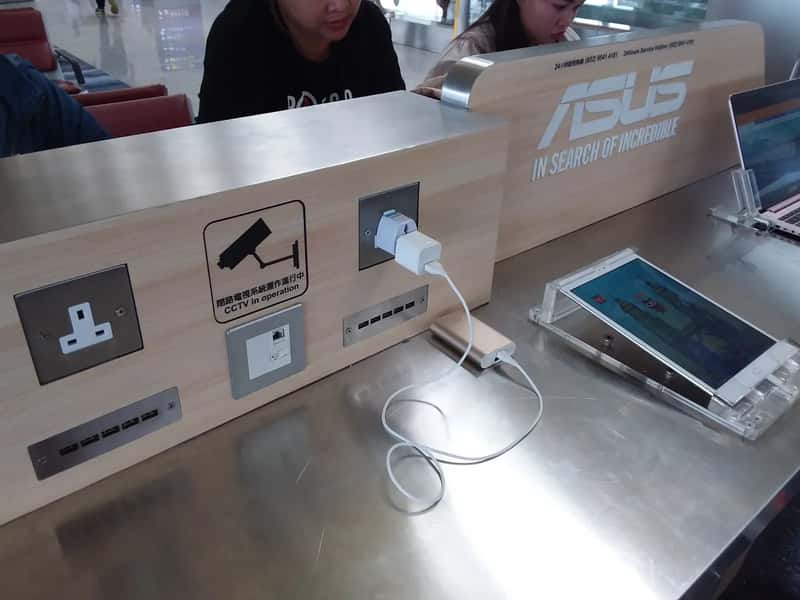
In April 2023, the FBI’s Denver office issued a warning about juice jacking, advising travelers to avoid using free charging stations in airports, hotels, or shopping centers. The message was direct and unsettling. Bad actors have figured out ways to use public USB ports to introduce malware and monitoring software onto devices.
The Transportation Security Administration issued warnings ahead of the busy summer travel season in 2025, stating that travelers should not plug their phones directly into USB ports at airports. These weren’t just vague advisories. Authorities meant business, and the reason became clear quickly: According to the 2022 USB Threat report by Honeywell Forge, threats designed to propagate over USB or specifically exploit USB for infection rose to 52% over four years. Let’s be real, that’s a massive jump. The statistics speak volumes about how serious this vulnerability has become in just a short window of time.
What Actually Happens When You Plug In
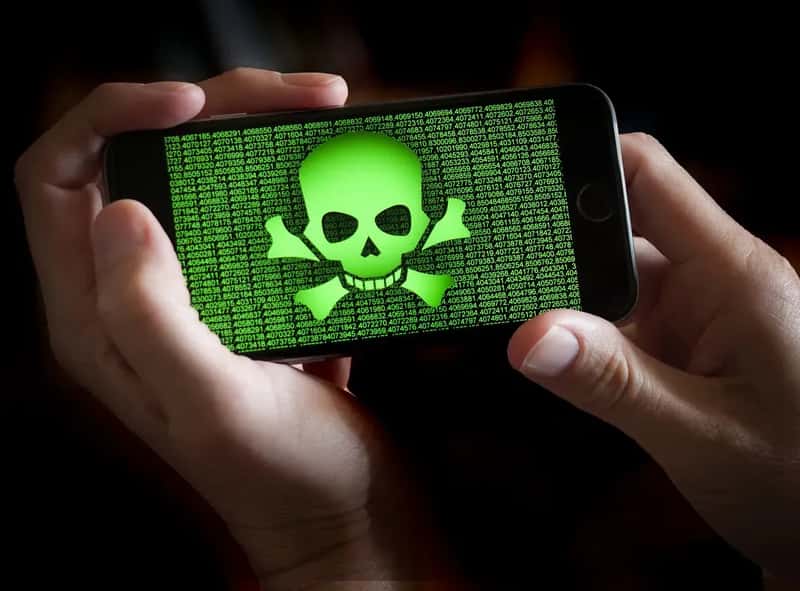
Cybersecurity experts warn that bad actors can load malware onto public USB charging stations to maliciously access electronic devices while they are being charged. Think about what your USB cable actually does. It doesn’t just deliver power. Your charging cable does more than just transfer power, and the vulnerability attackers exploit is that the power supply and the data stream pass through the same cable in smartphones.
Malware installed through a corrupted USB port can lock a device or export personal data and passwords directly to the perpetrator, and criminals can then use that information to access online accounts or sell it to other bad actors. Honestly, the scary part is how invisible it all is. What makes juice jacking especially insidious is how subtle it is – there’s no alert or warning, and it just happens silently as your phone charges.
Real Cases and Growing Threats

Malicious charging kiosks were confirmed to have been deployed in three international airports over an 18-month period, with one disguised as a branded airline service unit and another integrated into a luggage cart rental terminal. This wasn’t theoretical. According to a keynote presentation at CPX 2024, USBs represented the main infection vector for three different major threat groups in 2023: China’s Camaro Dragon, Russia’s Gamaredon, and the threat actors behind Raspberry Robin.
As of 2024 and 2025, numerous domestic and international cases have been reported involving the distribution of cryptocurrency mining malware via USB devices, and intelligence indicates that the hacking group UNC4990 has been systematically spreading malware through USB-based attacks. I think what’s most unsettling is that these aren’t random opportunistic crimes anymore. They’re organized, sophisticated operations targeting travelers specifically. 51% of malware attacks are designed for USB devices according to 2024 data, which is a nearly six-fold increase from 9% reported in the 2019 report.
How to Actually Protect Yourself
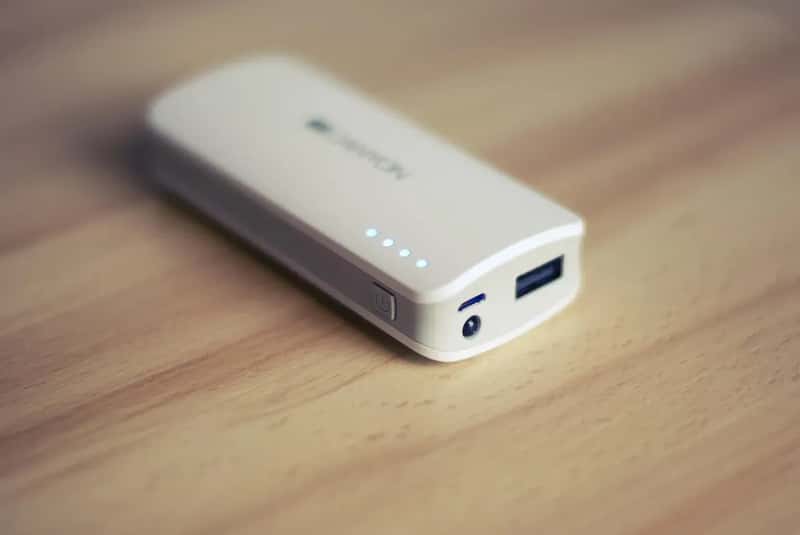
TSA and cybersecurity experts recommend bringing your own wall charger and plugging directly into an electrical outlet. Simple, effective, and it completely sidesteps the risk. Another option is to carry a portable power bank or use a USB data blocker, an inexpensive device that allows power to flow but blocks data transfer. These little gadgets, sometimes called USB condoms, physically prevent any data pins from connecting.
Consider carrying a charging-only cable which prevents data from sending or receiving while charging, and if you plug your device into a USB port and a prompt appears asking you to select share data or charge only, always select charge only. It’s hard to say for sure how many attacks happen since victims often don’t realize they’ve been compromised. Still, taking these precautions costs almost nothing compared to the potential damage of having your banking information, passwords, or personal files stolen.
The truth is, convenience isn’t always worth the risk. A few extra seconds to pull out your own charger or power bank could save you from weeks of dealing with identity theft, drained accounts, or compromised work data. What would you choose: a quick charge or your digital security?