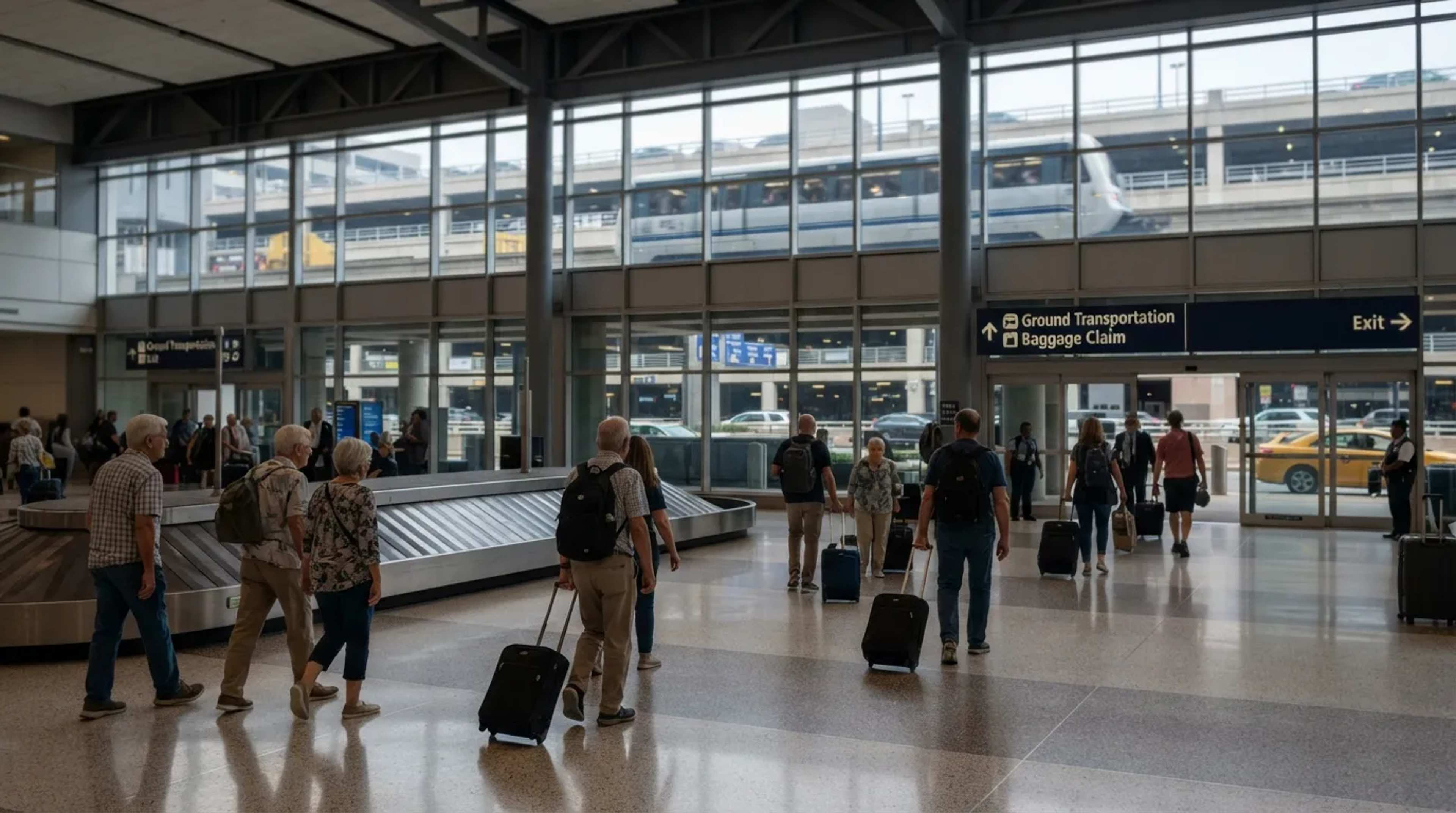

The plane touches down, the phone wakes up, and a list of networks appears on the screen. One is labeled “Free Airport WiFi,” and within seconds a traveler has checked email, pulled up a hotel confirmation, and answered a message from the office while waiting at the baggage carousel. Public connections like this one are convenient, and most of the time they cause no trouble. Still, the moment of joining an unfamiliar network deserves a little more thought than it usually gets.
Airports, hotels, coffee shops, and convention centers all offer free access to help visitors stay connected. Security specialists have long warned that the same openness that makes these networks useful also gives strangers an opening. A ([1])travel guide on the subject lays out the basic risks and the habits that reduce them, and the advice is worth understanding before the next trip.
A Name Does Not Prove Who Runs a Network
Home Wi-Fi comes with familiar certainties. You know the router, you chose the password, and you know who is allowed onto the connection. Public networks offer none of that. Hundreds of strangers may share the same signal, and most travelers have no way to find out how the network was built, who manages it, or how often its defenses are reviewed.
The name shown on the screen is also the easiest part to copy. A genuine hotel may broadcast a network called something like “Hotel Guest WiFi,” but a nearby device can broadcast a nearly identical label. These lookalike connections, often called evil twin networks, can feel exactly like the real thing once a device has joined. The result is that a familiar name is not the same as a verified one.
What Can Go Wrong on a Shared Connection
Most websites and apps now encrypt their traffic, which makes eavesdropping far more difficult than it was a decade ago. That protection has limits, though. If a site does not encrypt a session properly, information sent over an open network could be visible to someone with the right tools. Entering passwords, card numbers, or personal details on a page that does not use HTTPS carries the most risk.
A fake hotspot poses a different kind of threat. By posing as the official airport or café network, it can route a device’s internet activity through a stranger’s equipment. Fake sign-in pages add another layer. Many hotels and airports require visitors to accept terms or log in through a captive portal, and a counterfeit version can imitate that screen closely. Anyone who types an email address, password, or payment detail into it without looking carefully may hand those details directly to the person who built the page.
Key point: The risk often comes from the login screen and the network name, not from the Wi-Fi signal alone. Verifying both before entering any details offers the most practical protection.
Where a VPN Fits and Where It Stops
Many business travelers cannot avoid public networks entirely. A client document may need review at the gate, or a video call may have to happen from a hotel room. In those cases, a virtual private network can add a layer of protection. A VPN creates an encrypted tunnel between a device and a VPN server, which helps shield traffic as it crosses the network.
A VPN is not a cure-all, however. It cannot determine whether a website is genuine, and it does not block phishing attempts or stop someone from typing details into a fake login page. Personal VPNs and business VPNs also serve different purposes. A company-issued setup usually connects employees to internal systems, and workers with managed devices should confirm their IT policies before installing additional software.
Habits That Take Minutes Before the Trip
Most of the protection travelers need comes from simple routines rather than specialized tools. Checking the network name with airport or hotel staff, for example, takes a short question at the front desk. The same goes for turning off automatic joining, which prevents a phone from quietly connecting to open networks it has seen before. Several habits stand out:
Related Stories From Travelbinger


- Confirm the official network name with airport, hotel, or café staff.
- Turn off auto-join for open or unfamiliar Wi-Fi networks.
- Update the phone, laptop, browser, and apps before departure.
- Enable two-factor authentication on accounts that hold sensitive information.
- Postpone banking and other sensitive tasks until the connection is trusted.
A password manager also helps. It creates and stores unique passwords, which limits the damage if one account is exposed. Travelers who expect to need a backup can set up a mobile hotspot before leaving home, which avoids the need to log in to an unknown network when a task cannot wait.
A Safer Landing Starts With One Pause
Public Wi-Fi does not need to be avoided at all costs. Most networks at airports and hotels are legitimate, and many venues invest in protecting their guests. The difference lies in pausing long enough to confirm which network you have joined and whether the page asking for your details is the one you expected. That brief check can keep a routine task from becoming a security problem.
For the traveler stepping off a long flight, the goal is simple. Get online, stay productive, and keep private information private. A few minutes of preparation before departure can make that first connection on the ground a far less worrying moment.