Picture this: you’re sitting at your gate, your phone is down to eight percent battery, and the boarding announcement is still forty minutes away. Right in front of you is a gleaming public USB charging station. It looks clean, official, totally harmless. You reach for your cable.
That single, innocent moment is exactly what cybercriminals are counting on. Airports in 2026 have become some of the most digitally complex and threat-loaded environments on earth, and most travelers still have no idea what they’re actually plugging into when they use one of those convenient USB ports. What you’re about to read might change how you pack forever. Let’s dive in.
The Basic Danger: Your Charging Cable Does More Than Charge
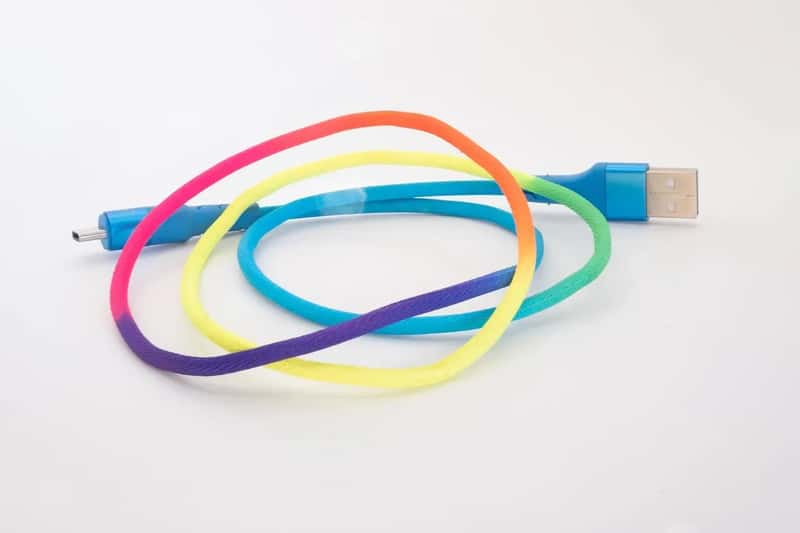
Most people think a USB cable is just a power cord with an extra step. It isn’t. The same port used to charge a device also transfers data. While only one pin is technically needed to charge a device, the power supply and the data stream pass through the same cable in smartphones, and that is the vulnerability attackers exploit.
Juice jacking exploits are successful precisely because of this dual functionality. It creates a vulnerability that attackers can exploit at airports, hotels, shopping centers, and anywhere public USB ports are available. Think of it like a garden hose that secretly has a second tube running inside it. You think you’re just watering your lawn. Someone else is siphoning your water at the same time.
Rogue charging points can look completely legitimate, making it difficult for an average user to identify any red flags. There’s no blinking warning light, no “this port has been tampered with” sticker. It just looks like every other charging station you’ve ever used.
What Is Juice Jacking, Exactly?
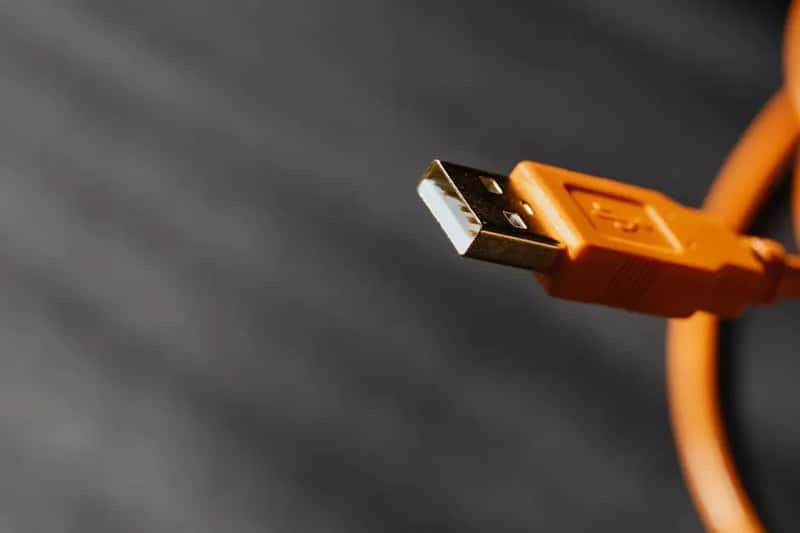
Juice jacking is where an attacker uses a malicious public USB charger to install malware on, or steal information from, your phone. In theory, the victim plugs their phone into a USB charging port like those found in airports or restaurants to top up their battery. The attacker has programmed the charger to start a data connection with the phone, allowing them to perhaps view files or control apps.
Malware installed through a corrupted USB port can lock a device or export personal data and passwords directly to the perpetrator. Criminals can then use that information to access online accounts or sell it to other bad actors. That’s not a hypothetical worst case. That is the exact stated goal of the attack.
Malicious USB charging ports, cables and possibly other components of the public charging stations can also be used to plant ransomware, keystroke loggers and other types of malware, GPS tracking and audio eavesdropping. They can also take control of the device being charged. Honestly, that list is longer and more terrifying than most people expect.
Government Agencies Have Been Sounding the Alarm
On March 5, 2025, the U.S. Transportation Security Administration posted a public service announcement warning that hackers can install malware at USB ports. This wasn’t buried in a technical bulletin. The TSA put it on their official Facebook account where millions of travelers could see it.
The threat has become so serious that both the FBI and the Federal Communications Commission have issued official warnings in recent years. Notably, the FBI’s Denver field office advised the public to avoid using free charging stations at airports, hotels, and shopping centers, cautioning that malware and monitoring software can be delivered to devices via public USB ports.
The TSA didn’t stop there. The agency also warned people about using public Wi-Fi in airports and other locations, with an added warning to never make online purchases while using it. The unsecured nature of those hotspots makes it an easy target for hackers to pilfer your information. In other words, airports in 2026 have a two-pronged digital threat problem: the ports and the airwaves.
The New Threat: ChoiceJacking Changes Everything
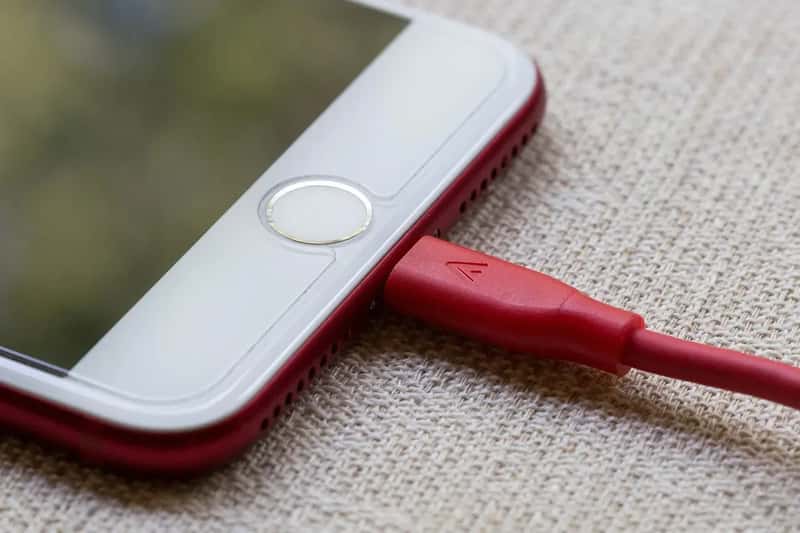
For years, the standard reassurance was this: just tap “Charge Only” when your phone asks, and you’ll be fine. That logic no longer holds. Cybersecurity researchers from Graz University of Technology in Austria unveiled a novel attack technique called ChoiceJacking, which tricks smartphones into enabling USB data transfer without user consent, bypassing protections originally designed to prevent juice jacking attacks. By simply plugging a phone into a compromised public charger, the phone is deceived into believing the user has manually approved data transfer, even though the user never touched the screen.
The attack takes just 133 milliseconds, faster than the blink of an eye. Unlike traditional malware-based attacks, ChoiceJacking doesn’t rely on installing malicious software. Instead, it emulates input devices such as keyboards or mice over USB or Bluetooth to send commands to the phone on the user’s behalf, such as granting data access or silently enabling developer mode.
The evaluation using a custom cheap malicious charger design reveals an alarming state of USB security on mobile platforms. Despite vendor customizations, ChoiceJacking attacks gained access to sensitive user files including pictures, documents, and app data on all tested devices from 8 vendors, including the top 6 by market share. For two vendors, the attacks allowed file extraction from locked devices. That last detail is particularly chilling.
Your iPhone and Android Are Both Vulnerable
It’s tempting to think you’re protected if you have a newer, premium device. The research says otherwise. The team tested 11 devices from major vendors and confirmed the following: Samsung devices were all compromised in under 300 milliseconds. Xiaomi devices saw ChoiceJacking gain full ADB access even on devices not previously set up for development. Oppo and Honor devices were successfully attacked even while the screen was locked. Google Pixel and Vivo devices were compromised on standard builds with minimal modification.
The researchers responsibly disclosed all findings to affected vendors. All but one, including Google, Samsung, Xiaomi, and Apple, acknowledged the attacks and are in the process of integrating mitigations. So fixes are coming. They are not here yet for all users.
Not all iPhone users will necessarily update their devices. Android-based smartphone vendors get to implement their own versions of the operating system on their own schedule, and many take a long time to roll out new protections if they do so at all. I think this is the part most people completely overlook. Having a safe phone in theory is very different from having a patched phone in practice.
The “No Confirmed Cases” Argument and Why It Misses the Point

Here’s the thing: some security experts will tell you to calm down. According to Tom Kirkham, founder of Kirkham IronTech, there have been no confirmed cases of juice jacking in the wild, with lots of academic studies and demos but no real-world victim reports that pass scrutiny. That is a fair and honest statement. Let’s acknowledge it.
Still, the absence of confirmed reports doesn’t mean the threat is dormant. The lack of confirmed cases doesn’t mean the threat is nonexistent. As of early 2026, there are no incident reports, no arrests, and no malware campaigns traced back to public charging stations, though that absence of evidence matters after more than a decade of widespread smartphone use.
Technology journalist Dan Patterson notes that juice jacking may be still relatively uncommon, but it is also a fairly easy and low-cost hack, especially in airports and other public locations. The difficulty bar for executing this attack is low. The difficulty bar for detecting it is even lower: you won’t notice a thing.
The Cascading Infection Problem Nobody Talks About

Here’s a nightmare scenario that goes beyond your own phone. A compromised smartphone can become a carrier that infects other devices. When you later connect it to your laptop or share your charging cable with someone else, the malware spreads. As a result, a single public charging session can lead to a chain of infected devices across your home or office.
A device charged by infected cables may, in turn, infect other cables and ports with the same malware, becoming an unknowing carrier of the virus. You become patient zero without even knowing it, spreading the infection to your home charger, your car, and anywhere else you plug in.
The malware can be spread to other devices that are connected to the compromised device, creating a chain of infections that can affect a broader network. It is absolutely a huge concern for businesses if a single device is infected, as it can also infect other devices, leading to widespread data breaches within the organization. Your airport charge doesn’t stay in the airport. It travels home with you.
Airports Themselves Are Under Unprecedented Cyber Siege

The broader digital threat environment surrounding airports in 2026 is genuinely alarming. The European Union Aviation Safety Agency documented a 600% spike in aviation cyberattacks between 2024 and 2025. We’re talking roughly 1,000 attacks hitting airports worldwide every single month. That is not a minor uptick. That is a transformation of the threat landscape.
Commercial aviation saw a 24% rise in cyber incidents in 2025, with 65% of those targeting airports specifically. Airports are ramping up cybersecurity investment as digital threats like ransomware become a top concern across the industry, with nine in ten airport leaders ready to invest in stronger cyber protection. Good. Though more spending on airport networks doesn’t automatically clean the individual charging station six feet from your gate seat.
Airports have made cybersecurity a priority, with roughly four-fifths reporting it as their most significant IT spending area. Bad actors will continue to search for the weakest link in aviation, and that is often human. You are the weakest link. Your dead battery makes you the ideal target.
What You Should Do Instead: Practical Protection for 2026 Travelers
The most straightforward way to avoid juice jacking is to use your own charging cables and power adapters, and by plugging into a standard electrical outlet rather than a public USB port, you eliminate the risk of data theft or malware installation. Regular AC wall sockets cannot transfer data. Full stop. This is the simplest and most reliable fix.
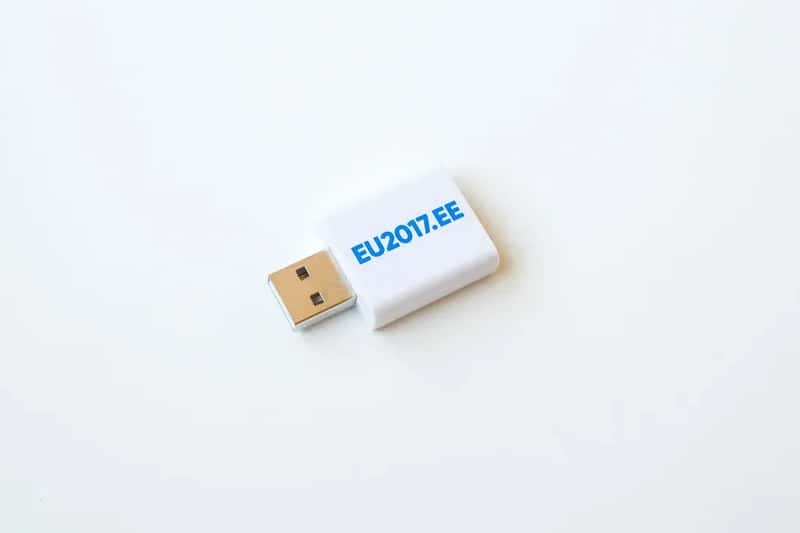
A USB data blocker, also known as a “USB condom,” is a small adapter that fits between your USB cable and the charging port. It allows power to flow through but blocks any data transfer, effectively preventing juice-jacking attempts. These cost just a few dollars and take up almost no space in your carry-on. It’s an absurdly small investment for the protection it provides.
Many devices will ask if you want to share data or charge your device. Always select “Charge Only.” A locked or powered-down phone offers fewer opportunities for unauthorized access, even if the port is compromised. Even if you see a cable left in a charging station, do not use it. That abandoned cable in the airport lounge is one of the oldest tricks in the playbook.
Conclusion: The Smartest Thing You Can Pack Is Awareness
Traveling in 2026 means navigating a physical world and a digital one simultaneously. The USB port at your gate isn’t just a charging station. In the wrong hands, it is an entry point into your banking apps, your emails, your photos, and your professional life. The hardware tools to pull off these attacks are cheap. The damage they can cause is not.
Is juice jacking the most likely thing that will ruin your next flight? Probably not. You are statistically more likely to get phished, scammed, or have your credit card cloned. But the whole point of good cybersecurity habits is that you don’t get to choose which threat finds you first.
Toss a USB data blocker in your bag. Carry a portable battery. Find an AC outlet. It takes thirty seconds of preparation to sidestep a risk that security researchers, the FBI, the FCC, and the TSA all agree is real and growing. What would you actually lose by being cautious? Drop your thoughts in the comments below.