Watch a TSA line long enough and you can spot the people who have done this before. They are not faster or luckier. They just seem to have nothing left to figure out. On July 8, 2025, the government announced that passengers could keep their shoes on at checkpoints,1 and on February 1, 2026, TSA introduced a $45 ConfirmID fee for domestic travelers without acceptable ID.
Both changes hit the screening line, but the calm travelers settled their part days earlier, usually at a kitchen table. The countdown below starts with a plain empty water bottle and ends with one tiny star on a license. That star decides whether the cheapest fix on this list turns into the most expensive surprise.
#20 – The Empty Water Bottle That Beats Airport Prices
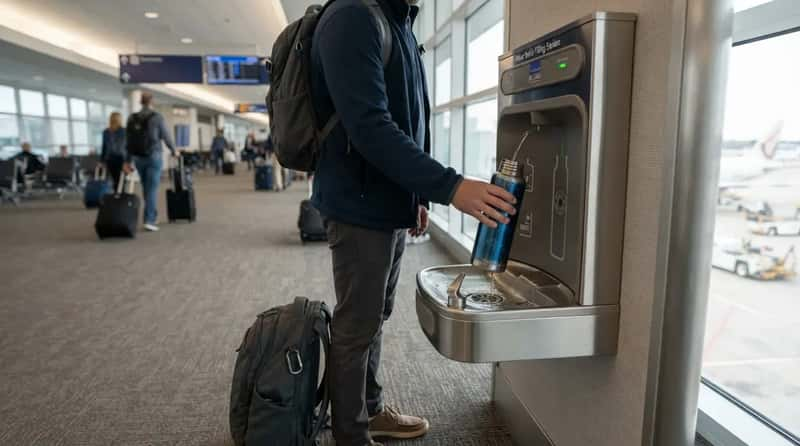
A full bottle of water counts as a liquid at the checkpoint, so it has to be finished or tossed before you reach the belt. Experienced flyers carry the bottle empty instead. It rides through in the bag like any other object and costs nothing to screen.
Past security they fill it at a fountain or a bottle-filling station, which many terminals have. If yours has none, the shops sell water at airport prices, which usually run well above what you pay at home. One bottle saves a few dollars, but it also means one less purchase made while hungry and watching the clock. Water is the easy case, because the same limit also covers every small bottle of lotion, mouthwash and hand cream.
#19 – The Quart Bag That Lives on Top of the Carry-On
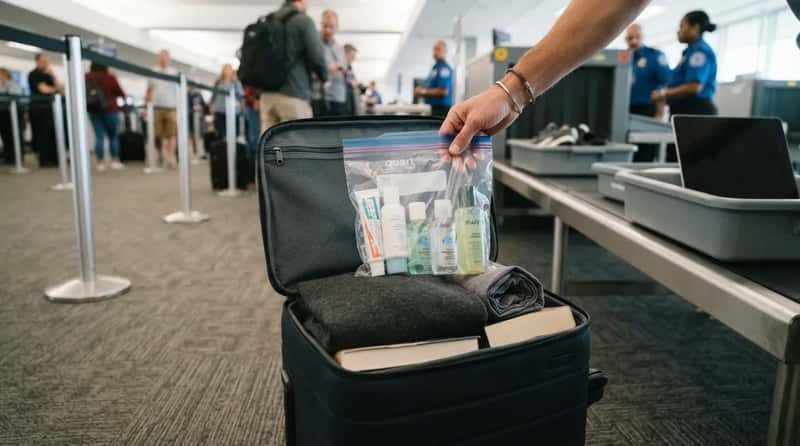
The familiar 3-1-1 routine means containers of 3.4 ounces (100 milliliters) or less, all inside one clear quart-size bag, one bag per traveler. When the shoe rule ended, Homeland Security Secretary Kristi Noem said the rules on liquids and laptops were still in effect, though the department was reviewing them.2 So the quart bag is still part of the routine.
Experienced flyers keep it at the top of the carry-on, where a hand can pull it out in two seconds. The payoff is simple. You are not the person holding up the line while digging past a sweater and a paperback.
Liquids were not the only thing a checkpoint used to make you unpack, because footwear had its own rule for almost twenty years.
#18 – Shoes That Come Off in Ten Seconds, Just in Case
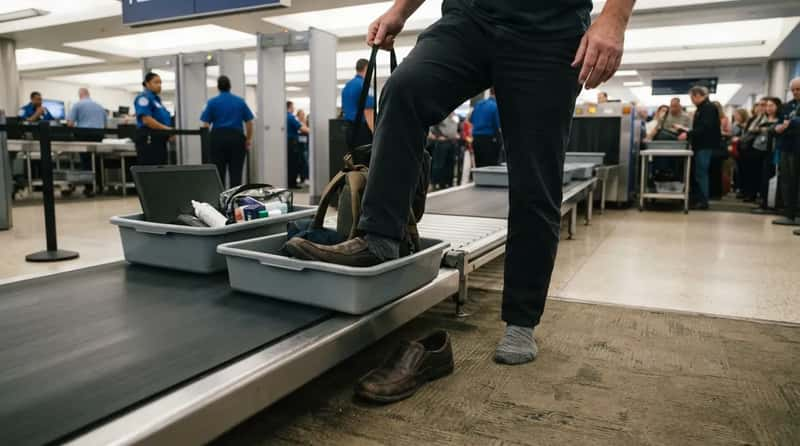
The shoes-on policy was announced as nationwide and effective immediately. The no-shoes rule had been put in place nationwide by TSA in 2006.2 That ended a long ritual of balancing on one foot beside a plastic bin.
Experienced flyers still wear shoes that slip off easily, because the change did not remove every exception. Depending on your footwear, or if you are selected for random screening, you may still be asked to take your shoes off. Slip-ons turn that request into a ten-second job instead of a sit-down-and-unlace event.
#17 – Pockets Emptied So Nothing Gets Left in the Tray
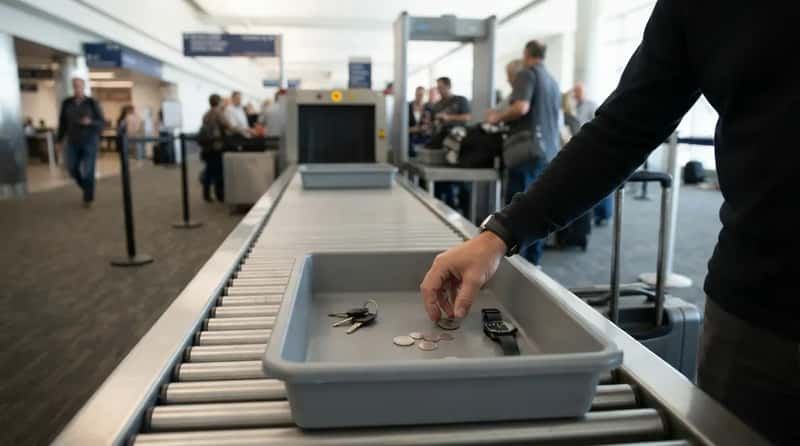
Keys, coins, a watch and a phone go into the carry-on before you reach the bins. Trays and bags travel through the scanner separately, so anything loose in a tray can get left behind when you grab your bag and move on. A wallet in the bag is a wallet that follows you.
Noem said the rules for taking off a belt or coat were still in effect. PreCheck passengers can leave shoes, belts and light jackets on. That gap is one reason a belt with a big metal buckle is worth skipping on travel day. The scanner is only half of the checkpoint, and the other half is the crowded space on the far side of it.
#16 – The Bench Move After the Scanner That Saves Left-Behind Items
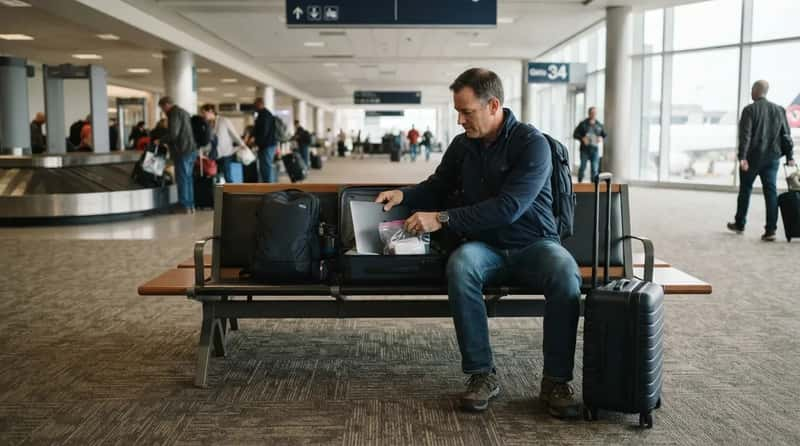
Once your bag comes out, experienced flyers carry everything to a bench or an open spot away from the belt before they put anything back on or repack. Standing at the end of the belt to lace shoes and rethread a belt makes everyone behind you wait. It also makes it easy to walk off without the one item you were still holding.
The side benefit is calm. With some room, you can put the quart bag back properly and check that the laptop is zipped in. Doing it beside the belt tends to mean doing it badly, with your hands full and strangers pressing in.
#15 – Gate Changes Show Up in the App First
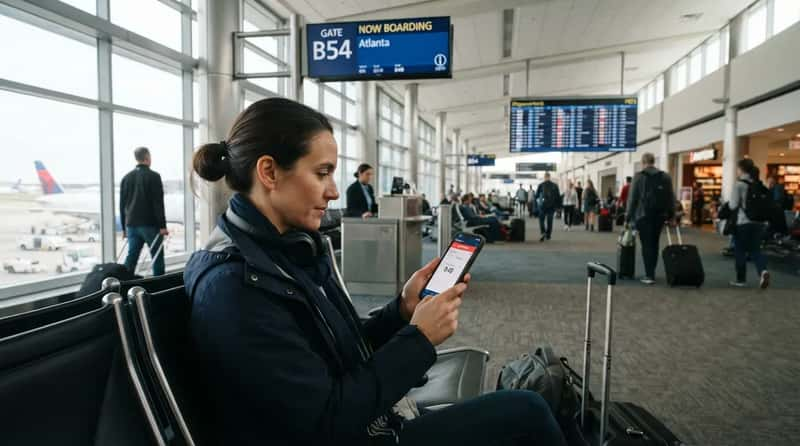
Airline apps send push notices when a gate changes or a departure slips. Experienced flyers switch those notifications on before leaving home and check the app again after security, rather than trusting the first screen they saw. A gate can change while you are in line for coffee, and the alert reaches your pocket before anyone makes an announcement.
That matters most in a big terminal, where the new gate can be a long walk from the old one. The habit costs nothing and takes about a minute at the kitchen table. Live updates only help, though, while your phone has battery and a working boarding pass on it.
#14 – A Boarding Pass That Works When the Signal Dies
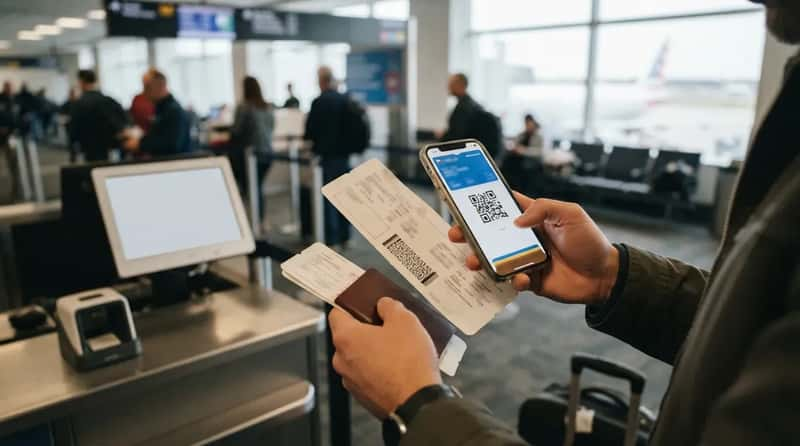
Terminals are crowded with phones, and cell service or Wi-Fi can crawl at exactly the moment you need your pass. Experienced flyers save the boarding pass to the phone’s wallet or take a screenshot, so it opens without a connection. Some also carry a paper copy for the same reason.
Quick Compare
- Phone wallet pass: saved on the device and ready to open without a signal.
- Screenshot: a fast backup, as long as the barcode is sharp and fills the screen.
- Paper copy: needs no battery, but it can be crumpled or left on a seat.
Paper is not old-fashioned. A frozen or dead phone takes your boarding pass with it, while a sheet of paper in a folder has no battery. If a printed pass makes you less nervous, print one. Either way, the pass is what you will hold up at the ID podium, and that is where the next surprise waits.
#13 – The Face Camera Is a Choice, and Veterans Know It
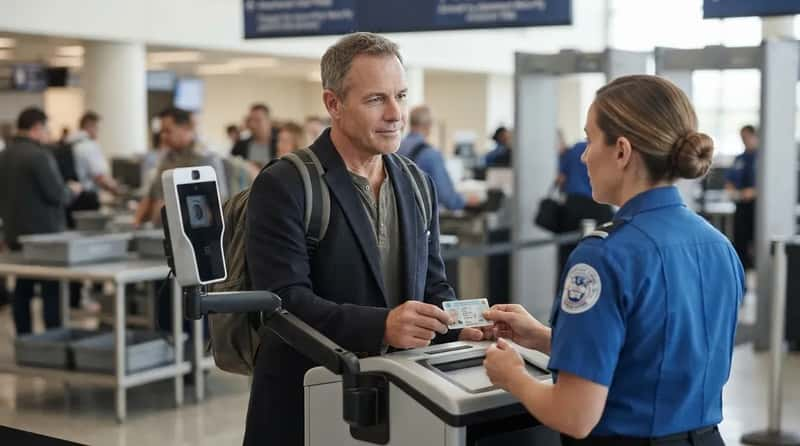
Some checkpoints use a camera at the ID podium that compares your face with the photo on your license. TSA says the face comparison is optional, and a traveler who declines has an officer check the ID by hand.3 Experienced flyers know this before they reach the front, so they never feel rushed into either answer.
Neither choice is wrong, and neither is a sign of anything. If you would rather have the officer look at the card, say so politely before you step up to the camera. Knowing there is a choice keeps a routine step from feeling like a trap.
#12 – Medications Packed Where a Delay Can’t Reach Them
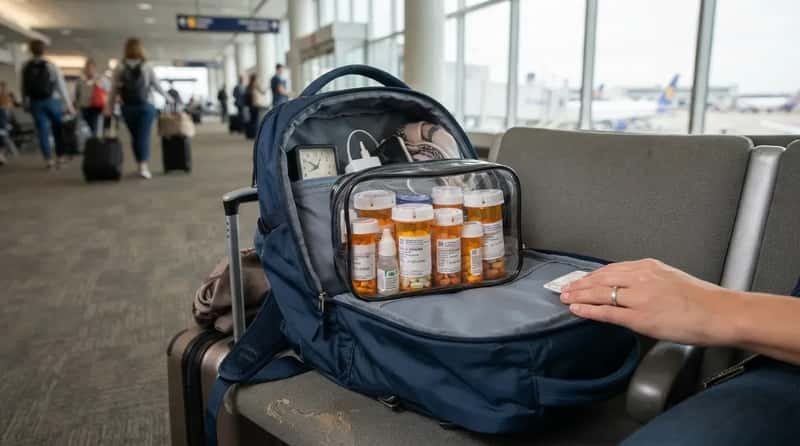
Prescriptions belong in the carry-on, not the checked bag, because a checked bag can be delayed and a missed dose cannot be undone. Labeled bottles make any question quick and also help if a bag goes missing. TSA allows medically necessary liquids over 3.4 ounces in reasonable amounts, and you should tell the officer at the start of screening so they can be handled separately.
Experienced flyers pack a day or two of extra medication, since a delayed flight can stretch a trip. The medicine bag is the one bag they keep with them from curb to seat. Medicine is what officers see most often, but implants and medical devices need a heads-up too.
#11 – Speaking Up About the Pacemaker Before the Machine Does
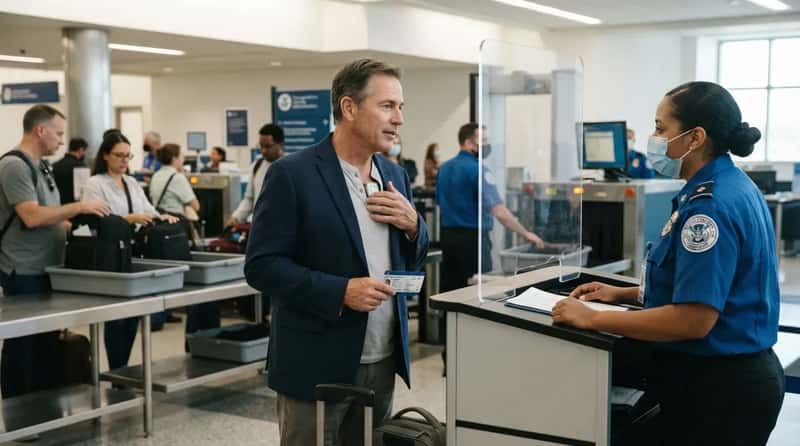
Implanted devices, insulin pumps and joint replacements can set off an alarm or behave differently in the scanner. Experienced flyers mention them to the officer before screening starts, not after the machine beeps. TSA says travelers with such devices can ask about alternative screening and a private area.
The advantage is control. An officer who knows ahead of time can pick the right method on the spot, and you spend less time standing with your arms up while a line forms. If you travel with a medical device, a short note from your doctor is easy to carry and can make that conversation shorter.
Telling an officer in person helps at the checkpoint, but the biggest time-saver for many flyers is a membership that shortens the whole line.
#10 – PreCheck at Roughly $17 a Year
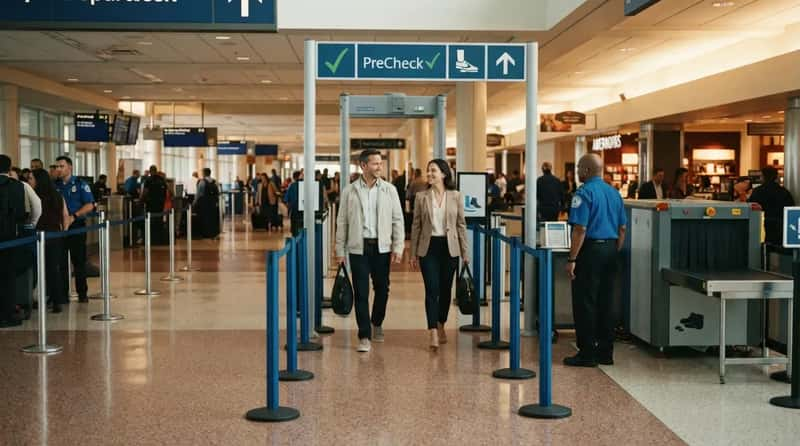
TSA says five years of PreCheck cost $85 or less. That works out to about $17 a year at most.4 Three enrollment providers, IDEMIA, Telos and CLEAR, each set their own fees. Online renewals generally cost less than a new enrollment.
Now that every traveler can keep shoes on, PreCheck’s remaining draw is the shorter line and the freedom to leave belts and light jackets on. It earns its price if you fly a few times a year. If you fly once every few years, it is a harder sell, and the money may do more good elsewhere on this list.
#9 – The Known Traveler Number That Has to Be on Every Booking
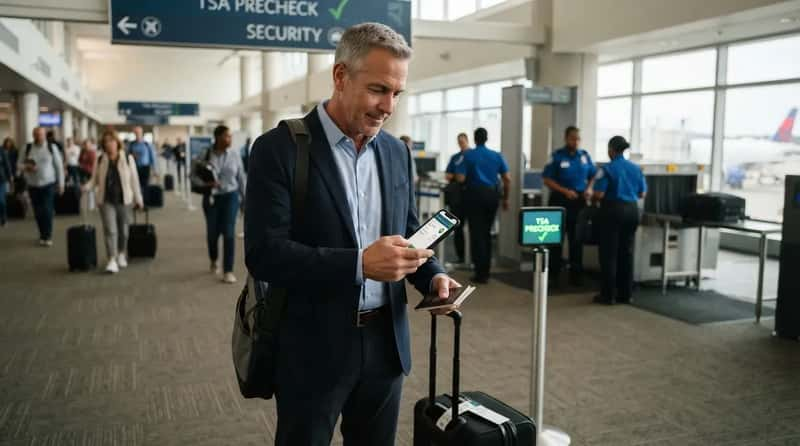
PreCheck only works if your Known Traveler Number is attached to the reservation. That is why the boarding pass shows a PreCheck indicator when it is. Experienced flyers enter the number in each airline profile they use and check the pass before leaving home. A membership you paid for does nothing if the number is missing from the ticket.
The habit matters most when you book on a different airline than usual, or when someone else books for you. In both cases the number can be left off. A minute of checking at home is cheaper than discovering at the airport that you are stuck in the standard line.
PreCheck speeds up the line, but it does not arrange help for travelers who need it. That comes from a separate call.
#8 – One Call to TSA Cares Before the Trip
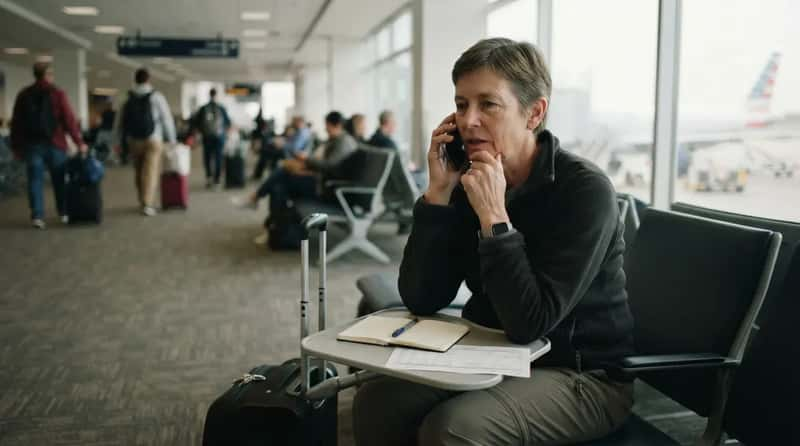
TSA Cares is a toll-free helpline at 855-787-2227 for travelers with disabilities, medical conditions or other needs who want to know what to expect at screening. Experienced flyers call at least 72 hours before departure, which gives TSA time to arrange a passenger support specialist at the checkpoint if one is needed. Family members can call for you.5
The call is about screening, not the airline side. Wheelchair help to the gate and between connections is requested through your airline, so a traveler who needs both makes both calls.6 Last-minute help is harder to arrange, and a call a few days ahead answers most questions.
At a Glance
- Number: 855-787-2227, toll-free.
- Timing: at least 72 hours before departure.
- Who can call: the traveler or a family member.
- Separate step: wheelchair help through the airline, not TSA.
Calling covers the people side of the trip. The gear side is anything with a lithium battery.
#7 – The 100 Watt-Hour Line on Your Power Bank
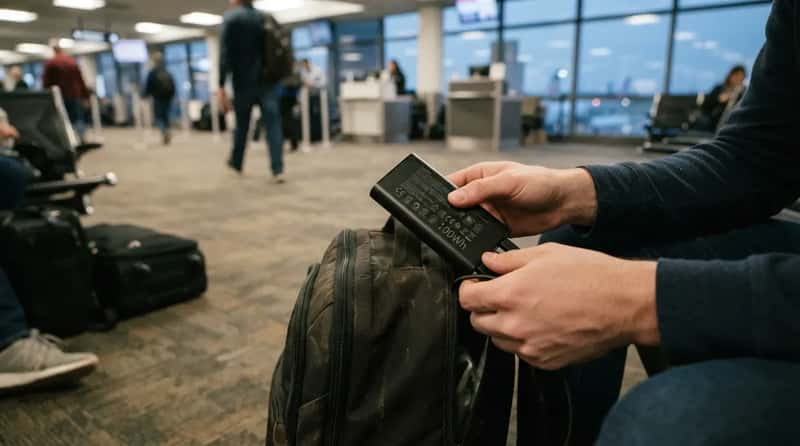
TSA limits lithium-ion batteries to 100Wh in carry-on luggage, with airline approval required for anything up to 160Wh.7 Power banks are allowed in carry-on bags and not in checked luggage. A 20,000mAh power bank stores about 72 to 76Wh, which is under the limit. So the typical one for a phone is fine.
Ignore a sticker that says “TSA approved.” TSA does not approve or certify products, and its officers make the call at the checkpoint. Look for the watt-hour number printed on the label instead. If it says 100 or less, it is allowed. If the label shows only milliamp-hours, the math in the box below gets you there.
#6 – Batteries Out Before the Gate Agent Tags Your Bag
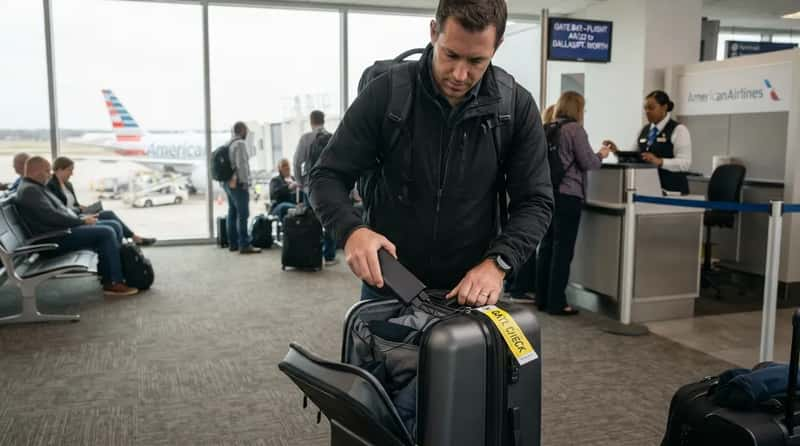
If the overhead bins are full and the airline gate-checks your carry-on, a power bank inside the bag is no longer allowed to ride below. Spare batteries have to stay in the cabin, where crew can reach a device that starts overheating. So experienced flyers pull the power bank out and carry it on before the tag goes on.
They do it before the gate-check line forms, since tags go on quickly. Some airlines also want the devices to stay within reach, which rules out the overhead bin. Airlines may limit how many power banks you bring, so check your airline’s rule before packing a spare. Pulling a battery takes a minute at the gate. Learning the rule after the tag is on takes much longer.
#5 – The Extra Half Hour on Holiday Weeks
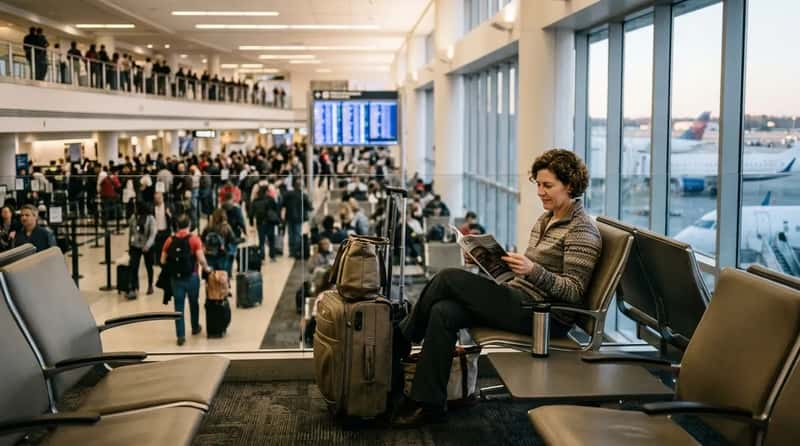
Airlines and airports commonly suggest arriving about two hours before a domestic flight, and holiday weeks call for more. TSA warns that passengers using ConfirmID should expect delays. Even travelers who do have a REAL ID may see longer lines created by passengers going through the ConfirmID process. So the line you join may be slower for reasons you had nothing to do with.
Experienced flyers add an extra half hour at Thanksgiving and other peak times. The extra time turns the checkpoint from a race into a wait, and a wait is easier on the nerves. The cost is thirty minutes with a magazine. The cost of arriving late is a rebooked flight.
#4 – A Ticket Name That Matches the ID
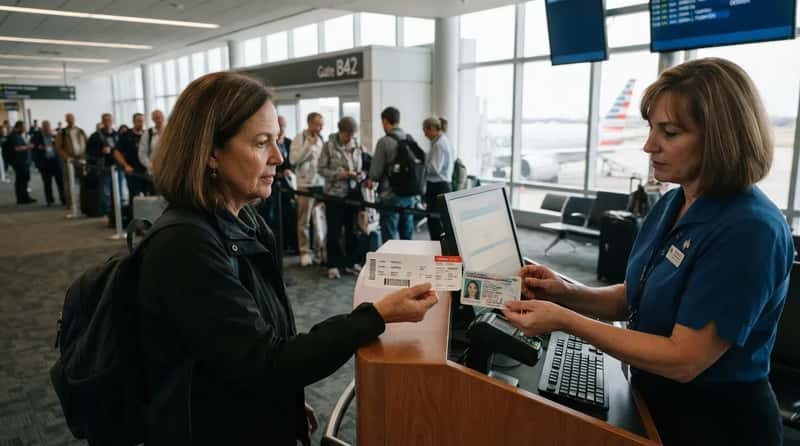
The name on your airline ticket should match the name on your government ID. A nickname, a missing middle name or a spelling slip can cause trouble at the counter or at the podium. Experienced flyers compare the two the day they book, while changing it is still easy.
Name changes are the usual trap. Anyone who has married, divorced or switched to a new legal name should check that the ticket reflects the name on the card they will show. If it does not, ask the airline how to correct it before the trip. A matching name only helps if the ID itself is accepted, and for adults that has had a price tag attached since February 1, 2026.
#3 – The $45 Backup, Paid From Home
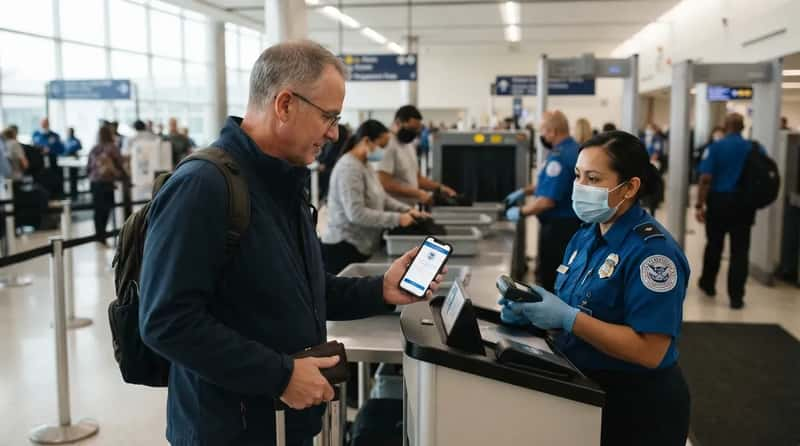
The ConfirmID fee applies to adults 18 and older who arrive without a REAL ID-compliant license, passport or another TSA-approved ID. The $45 covers a 10-day travel period, not a single flight.8 If you rely on it, pay through Pay.gov before leaving home.
Fast Facts
- Who pays: adults 18 and older without an acceptable ID.
- Cost: $45, covering a 10-day travel period.8
- Where: Pay.gov, ideally before you leave home.
- Catch: verification of identity is not guaranteed.
Paying ahead is sensible, but the fee does not buy a sure thing. ConfirmID is a safety net for the forgotten wallet, not a plan. Paying $45 and hoping an officer can confirm who you are is a bad bargain next to a document you can simply show, and the simplest one may already be in a drawer.
#2 – A Passport or Passport Card in the Wallet
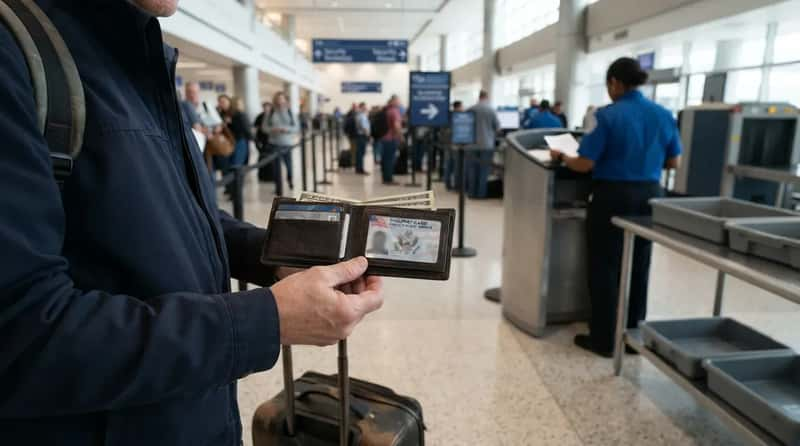
Adults flying domestically must show either a REAL ID-compliant license or another approved credential, such as a U.S. passport or military ID. A passport card also counts as an acceptable alternative. Experienced flyers whose license is not compliant carry one of these, and it avoids the fee entirely.
Check the expiration date before relying on a passport, since an expired one does not help. The weak point is the drawer: an ID sitting in the file cabinet while you stand at the podium protects nothing. A passport works only on days you remember to carry it, so the permanent fix is a visit to your state’s motor vehicle office.
#1 – The Star on Your Driver’s License
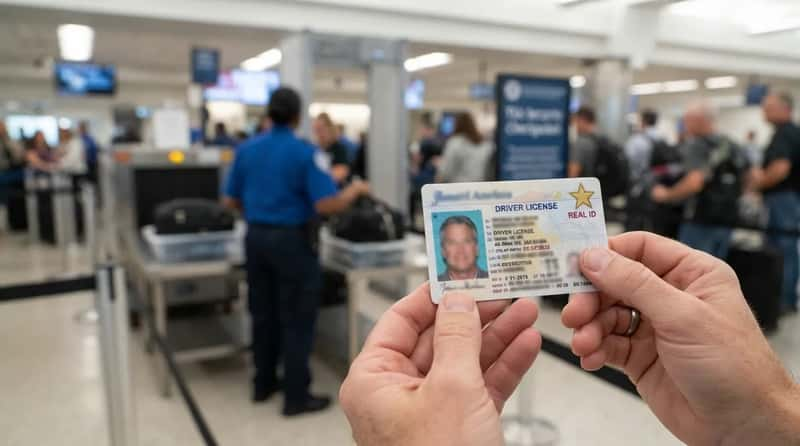
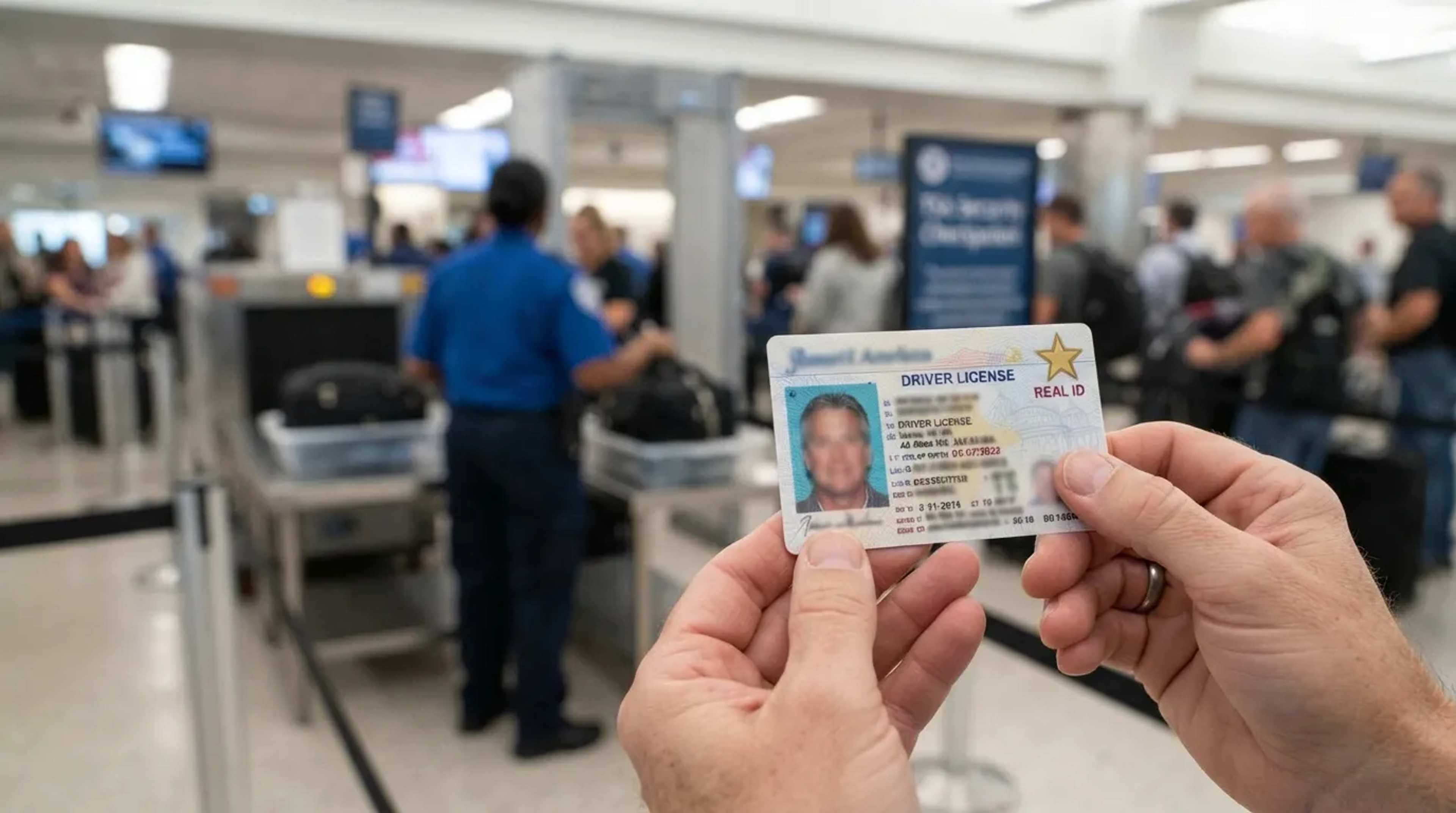
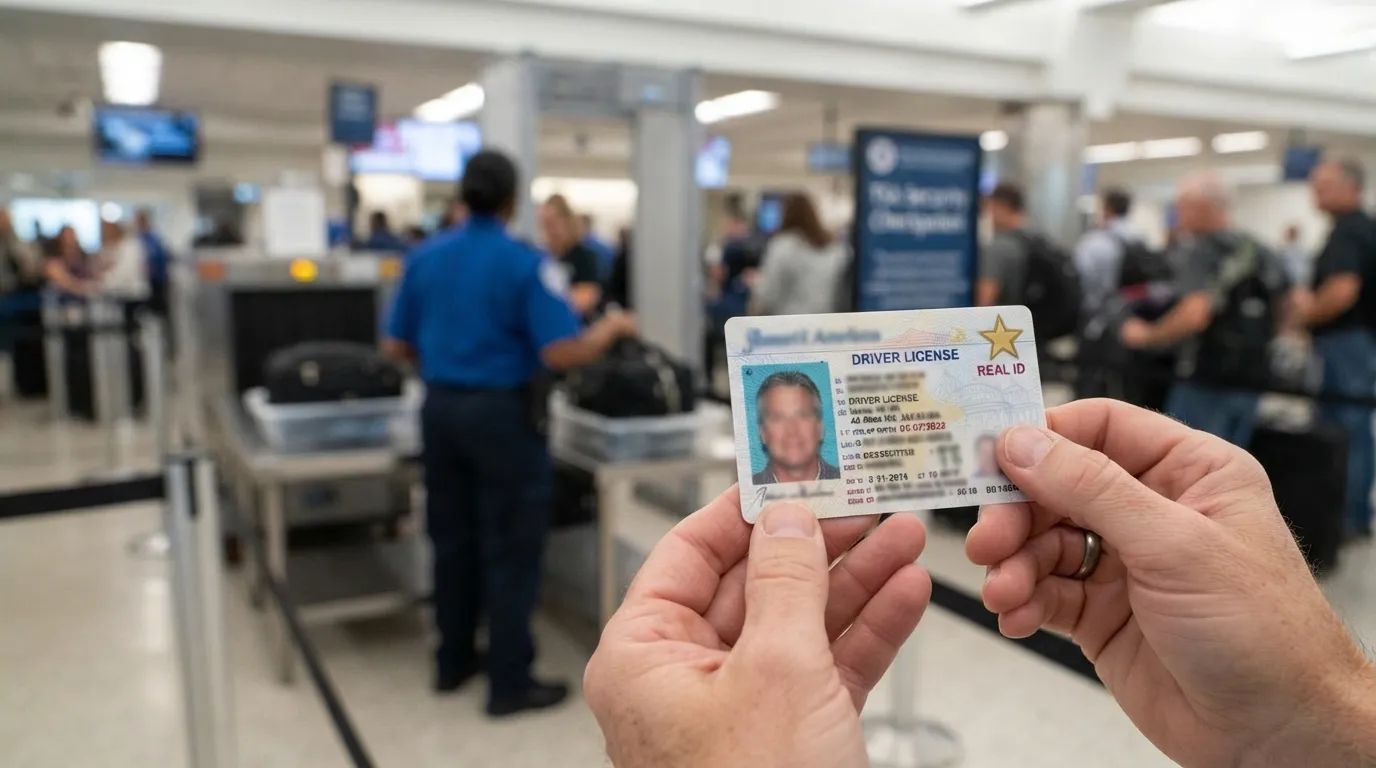
REAL ID enforcement at TSA checkpoints began May 7, 2025. Before heading to the airport, check your driver’s license for the REAL ID star. In some states a card that is not compliant says “Not for Federal Identification” in the upper margin. If you see that wording or no star at all, you have a problem that can cost you money.
You can still get a REAL ID even though the deadline has passed. The upgrade at the DMV can cost less than the one-time $45 ConfirmID fee, though state fees vary, so check yours. Bring the documents your state asks for, and make the visit before a trip, not during travel week. That makes the cheapest item on this list the one that decides whether you get through the checkpoint. Children under 18 do not need one.
Almost every habit above is a decision made at the kitchen table. The water bottle, the quart bag, the number on the booking and the star on the license all work the same way: a small effort at home takes the pressure off the one place where fixing a mistake is hardest.
Treat the checkpoint as the last step of a process that began days earlier, and the line becomes something you pass through instead of something you survive. What is the one thing you now plan to check at home before your next trip?
- DHS Ends Shoes-Off Policy: https://www.tsa.gov/news/press/releases/2025/07/08/dhs-end-shoes-travel-policy
- CBS News Shoes Rule: https://www.cbsnews.com/news/tsa-shoes-rule-expires/
- TSA Facial Comparison Technology: https://www.tsa.gov/news/press/factsheets/facial-comparison-technology
- Telos PreCheck Costs: https://www.telos.com/blog/2026/07/14/is-tsa-precheck-worth-it-costs-benefits-and-time-savings-explained/
- TSA Customer Service Cares: https://www.tsa.gov/news/press/factsheets/customer-service
- TSA Cares Assistance Request: https://www.tsa.gov/contact-center/form/cares
- CNN Lithium Battery Rules: https://www.cnn.com/cnn-underscored/travel/tsa-battery-rules
- TSA ConfirmID Rollout: https://www.tsa.gov/news/press/releases/2026/02/05/tsa-successfully-rolls-out-tsa-confirmid-0