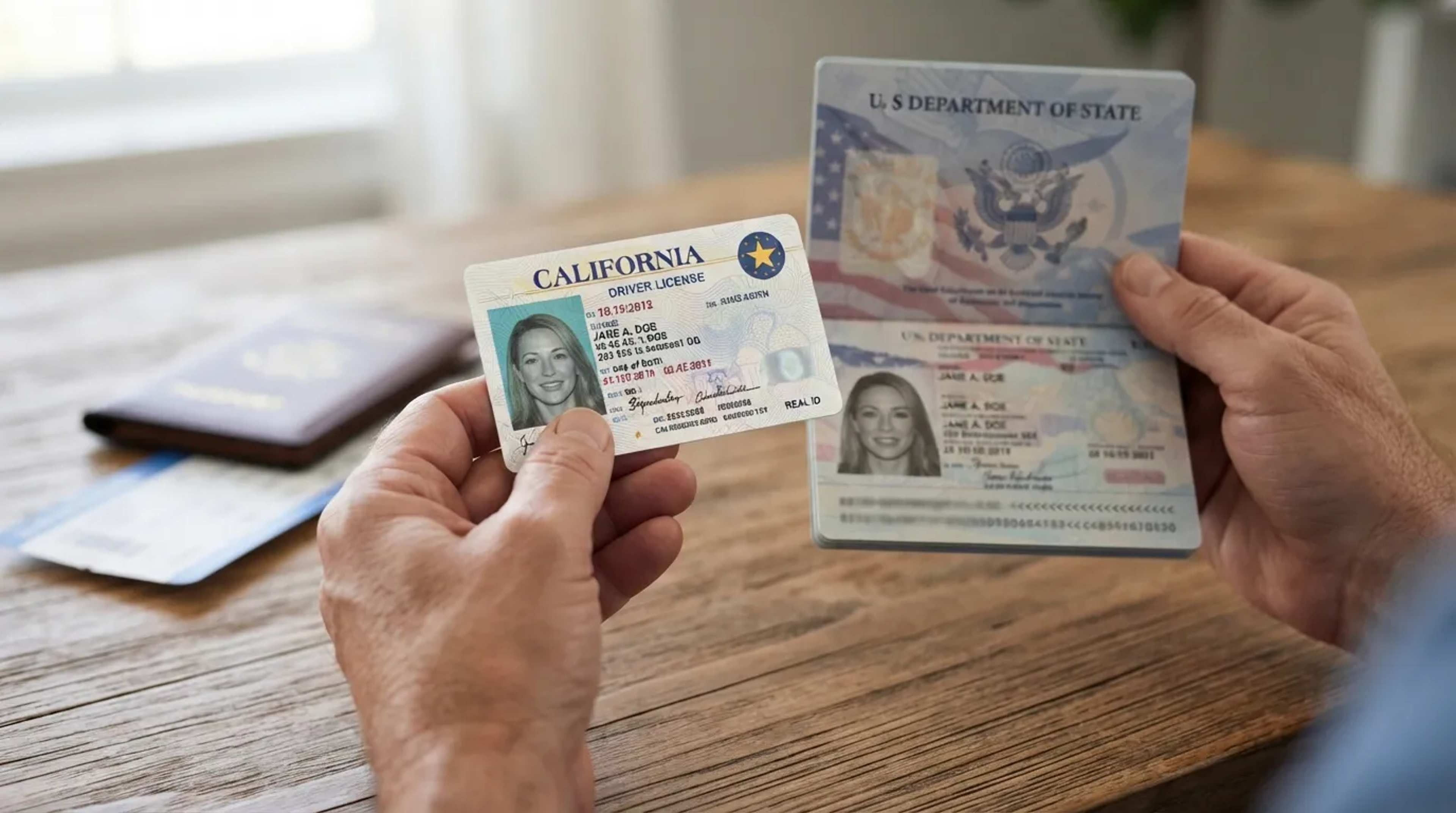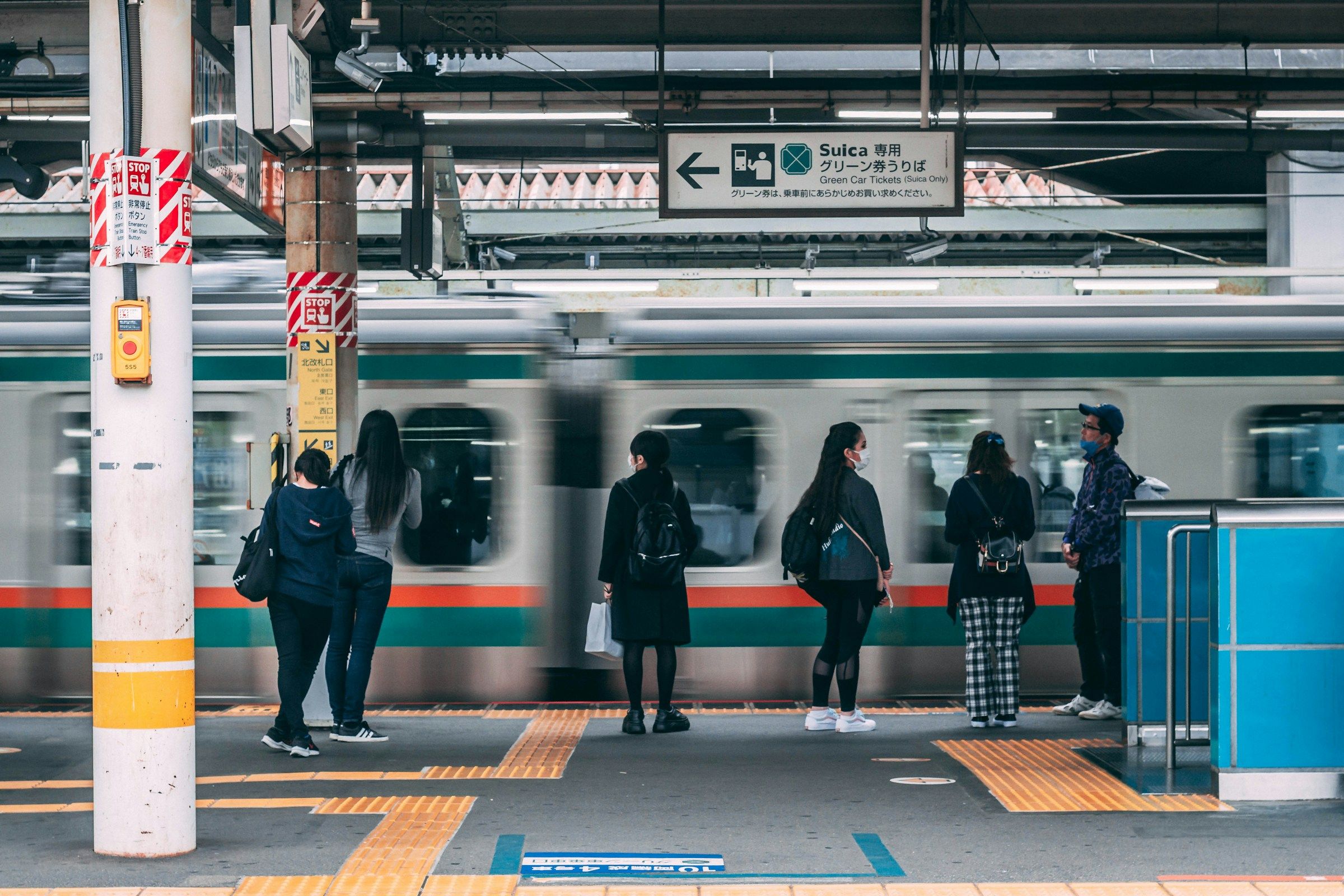
Two days, a phone with no mobile data, and a wallet with no banknotes in it. It sounds like a stunt. In Tokyo in 2026 it’s closer to a logistics puzzle, with a few firm edges.
The city is easier to manage this way than most people expect, but only if the groundwork is done in the right order. Most of what follows comes down to what to set up while you still have a connection, and where the gaps show up.
Japan Is Less Cash Dependent Than Its Reputation
The old advice to carry a thick stack of yen is aging fast. Japan’s cashless payment ratio rose to 58.0 percent in 2025[1], which means a little under six in ten yen of consumer spending now moves without notes or coins. One caveat is that the figure uses a new domestic indicator introduced in December 2025, and on the previous basis it’s closer to 46.3 percent[2].
Cards do most of the work. They make up 82.7 percent of Japan’s cashless spending[2], well over eight in ten. For a visitor, that matters where you’ll be: in cities, convenience stores, chain restaurants, department stores and stations take cards or contactless almost without exception[3].
Setting Up the Phone Before You Fly
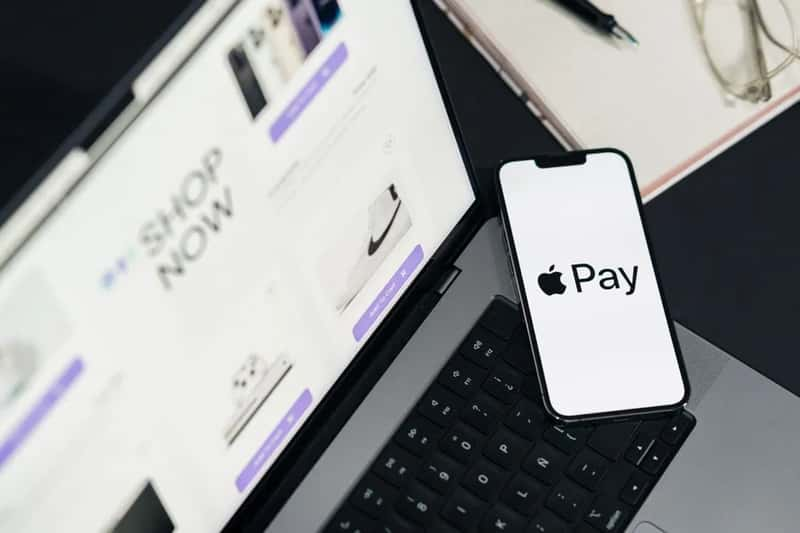
The cleanest zero yen route runs through an iPhone. JR East’s Welcome Suica Mobile app puts a digital Suica into Apple Wallet, valid for 180 days, with no deposit to pay[4]. You can also add Suica, Pasmo, and ICOCA directly to Apple Wallet without downloading an app[5].
Topping up works through a card you already hold. The app tops up using a credit card already registered in Apple Pay[6]. Since signing up needs a connection, it makes sense to do all of this at home or on airport WiFi, before the data is switched off.
The Android Catch
Here the plan gets harder. Most overseas Android models don’t support Japan’s mobile transit card system, though compatibility varies by device.[4] The usual fallback is a plastic card, and that’s where zero yen stops being possible.
The physical Welcome Suica takes Japanese yen in cash only[6]. Tourist PASMO, which launched in May 2026, replaced PASMO PASSPORT[7] and works on the same principle, with a 28 day life and cash top ups. If you carry an Android phone bought abroad, the honest answer is that one small cash purchase is hard to avoid.
Riding the Rail Network on a Tap
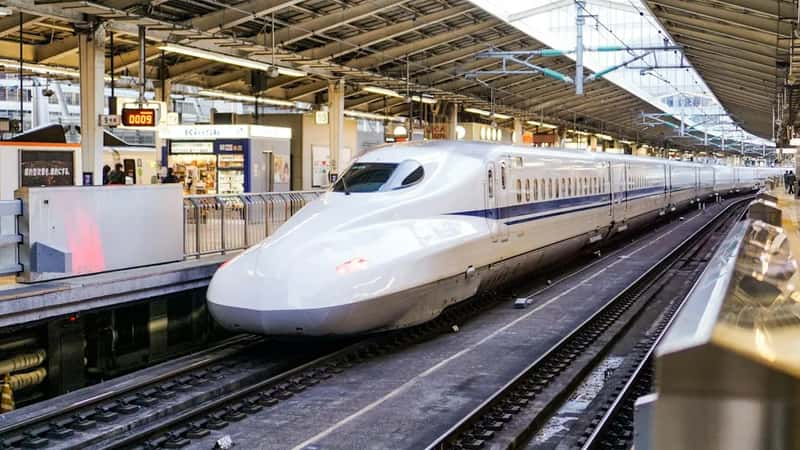
Once the IC card is in place, Tokyo’s trains become almost frictionless. Suica, Pasmo, ICOCA and the others are mutually compatible across most of Japan[8], so it doesn’t matter much which logo is on your card. You tap at the gate, tap at the exit, and the fare comes off the balance.
Keep an eye on the balance, because recharging is the one step that can trap you. On iPhone, you open Apple Wallet or the app, tap Suica, choose Add Money and confirm with Face ID[9]. Station machines are another story, since they accept cash only[7], so top up from the phone rather than at a ticket kiosk.
Free WiFi That Actually Works
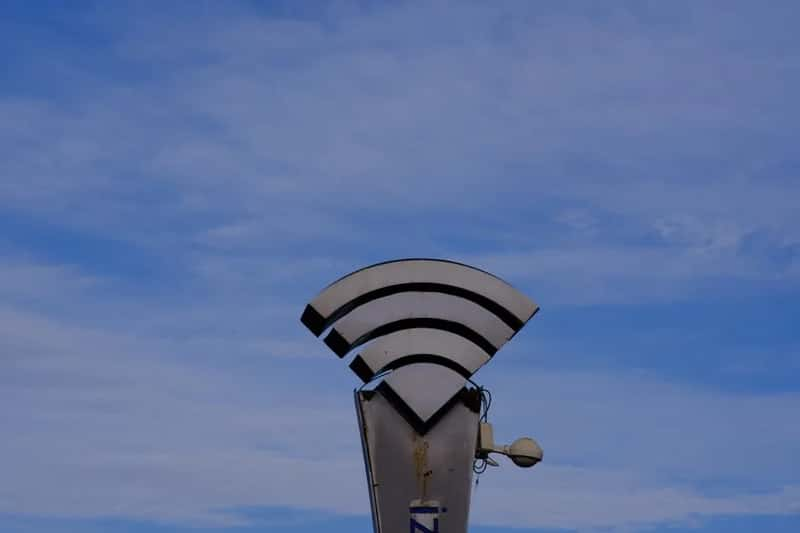
Tokyo runs its own public network. Tokyo OpenRoaming is free and secure, and once you install a profile, you connect automatically across the city without logging in each time.[10] For people who are already offline, the site notes that you can join a setup network at locations marked with a WiFi sticker[10].
There’s also an aggregator app. Japan Wi-Fi auto-connect, from the NTT Group, can automatically connect to about 200,000 spots nationwide.[11] Be wary of older guides, though, because any that still point you to the Japan Connected-free Wi-Fi app are out of date[12].
Where the Free Signal Clusters
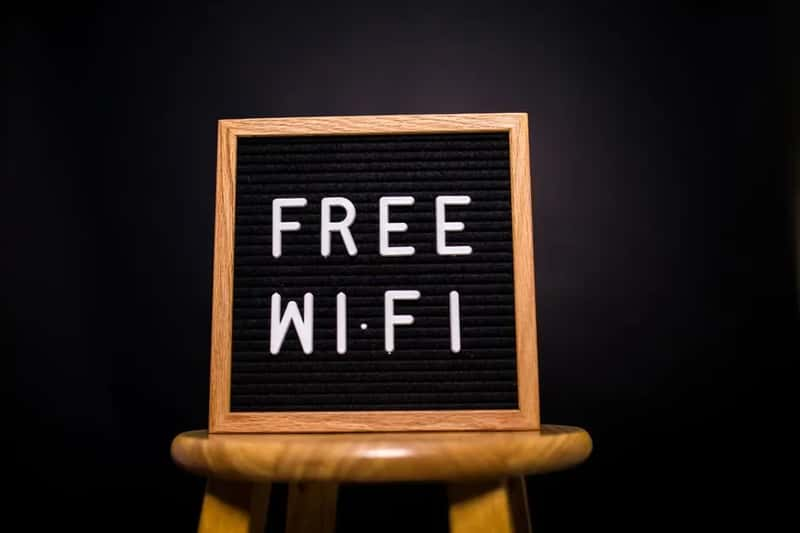
Free WiFi isn’t evenly spread. Narita and Haneda offer easy to connect WiFi throughout their terminals[13], and major JR stations and some metro stations in Tokyo offer it too[13]. Tourist districts get attention as well, and Asakusa has Taito Free Wi-Fi available around Senso-ji Temple[11].
Some options come with strings. SoftBank’s FREE Wi-Fi PASSPORT has no charge and can be used for two weeks[14], yet it asks for your mobile phone number, a password, gender and age group[14]. A trip with literally no connectivity may make that sign up awkward.
Navigating Without Live Data
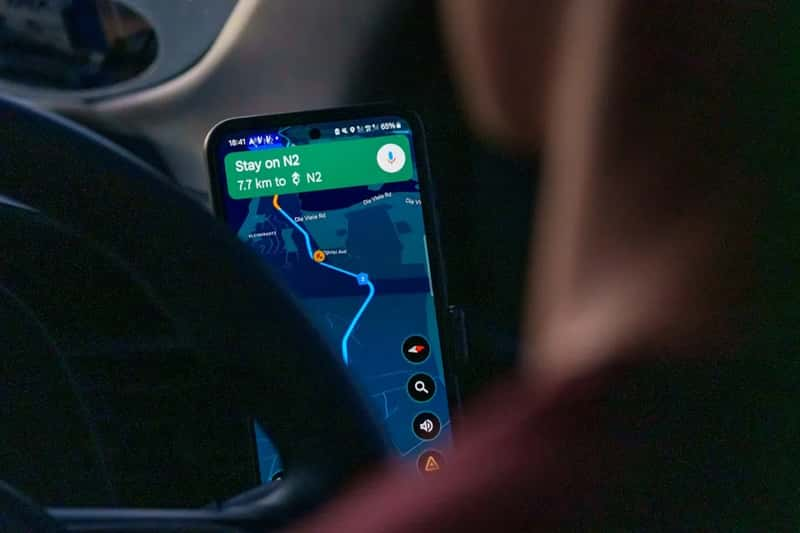
Maps are the part most visitors underestimate. Download an offline map area for central Tokyo while you’re on a reliable connection, and save your hotel’s address in Japanese on the phone. Screenshots of key train routes cost nothing and work anywhere.
Tokyo’s station layouts are dense, so it helps to pin the places you want to see before leaving the hotel. With free WiFi concentrated at stations, airports and tourist areas, you can plan to refresh directions at those points. In between, the offline map and the habit of reading station signs carry you a long way.
Eating and Buying With a Card
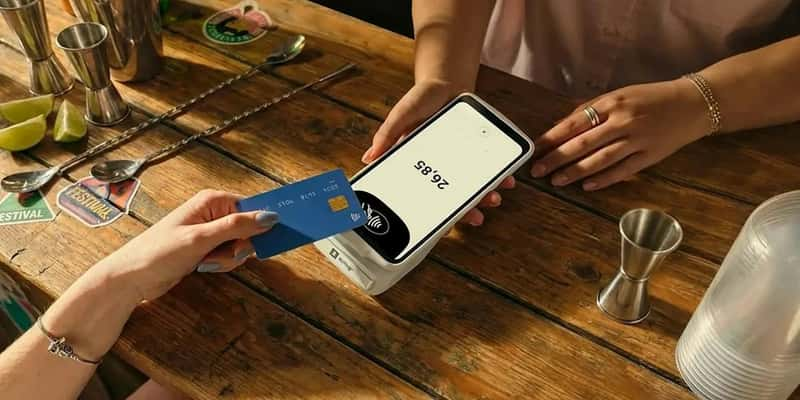
Food is where the plan feels most normal. Convenience stores and chain restaurants are built for contactless payment, so breakfast and quick lunches are straightforward. A tap of the phone or card is usually all it takes.
Smaller places are less certain. Cash remains common at family run restaurants and smaller local businesses.[2] One estimate suggests consumers aged 65 and older settle about 71 percent of payments in cash[15], which helps explain why a neighborhood spot with an older owner may simply not take your card.
Where Cash Still Wins
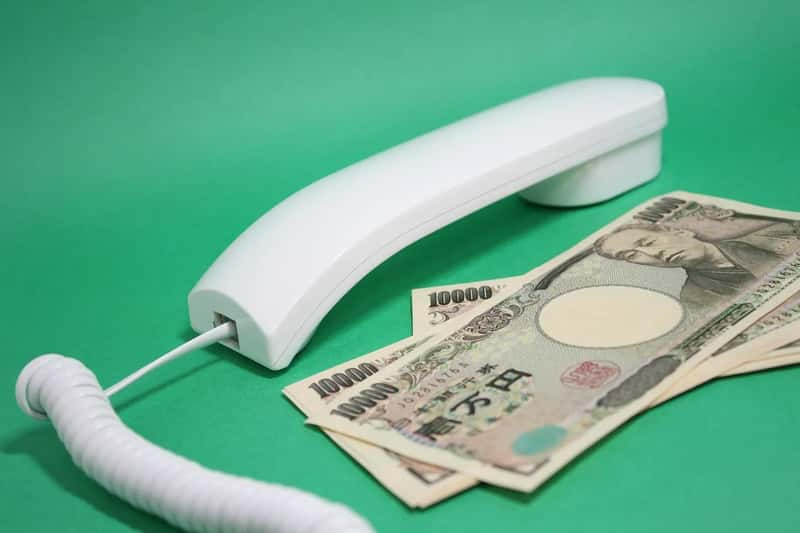
Some stops will always lean on coins. One 2026 guide puts it plainly: shrines, small shops and rural stalls are cash only[3]. In Tokyo, that means temple offerings, tiny market stands and certain old fashioned bars are the likeliest places to be turned away.
Your card’s network matters too. Visa and Mastercard are near universal, while Amex and Discover are patchier.[16] If you do break the zero yen rule, 7-Eleven ATMs and Japan Post Bank ATMs reliably accept foreign cards[16].