

Here’s the surprise: the official age break at airport security doesn’t start at 70. It starts at 75, so a 70-year-old walks up to the same screening as everyone else. And the one perk many older flyers counted on, keeping their shoes on, now belongs to every traveler as of July 2025.
What’s left is a dozen smaller options that cost little or nothing, and each one works only if you know to ask. The last is a free phone call with a three-day deadline that can put a specially trained TSA officer beside you at the checkpoint. First, the question of when the age break really begins.
#12 – The Age Break Starts at 75, Not 70
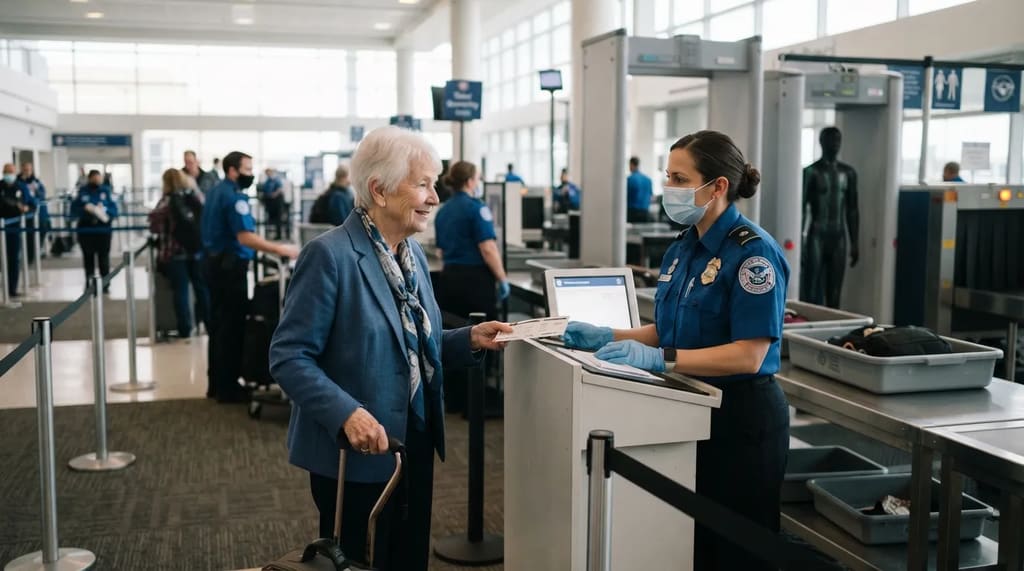
If you’re 70 to 74, standard screening applies in full. TSA’s modified screening for older adults begins at 75, and a birthday card from a relative doesn’t change that.
Modified screening starts at 75, so say your age at the checkpoint. Don’t wait for an officer to guess it from your appearance. If you’re helping a parent who is 75 or older, state their age and ask for the modified screening on their behalf.
For flyers in the early seventies, the other eleven items matter more than this one. PreCheck, the habit of speaking up early and the free help line all work without waiting for a milestone birthday.
Fast Facts
- Ages 70 to 74: standard screening applies.
- Age 75 and older: modified screening is available.
- Shoes-on exemption before July 8, 2025: children 12 and under, and passengers 75 and older.
- Since July 8, 2025: every traveler keeps shoes on at standard checkpoints.
One thing did change for every flyer, and it happened on a date you can name.
#11 – The Shoes-On Break Now Belongs to Everyone
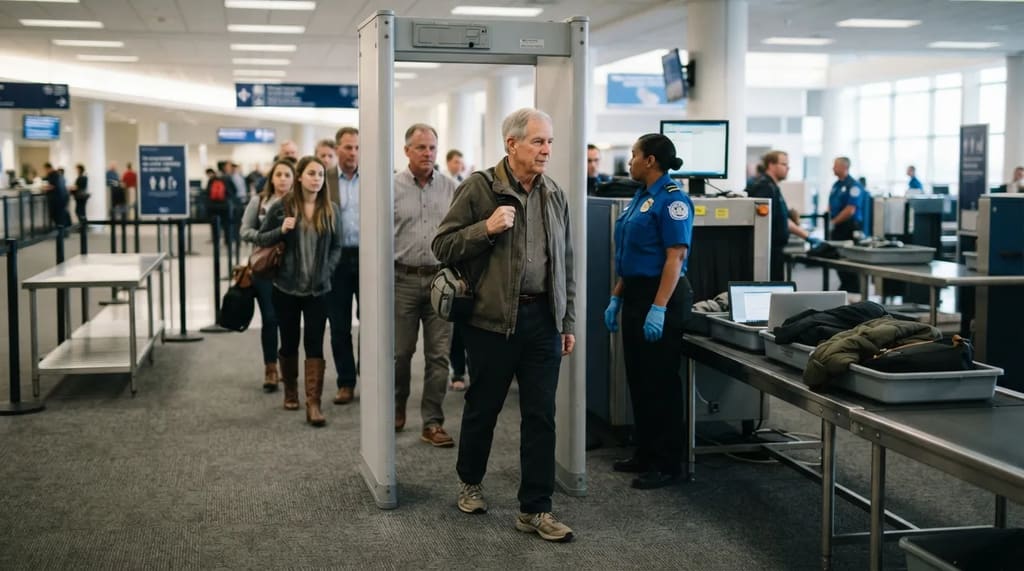
For nearly 20 years, keeping your shoes on at security was a privilege. TSA ended its shoe-removal mandate on July 8, 2025.1 Before that, only children 12 and under and passengers 75 and older were exempt, according to AARP.
Since July 8, 2025, every traveler keeps shoes on at standard checkpoints. An officer can still ask for them after a scanner alarm, so don’t choose a pair that takes five minutes to lace.
Verdict: shoes alone are no longer a reason to pay for PreCheck. If that was the only perk you were weighing, the question is settled. The decision now rests on what else the lane does for you, which is covered shortly.
Shoes were only one of five items a PreCheck lane lets you skip, and the other four are the ones that still matter.
#10 – What a PreCheck Lane Leaves in Your Bag
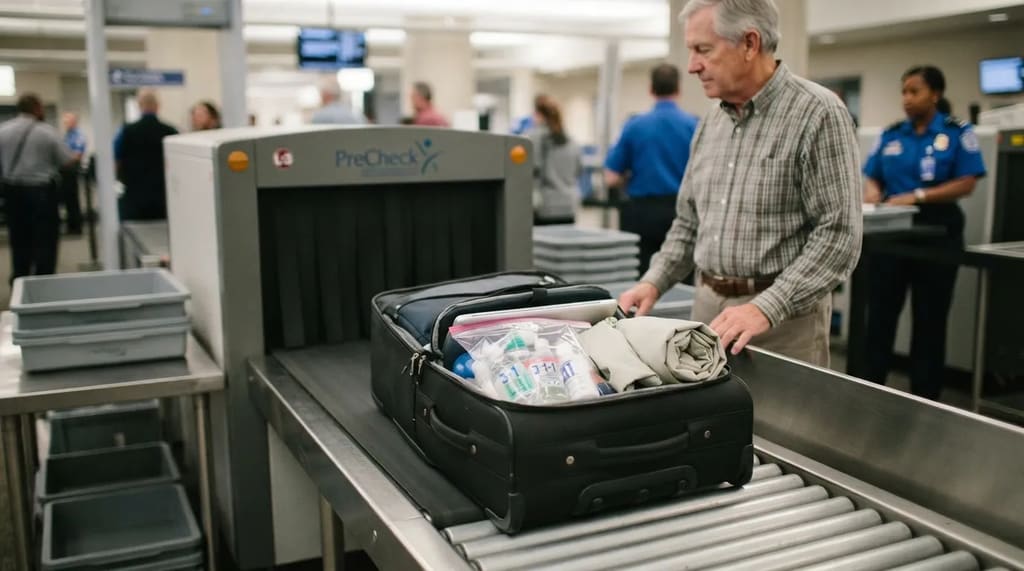
Four things beyond your shoes come out in a standard lane and stay put in a PreCheck lane. TSA says you don’t need to remove laptops, 3-1-1 liquids, light jackets or belts there.
For a flyer in the 70s, that matters more than it sounds. Each item is a bend or a lift while a line waits behind you.
Laptop, liquids, belt and light jacket all stay on you or in your bag. That means no tray to carry, no buckle to rethread and no zip-top bag to dig out of a carry-on. The bin you push forward holds less, and so does the pile you repack at the other end.
The limit is the body scanner. If you request the scanner in a PreCheck lane, TSA says the light jacket still has to come off, so choose it knowing one item goes with it.
What you pay for that lane varies by a few dollars, depending on which company takes your fingerprints.
#9 – What Five Years of PreCheck Really Costs
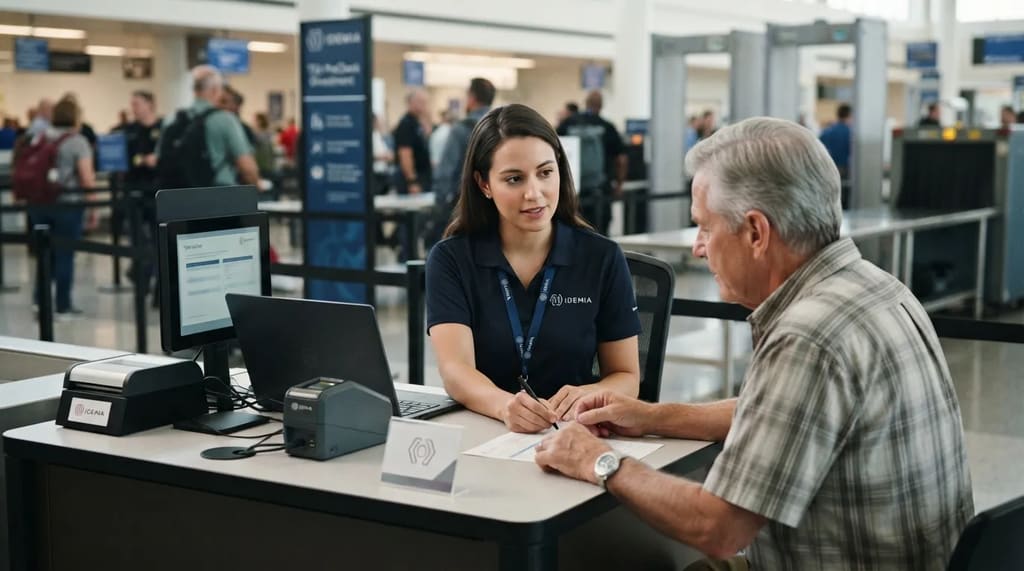
NerdWallet lists the fee at $79.95 at CLEAR enrollment locations, $76.75 at Idemia enrollment centers and $85 at Telos enrollment centers.2 The benefit is the same once you’re approved, so the cheapest provider near you is a sensible choice.
Age earns no discount. The fee is the same at 40 or at 80.
At $76.75 for five years, PreCheck averages $15.35 a year.2 Hold that figure against the work of the standard lane, which you now know includes a belt, a laptop and a liquids bag.
Verdict: if you fly two or three times a year, it’s worth it, and you’ll feel the difference at the first checkpoint. If you fly once every few years, skip it, because you’d be paying for five years of lane access you won’t use.
#8 – Renewing PreCheck Before Your Five Years Run Out
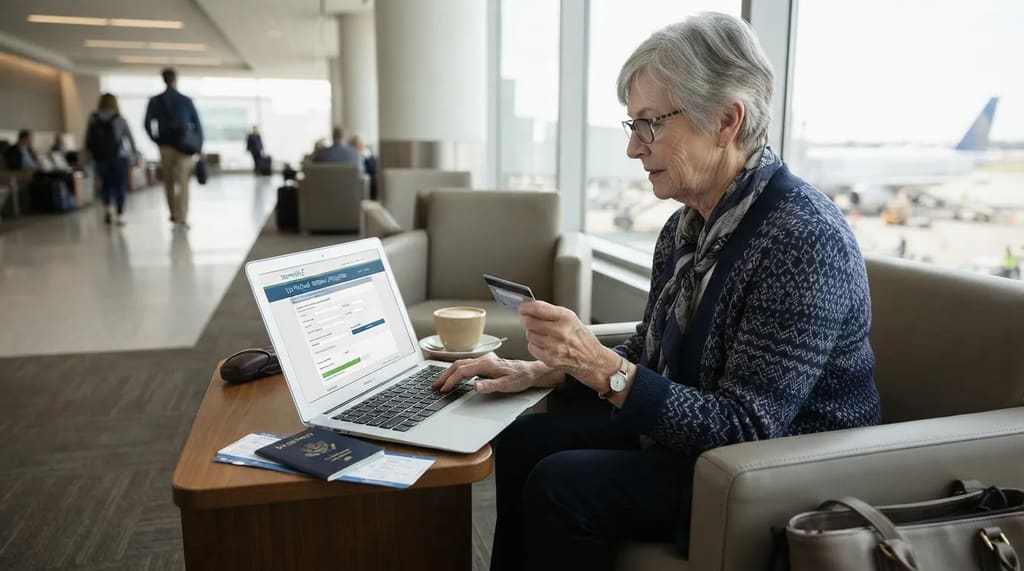
Renewing costs less than starting over. Online PreCheck renewal runs $58.75 or $69.95, depending on the provider,2 against $76.75 to $85 for a new membership. Spread over five years, the cheapest renewal works out to about $11.75 a year.
Renew online, and do it before the five years end. Renewal through some providers can run as high as $79.95, so compare before you click. Let the membership lapse and you’re back in the standard lane until it’s sorted out.
Put the expiration date in your phone calendar the day you’re approved. After you renew, check that the Known Traveler Number in your airline profile still works, since the lane only helps if the number on your boarding pass is valid.
Quick Compare
- New membership: $76.75 to $85, or about $15.35 a year at the low end.
- Online renewal: $58.75 or $69.95, depending on the provider.
- Cheapest renewal: about $11.75 a year over five years.
- Watch out: some renewal routes cost as much as $79.95.
Once you’re a member, a free add-on can replace the ID check at the lane entrance, if your airline and airport are on the list.
#7 – Touchless ID at the Lane Entrance
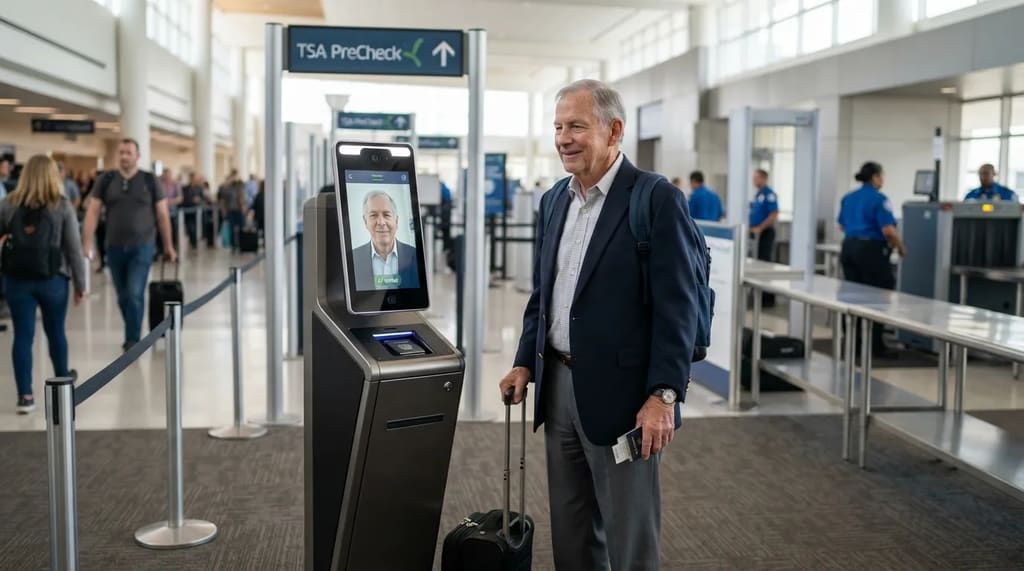
A facial match can stand in for your driver’s license at the lane entrance. TSA’s plan was to expand this opt-in option to 65 airports in spring 2026, and it’s free for anyone who already has PreCheck.3
You need PreCheck, a passport and an updated airline profile. That profile must be with a participating airline. The Touchless ID indicator also has to appear on your mobile boarding pass before you can use the dedicated lane.
It doesn’t replace carrying ID. You must still carry a valid, acceptable physical ID and boarding pass and show them if asked. If you turn up without a REAL ID-compliant license or other acceptable ID, TSA’s ConfirmID costs $45, verification isn’t guaranteed, and it can add time.
Verdict: set it up only if your usual airport and airline are on the list. Otherwise there’s nothing to gain, and the passport in your carry-on does the same job.
Membership won’t help at the metal detector if you have a new knee or hip, though the checkpoint gives you more say than you’d think.
#6 – Asking for the Body Scanner Instead
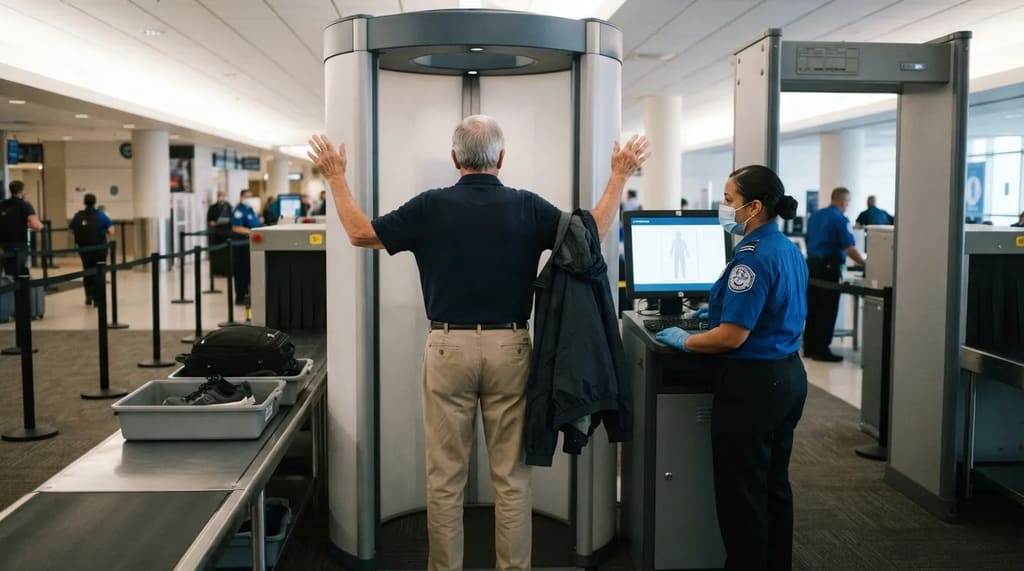
A metal implant can set off a walk-through metal detector, and then the screening gets slower and more personal. In a PreCheck lane, if one is available, you can request screening by the body scanner, also known as Advanced Imaging Technology.
In a PreCheck lane, you can ask for the body scanner if one is available. Ask before you step forward, not after the alarm. Remember the trade from earlier: the light jacket has to come off for the scanner.
The alternative is a pat-down. TSA says a pat-down is done by an officer of the same sex and will require removing items such as shoes, belts or light jackets. So even for a PreCheck member, the scanner is usually the way to keep more of your clothing on.
If you can stand and walk, you’ll be screened by technology, and a pat-down is used only if you’re ineligible for that. You can also ask for a pat-down in a private area if you’d rather not have one in the open.
Another case altogether is the flyer who can’t stand in the scanner, and there the age of 75 matters again.
#5 – Staying Seated Through Screening After 75
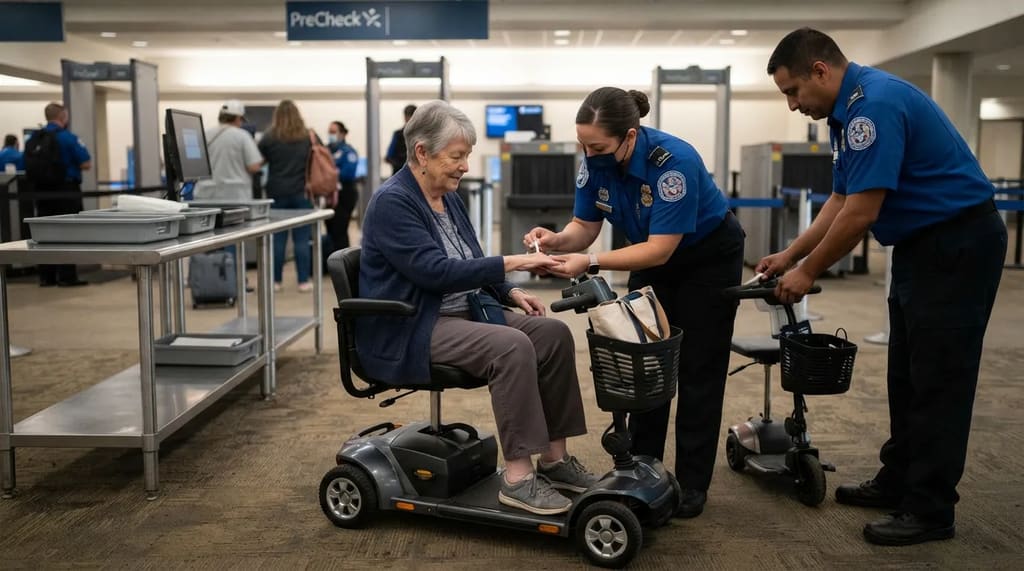
Standing still with your arms raised is harder than it looks, and TSA has a provision for flyers who can’t. At 75 or older in a wheelchair or scooter, you may stay seated for screening. An officer tests your hands for traces of explosives instead.
Alternative procedures for passengers 75 and older with mobility devices can include checks of the person, the device and any service animal while the traveler stays seated. The device gets screened too, so tell the officer how it folds or moves before they begin.
If you aren’t 75 yet, the option isn’t closed. PreCheck passengers who are unable to stand or walk may remain seated in their mobility device during screening. So a younger flyer with a chair has a route, and it runs through the lane, not the birthday.
Seated or standing, your bag can still hold up the line if it carries liquid medicine you haven’t mentioned.
#4 – Medicine and Liquids Over 3.4 Ounces
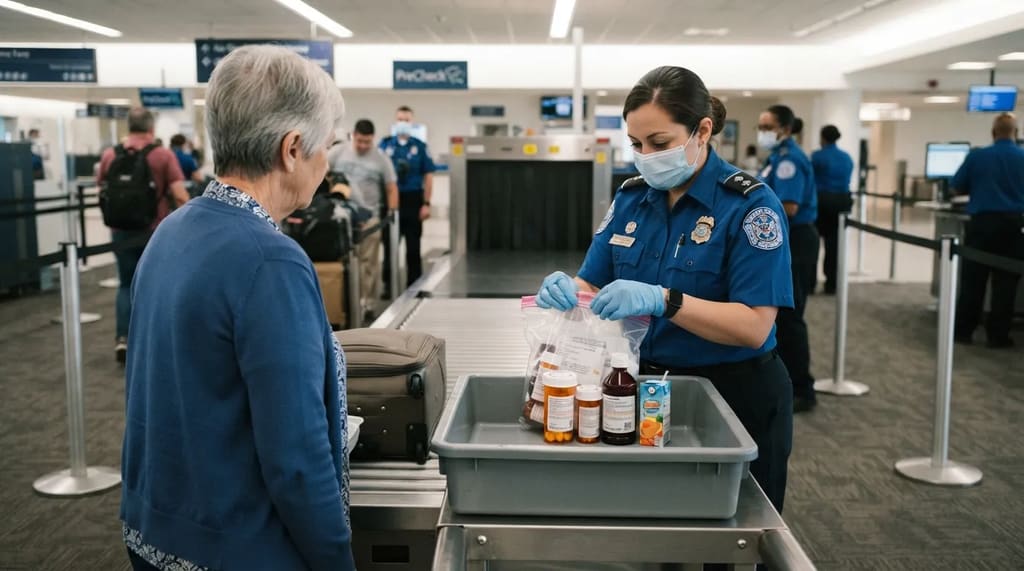
The 3-1-1 liquid limit has an exception that matters if you take liquid medicine. Medication in liquid form over 3.4 ounces (100 mL) is allowed in carry-on bags in reasonable quantities, and it doesn’t need to go in a zip-top bag.4
Tell the officer about medically necessary liquids at the start of screening. It’s the same habit as stating your age in the first item: say it first, because silence at the belt looks like a problem. Medically required liquids get additional screening, which can include being asked to open containers.
The exception reaches beyond prescriptions. If your medical condition requires it, you may carry a juice box or other liquid over 3.4 ounces, but expect that liquid to be screened separately.
Worth Knowing
- The limit for regular liquids is 3.4 ounces (100 mL) per container.
- Medical liquids above that are allowed in reasonable quantities.
- They don’t need to go in the zip-top bag.
- Declare them up front and expect extra screening.
Pills are simpler. You don’t need to notify an officer about solid medication unless it’s in liquid form. A weekly pill organizer travels like any other item in your bag, with no announcement needed.
Pills need no announcement at all, but a pump or port on your body is another matter, and where it sits matters more than what it is.
#3 – Telling Officers About a Device on You
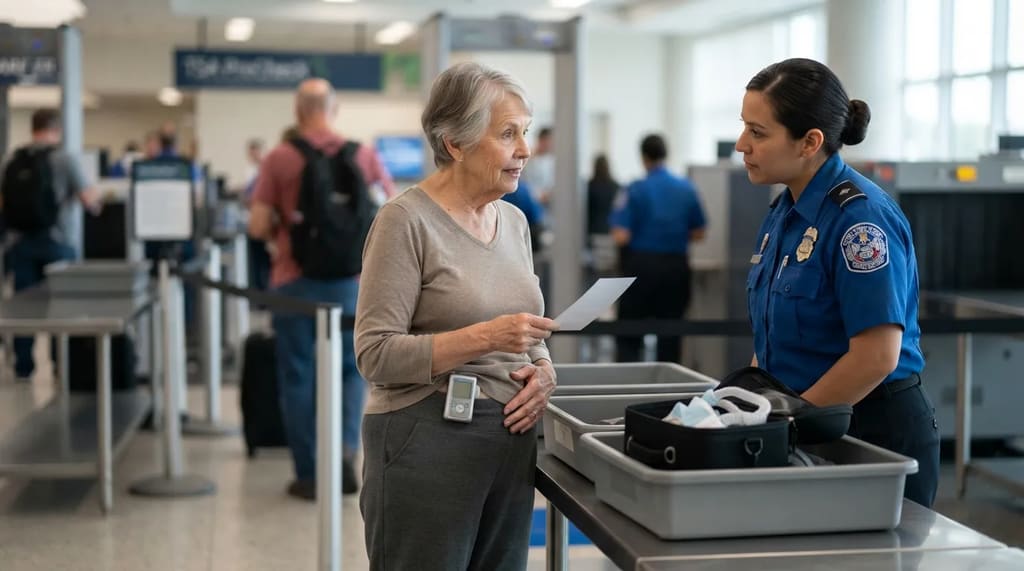
An insulin pump or a port can’t be put in a bin, so the officer needs to know before any scanner does. If you have an insulin pump, glucose monitor or other medical device attached to your body, tell the officers where it is before screening begins.
Also mention any pain or medical complications that could happen if the device is touched. For a bag-based device, the lane helps: in PreCheck screening, nebulizers, CPAPs, BiPAPs and APAPs, plus masks and tubing, may stay in their carrying case in the carry-on for X-ray.
Then there’s the TSA notification card. It’s optional and lets you describe a condition discreetly. It doesn’t exempt anyone from security screening, so don’t expect it to wave you through.
Verdict: the card is overrated as a shortcut and underrated as a courtesy. You can give officers the same information verbally or in writing, so use the card if saying it aloud in a line makes you uncomfortable. Ask your own doctor whether your device needs special handling at security.
Related Stories From Travelbinger

Answers to most of these questions can come by text message, with a real person on the other end every day of the year.
#2 – Texting AskTSA the Night Before You Fly

You can ask TSA a checkpoint question without calling anyone. Text “Travel” to AskTSA (275-872), or message through X, Facebook Messenger or Apple Business Chat. If you’re already on Facebook, that’s the easiest of the four.
An automated virtual assistant is available 24/7, and AskTSA staff are available 365 days a year from 8 a.m. to 6 p.m. ET for more complicated questions.5 Text “Travel” to 275-872 for a same-day answer about what’s allowed.
Use it for the questions about things: can this liquid go in my carry-on, does my device need separate screening. Save the phone line in the last item for questions about people, meaning help at the checkpoint.
A text can answer what’s allowed in your bag. When you need a person waiting for you at the checkpoint, the deadline is three days out and the number is one call away.
#1 – The Free Call That Puts Help at Security
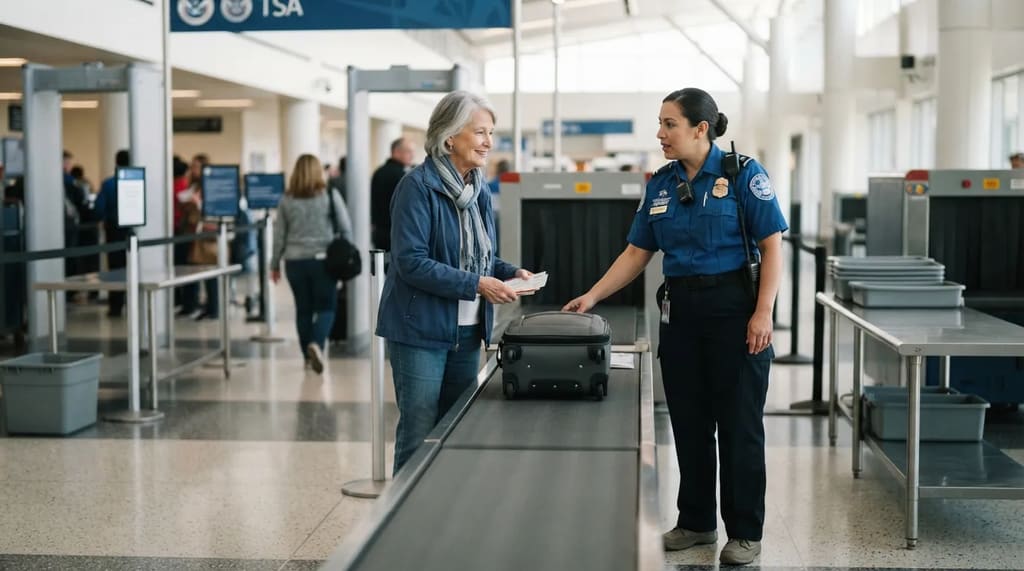
Most items on this list are things you say at the checkpoint. This one has a deadline. Call 855-787-2227 at least 72 hours before your flight to request a Passenger Support Specialist.6
That specialist is a TSA officer with specialized training in assisting and communicating with people with disabilities, medical conditions, or those who need extra help through screening.6 TSA Cares also serves caregivers, so an adult child can make the call for a parent.
The line is open every day, with longer hours on weekdays. Save these details before you dial.
At a Glance
- Number: 855-787-2227, free to call.
- Deadline: at least 72 hours before your flight.
- Weekday hours: 8 a.m. to 11 p.m. ET.
- Weekends and holidays: 9 a.m. to 8 p.m. ET.6
- Relay service: dial 711.
If your flight is within 72 hours, TSA says to call rather than use the online form.7
Know the limit. TSA Cares covers only the screening checkpoint. For wheelchair help from the curb to the aircraft, or in-flight assistance, contact your airline.7 A specialist guides you through screening but doesn’t exempt you from it.
If you’ve missed the window, ask any officer at the checkpoint for a specialist or a supervisor. The call is still better, because it lets you settle the plan for a pump, a chair or a memory problem before you arrive, not while a line forms behind you.
Look back over the list and a pattern shows. The checkpoint rewards the flyer who talks first: age, device, liquid, chair. An officer can only adjust for what they’ve been told.
So pick the one item that fits your next trip and handle it this week, while no one is waiting behind you. If you’re flying soon, that’s probably the phone call, because it’s the only one with a clock on it.
Which airport do you fly out of most often, and what’s the one step at its security line that you’d most like to skip?
- CBS News Shoe Policy: https://www.cbsnews.com/news/tsa-shoes-rule-expires/
- NerdWallet PreCheck Guide: https://www.nerdwallet.com/travel/learn/what-is-tsa-precheck-and-how-do-i-get-it
- TSA Touchless ID: https://www.tsa.gov/touchless-id
- TSA Medication Guidance: https://www.tsa.gov/travel/frequently-asked-questions/i-am-traveling-medication-are-there-any-requirements-i-should-be
- DHS AskTSA Announcement: https://www.dhs.gov/news/2026/11/24/tsa-ready-thanksgiving-passenger-volumes-urges-travelers-plan-ahead
- TSA Passenger Support: https://www.tsa.gov/travel/tsa-cares/passenger-support
- TSA Cares Request Form: https://www.tsa.gov/contact-center/form/cares