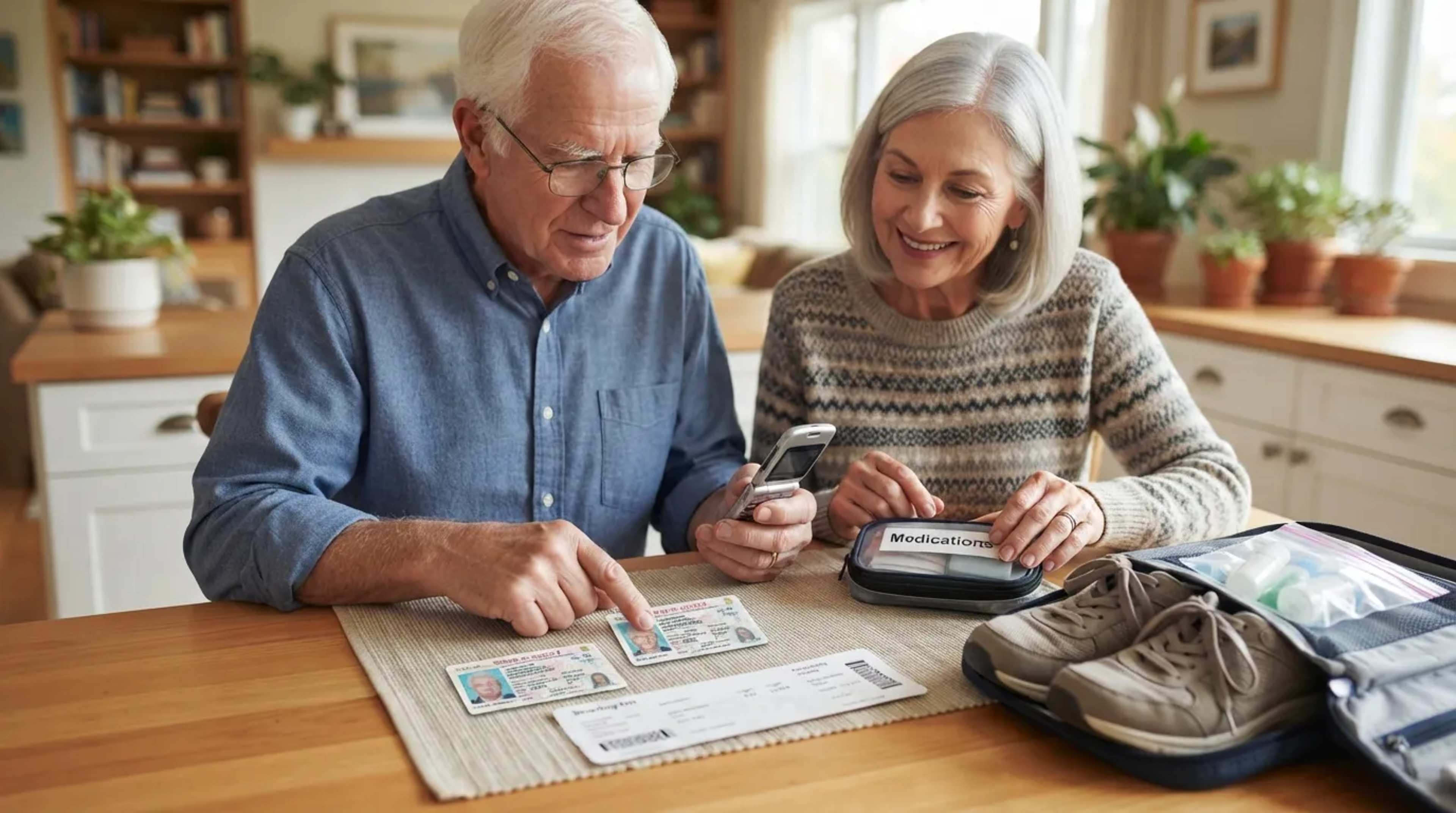

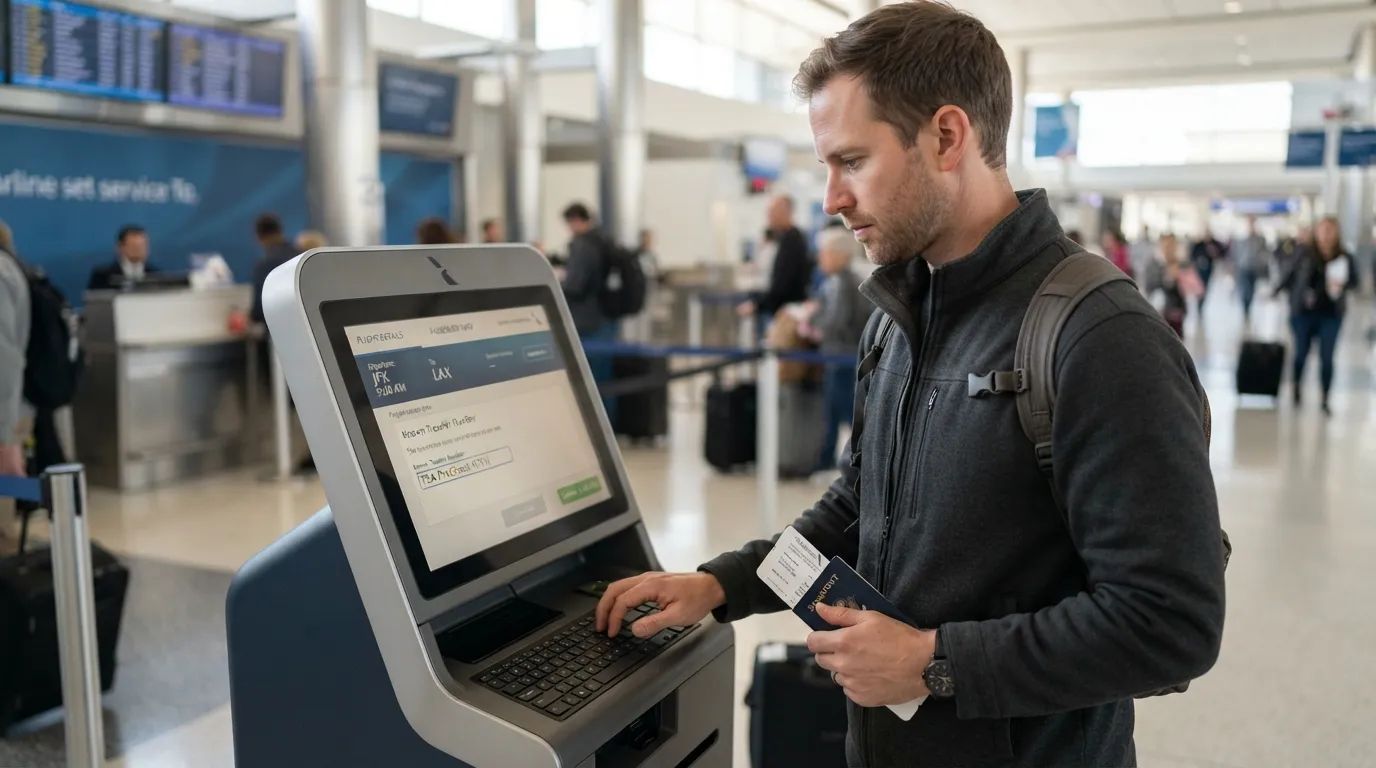
Ask most people what TSA PreCheck gets you and they’ll say a shorter line. That’s true, but it’s the smallest part of the story. A membership costs $79.75 to $85 for five years, and the fine print includes perks, loopholes and a few traps that plenty of members have never read.
One famous benefit now belongs to every traveler, so it no longer sets members apart. A newer perk sits behind an opt-in that’s easy to skip. And one tiny detail decides whether any of it works on a given flight, so it’s worth checking before the next booking. We’ll start at the bottom of the countdown with the price tag, because some cardholders can get that back.
#9 – The $80 Fee That Can Land at Zero
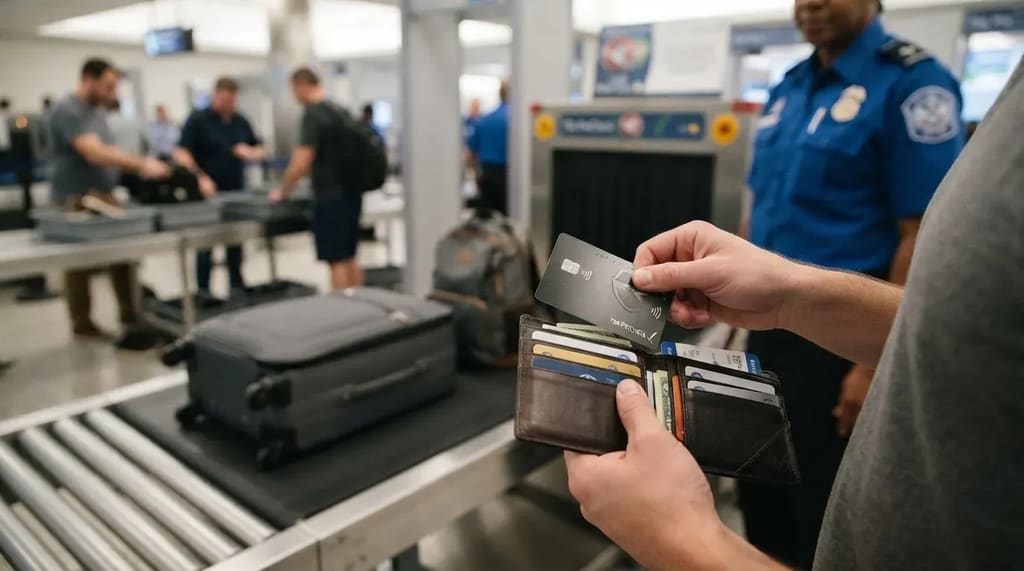
TSA’s PreCheck page lists new memberships at $79.75 through IDEMIA, $84.95 through CLEAR and $85 through Telos. You pay the enrollment provider, not TSA, and the fee is nonrefundable even if TSA turns your application down.1 Spread over five years, it works out to about $16 to $17 a year.
Before you pay out of pocket, look at the credit cards already in your wallet. Cards that have reimbursed PreCheck include American Express Platinum, Chase Sapphire Reserve and Capital One Venture X, typically2 up to $100 every four to five years.3 Terms vary by card, so confirm with your issuer. For someone who flies often enough to carry one of those cards, the membership may effectively cost nothing, though the best-known perk is no longer exclusive.
#8 – Keeping Your Shoes On Is No Longer a PreCheck Exclusive
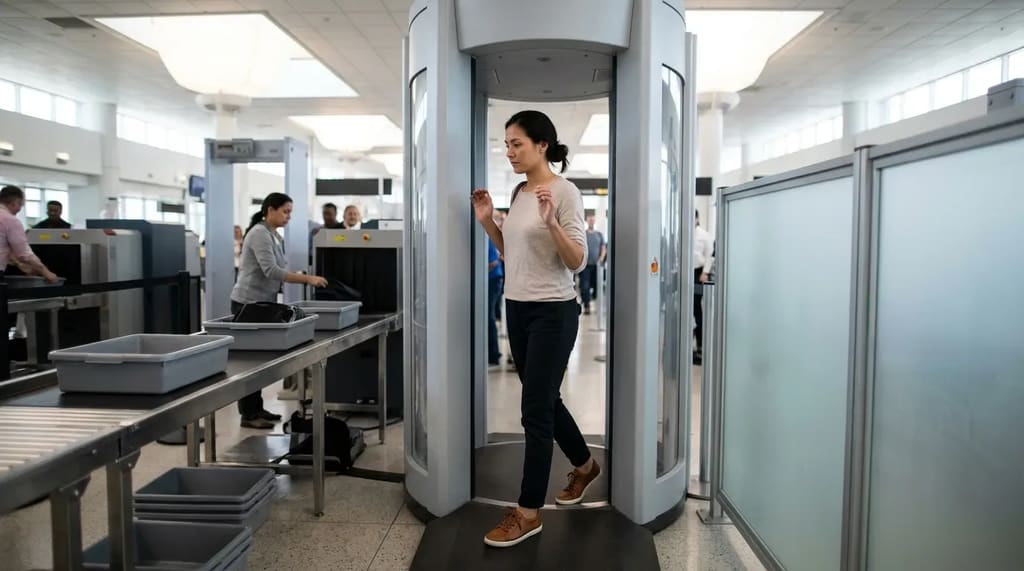
Shoes were the original selling point. When PreCheck debuted in 2013, members were vetted as trusted travelers, so they didn’t have to take their shoes off. On July 8, 2025, TSA stopped requiring passengers to remove their shoes at checkpoints nationwide, ending a policy that had lasted nearly 19 years.4
If shoes are the only reason you’re thinking about enrolling, save your money. They can still come off if you set off a detector, your shoes alarm, or you’re picked for additional screening. Steel-toed boots and thick soles can cause trouble in any lane. The shoe rule was only one piece of the old routine, and the pieces that remain are the ones that actually save time.
#7 – The Belt, Jacket, Laptop and Liquids Bag Stay Put
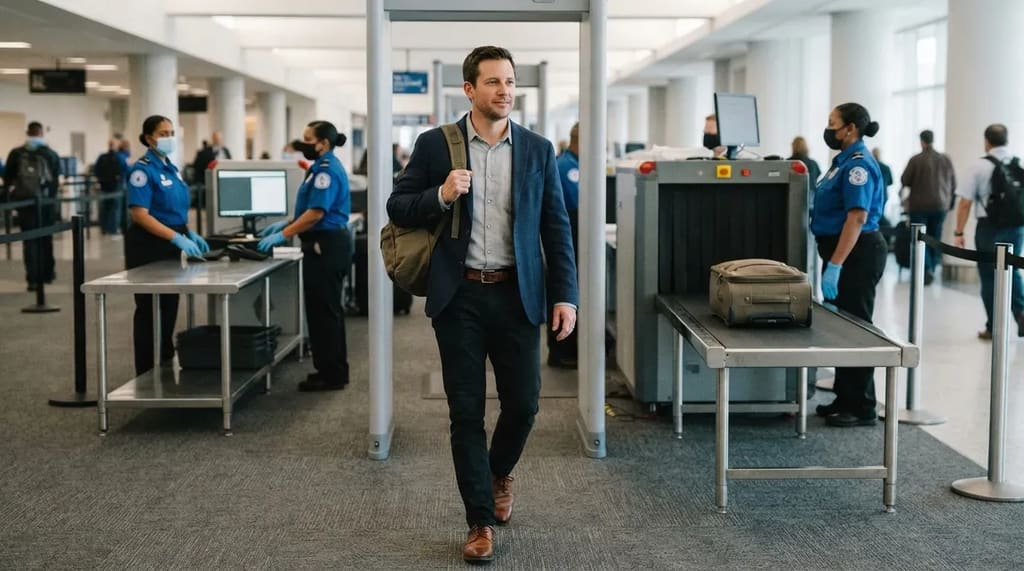
Here is what PreCheck still skips: the unpacking that holds up a line. When the shoe rule ended, the Homeland Security secretary said PreCheck members still don’t have to take off their belts or remove liquids and electronics from their bags.5 A light jacket can stay on, too. In a standard lane, each of those still means a bin, a bag to dig through and a belt to rethread while people wait behind you.
The screening itself also differs. Jeff Price, an aviation professor at MSU Denver, has said PreCheck uses less intrusive magnetometers instead of full-body scanners. If you’re 75 or older, standard lanes already let you keep shoes and light jackets on, so your savings come from the belt, the laptop and the liquids bag. For anyone who flies with a laptop a few times a year, this is the item that justifies the fee.
At a Glance
- Belt: stays on in PreCheck.
- Laptop and other electronics: stay in your bag.
- Liquids bag: stays packed.
- Light jacket: stays on.
#6 – A Closed PreCheck Lane Doesn’t Cancel Your Status
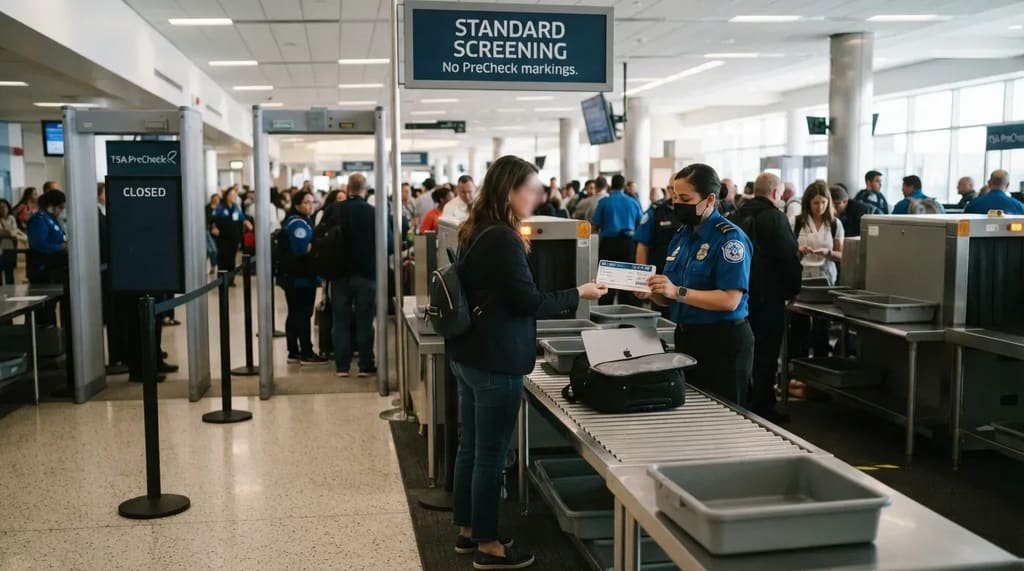
Dedicated PreCheck lanes aren’t open at every checkpoint at every hour, and the membership doesn’t stop working when one is closed. TSA says PreCheck screening may still be available through the standard lane when dedicated lanes are not. Show your PreCheck boarding pass, and you may be able to keep liquids, laptops, shoes and light jackets in place. The boarding pass is the real ticket into the benefit, more than the lane itself.
The pass also cuts the other way, because a PreCheck boarding pass doesn’t guarantee a PreCheck lane at every hour. Look at the pass in your airline app before you leave home. If the indicator is missing, ask the airline why, and plan on standard screening and the extra time it takes. When the indicator does print, ask an officer at the checkpoint before you assume the lane is closed to you.
#5 – Renewing Online Costs Less Than Starting Over
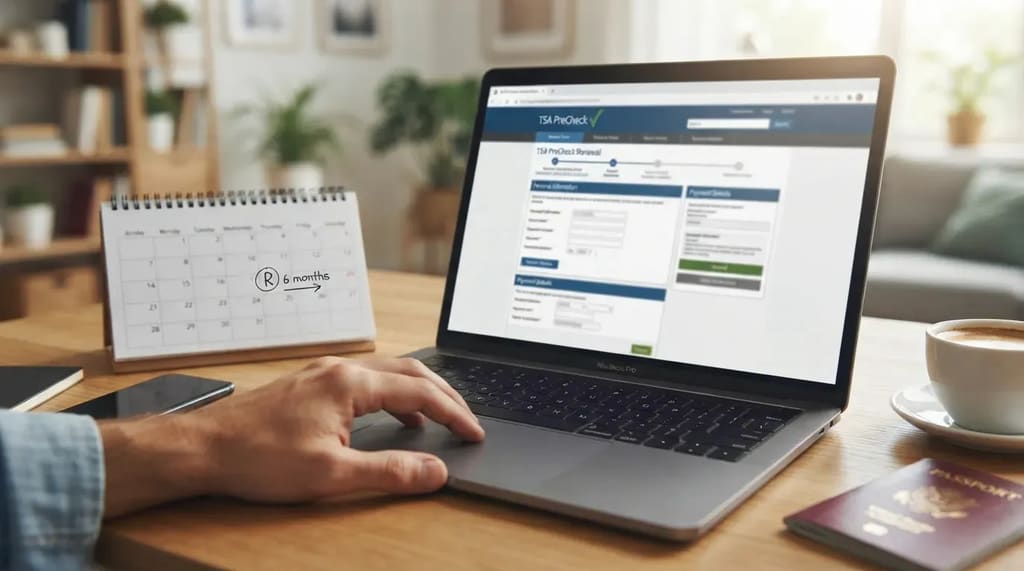
A membership lasts five years, and renewing is cheaper than enrolling again. TSA lists online renewal at $58.75 with IDEMIA, $69.95 with Telos and $72.95 with CLEAR.2 You can renew online up to six months before your membership expires. At the lowest provider price, renewing saves about $21 compared with the $79.75 for a new membership.
Waiting can cost more than a few dollars. Don’t count on a cushion after your expiration date. If a membership lapses, you may have to start over with a new application, including the in-person appointment and the full new-member fee. That’s a much bigger chore than five minutes online. Keep in mind that none of it helps once you leave the country.
#4 – Global Entry Folds PreCheck In for $120
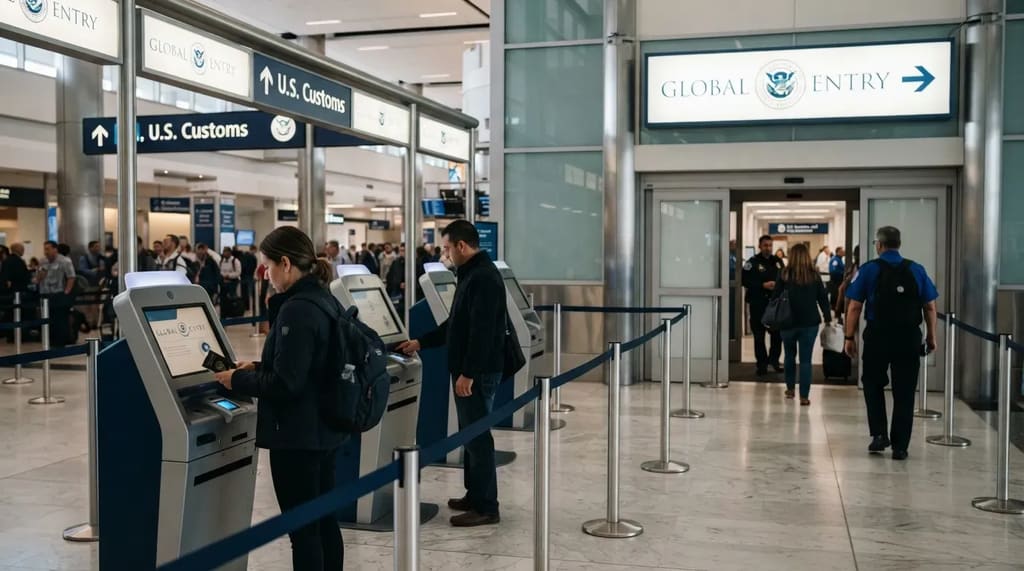
Global Entry costs $120 for five years and automatically includes full PreCheck benefits. Standalone PreCheck works at U.S. airports and does nothing at foreign airports or at U.S. customs on your way back in. So the two programs aren’t really competitors. Global Entry is PreCheck plus faster customs re-entry, for a higher price.2
If you leave the country even occasionally, paying for both is redundant, and the $120 membership gives you more for your money. If you only fly within the United States, PreCheck alone does the job for less. Global Entry also offers a 24-month grace period when you submit a renewal before it expires, which is a safety net you shouldn’t assume with standalone PreCheck. Some of the cards from item #9 also reimburse Global Entry, since TSA keeps a list of issuers and loyalty programs that cover either fee.
Quick Compare
- PreCheck: $79.75 to $85 for five years, built for U.S. airport security.
- Global Entry: $120 for five years, includes PreCheck plus faster customs re-entry.
- Best fit: PreCheck for domestic-only flyers, Global Entry for anyone who crosses a border now and then.
#3 – Kids 12 and Under Ride Along Free
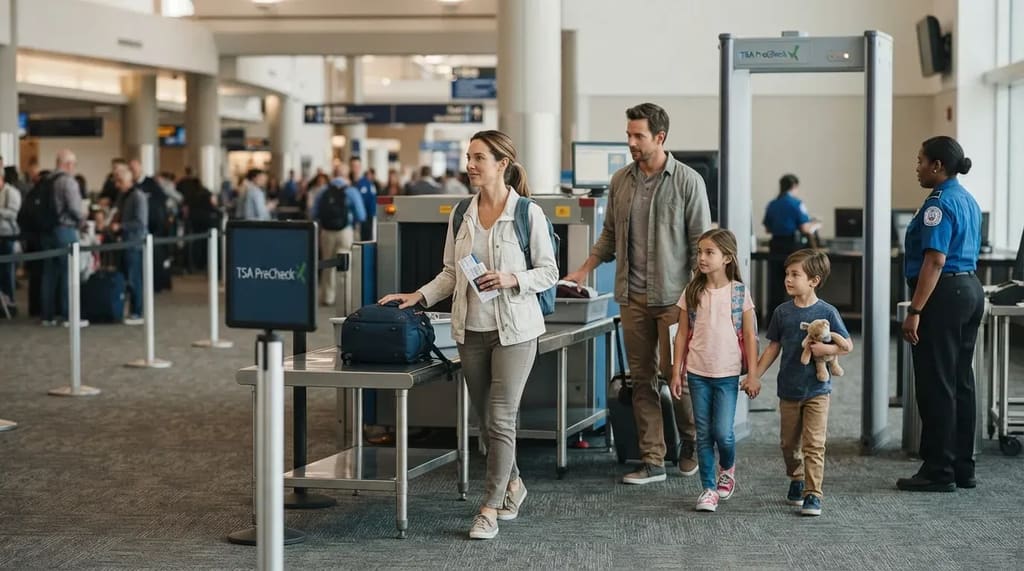
A member’s family can share the benefit. Children 12 and under traveling with a parent or guardian who has the PreCheck indicator on their boarding pass can go through the PreCheck lane with them, no application needed.6 The indicator doesn’t have to be on the child’s own boarding pass. For a family of five, that’s one membership covering a whole row of seats.
Teenagers come with more conditions. Children 13 to 17 can use the lanes if they travel on the same reservation as an enrolled parent or guardian and the indicator appears on their boarding pass. They may be randomly excluded, in which case they go through standard screening. A teen booked separately, even on the same flight, won’t get the indicator, and anyone 18 and older needs their own Known Traveler Number.6 Family perks depend on how the reservation is built, and the newest PreCheck feature depends on how your airline profile is set up.
#2 – Touchless ID Lets Your Face Replace Your ID and Boarding Pass
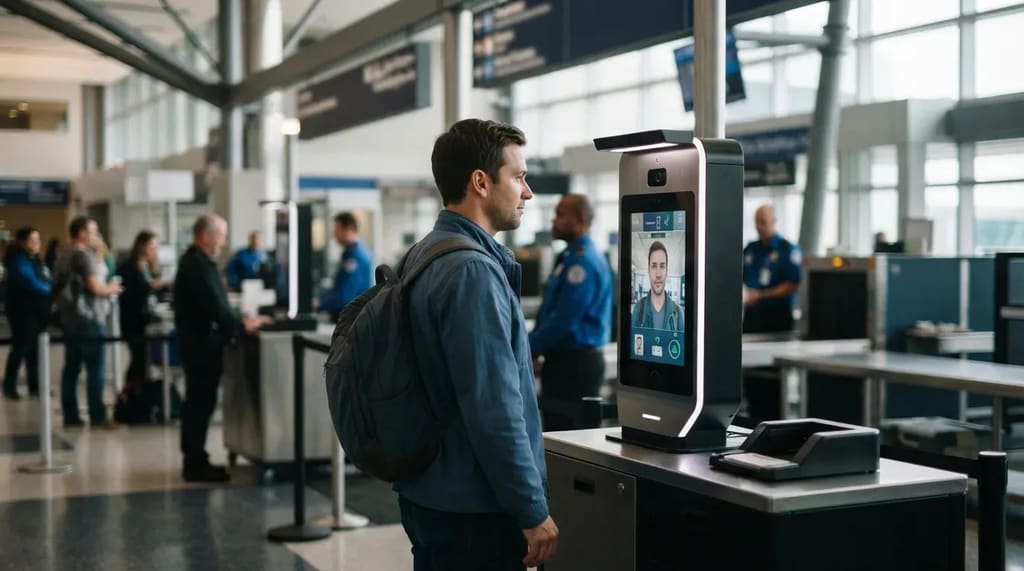
TSA PreCheck Touchless ID uses facial comparison. At participating airports, eligible members can verify their identity without presenting a physical ID or boarding pass at the checkpoint. TSA says it’s available at 65 airports.7 The participating airlines are American, Alaska, Delta, Hawaiian, Southwest and United, so a member flying a different carrier gets nothing from it.
It’s optional, and free apart from the membership fee. Members with a valid passport can activate it with participating airlines or Google Wallet.7 Where it’s running, travelers queue in separate Touchless ID lanes, and the waits there tend to be the shortest of all. Delta and United also offer touchless bag drops at participating airports, generally at their hubs. Every one of these opt-ins starts with a Known Traveler Number, which brings us to the item that matters most.
Related Stories From Travelbinger

#1 – The Number That Has to Be on Every Booking
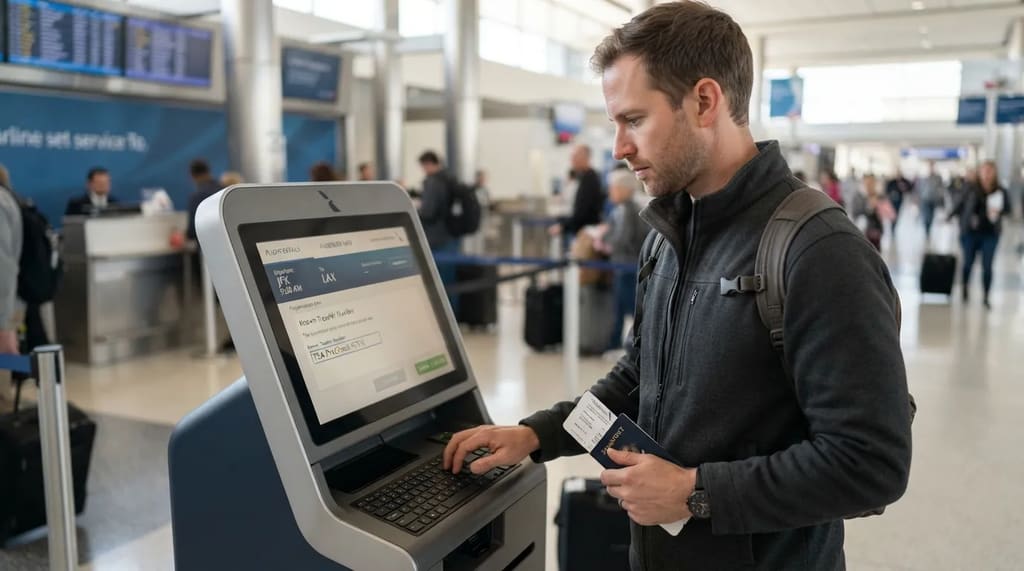
Everything above rides on a single Known Traveler Number. TSA says anyone 18 and older must enter that number when booking their airline reservation.8 If it’s missing, no PreCheck indicator prints on the boarding pass. Without the indicator, the laptop-and-belt routine, the fallback through a standard lane and the family ride-along are all off the table. The membership lives in the reservation, not in your wallet.
That’s why airline profiles matter. Confirm that your number is saved in every airline profile you fly, and add it to an existing itinerary using the airline’s reservation tools if it’s missing.8 Be careful when someone else books for you, whether a relative or a travel agent, because they need the number too. Award tickets, companion bookings and last-minute changes can produce split reservations, so check the indicator before you head to the airport. A membership you paid for can sit unused on a flight because one number was left off one booking.
Worth Knowing
- Anyone 18 and older needs their own Known Traveler Number on the booking.
- Save the number in every airline profile you use.
- Anyone booking for you, including a travel agent, needs it too.
- Check for the PreCheck indicator on your boarding pass before you leave for the airport.
Think of PreCheck as an arrangement you maintain: a number you carry, a date you remember and a booking you check. Get those three right and the perks show up on their own.
The rest is just a few dollars a year to skip the bin shuffle while everyone else is still unpacking.
- Securitywaittimes PreCheck Cost Guide: https://securitywaittimes.com/how-to-apply-for-tsa-precheck/
- Capital One PreCheck Cost: https://www.capitalone.com/learn-grow/more-than-money/tsa-precheck-cost/
- NerdWallet TSA PreCheck Guide: https://www.nerdwallet.com/travel/learn/what-is-tsa-precheck-and-how-do-i-get-it
- The Points Guy Shoe Policy: https://thepointsguy.com/news/tsa-shoes-policy-change
- Yahoo News Shoe Removal Ends: https://www.yahoo.com/news/homeland-security-ends-mandatory-shoe-210645417.html
- TSA PreCheck Family Lanes: https://www.tsa.gov/travel/frequently-asked-questions/i-am-traveling-my-family-can-they-also-use-tsa-precheckr-lane
- TSA PreCheck Touchless ID: https://www.tsa.gov/touchless-id
- TSA PreCheck FAQ: https://www.tsa.gov/precheck/faq