
Turning 75 used to feel like a golden ticket at the airport. Then, as of July 8, 2025, TSA stopped requiring shoe removal at checkpoints nationwide, and the best-known perk of the birthday became something every passenger gets.1
What is left of the age break is smaller and easier to trip over. The details decide whether you clear the belt in a few minutes or stand off to the side with your bag open. The cheapest item on this list, a check that takes seconds, is tied to the biggest bill, and it is probably sitting in your wallet right now.
#13 – The Birthday TSA Uses Is 75, Not 65
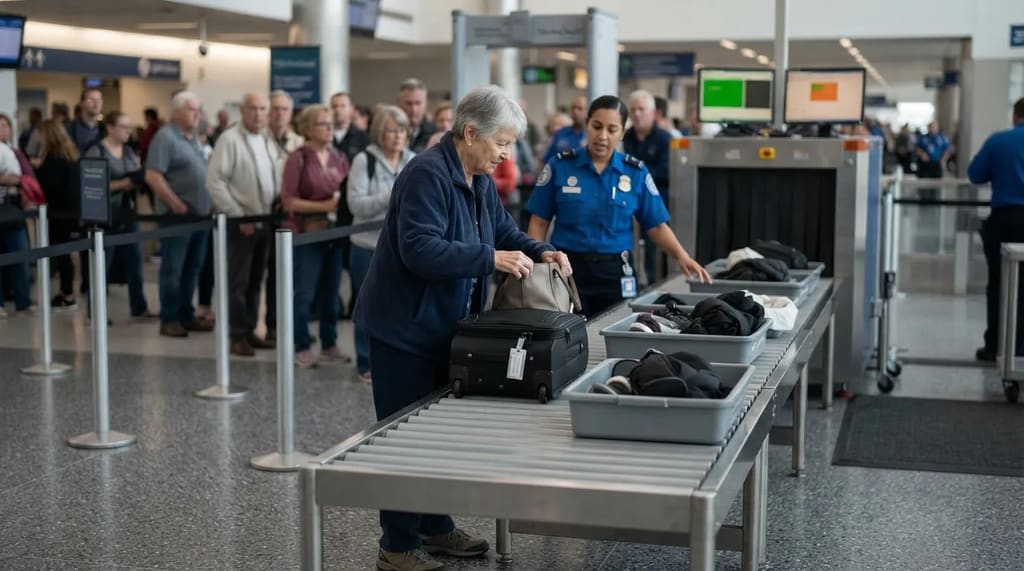
TSA’s own page sets its line at 75. Passengers 75 and older can receive some form of expedited screening, while younger travelers go through standard screening. That is the only age-based break the agency describes at the checkpoint.
Nothing in TSA’s guidance describes a special lane that starts at 65. In your early seventies, you stand in the same line under the same rules as everyone else.
The break was easier to see before July 2025. Children 12 and under and passengers 75 and older were the exempt groups, according to AARP. Much of what once set your age group apart now belongs to every passenger.
At a Glance
- The age line at the checkpoint is 75, not 65.
- Travelers under 75 get standard screening.
- Before July 2025, children 12 and under and passengers 75 and older were the exempt groups.
- Shoe removal ended nationwide on July 8, 2025.
Asking for modified screening costs nothing. If you are 75 or older, give your age politely at the start of the line and let the officer explain what applies at that checkpoint.
Shoes are the clearest example of that change, and even there the new rule has exceptions.
#12 – Shoes Stay On Until an Alarm Says Otherwise
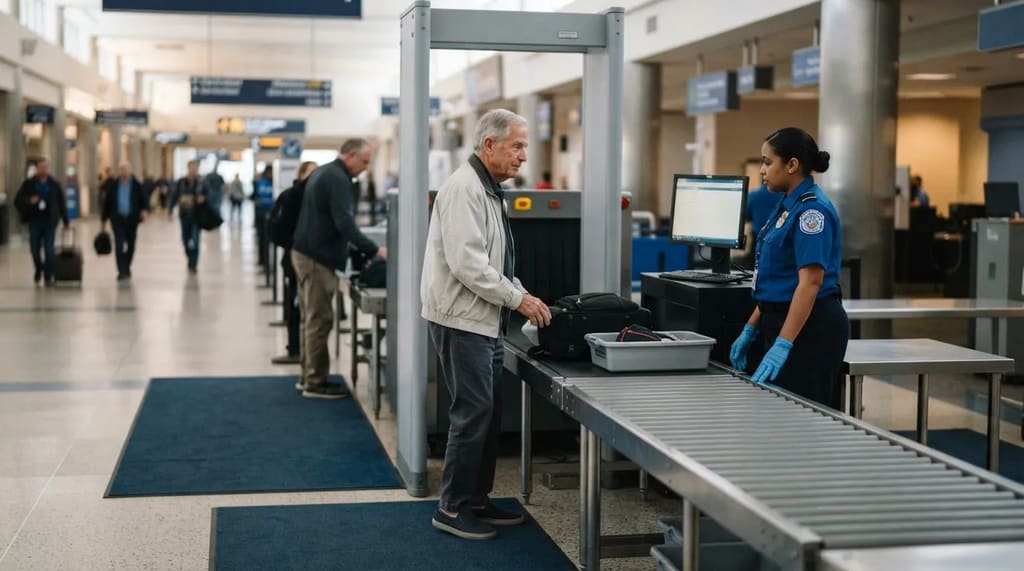
Shoes-on is now the default for everyone. Officers can still ask anyone to take their shoes off if an alarm goes off or if you are picked for additional screening.
If an alarm sounds, you may be required to remove your shoes for further screening or undergo a pat-down. So walk up with your shoes on and take them off only if you are asked.
Choose footwear for that possible moment. Slip-ons let you step out and back in without bending to a lace, which matters if you have a bad knee or shaky balance.
Jackets follow a different rule, and for travelers 75 and older the regular lane is where it shows.
#11 – The Light Jacket Still Comes Off in the Regular Lane
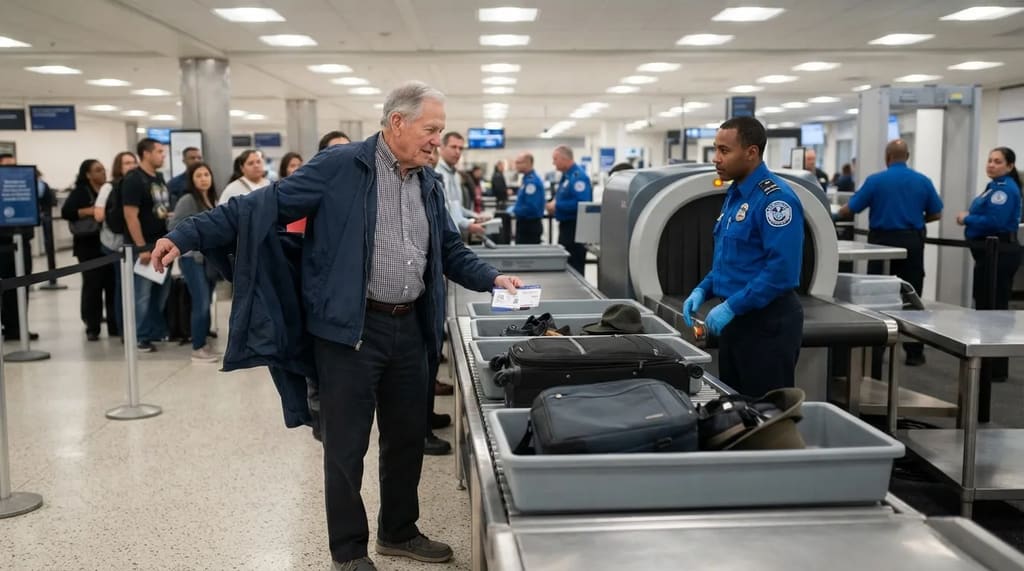
Removal of light jackets is still required for Advanced Imaging Technology screening in standard lanes, even for passengers over 75. This is the part of the age break that many travelers expect to be bigger than it is.
Advice that says older travelers can keep a jacket on goes further than TSA’s page does. The officer at the belt follows the agency’s rule, so a jacket is a poor place to spend your goodwill.
A few small habits make the step painless:
- Take the jacket off while you wait, before you reach the bins.
- Move keys, phone and wallet from its pockets into your carry-on.
- Wear a warm layer underneath if you chill easily in terminals.
#10 – What the PreCheck Lane Lets You Leave Alone
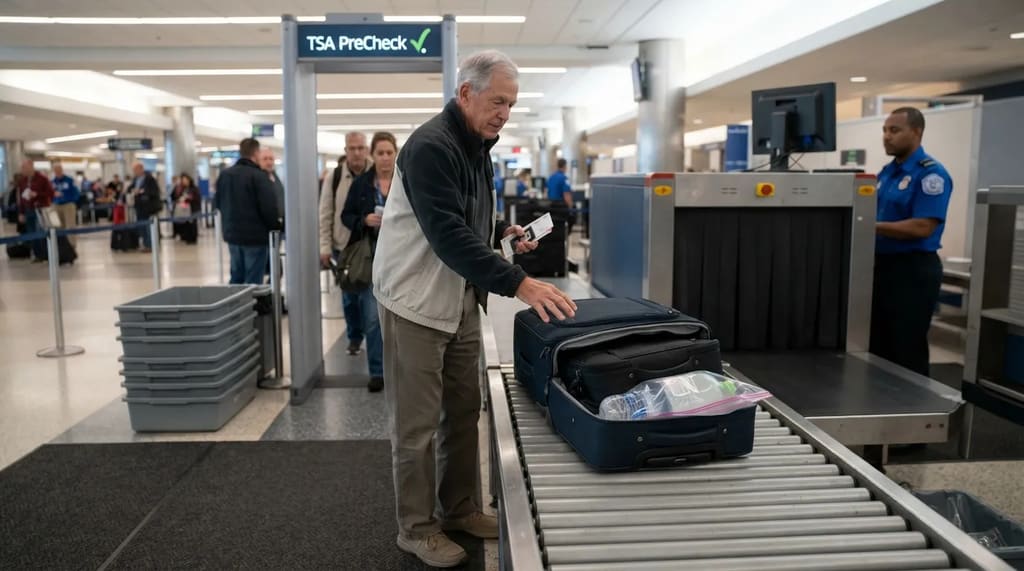
PreCheck still provides a dedicated shorter lane. It eliminates belt and light jacket removal, and it lets you keep your laptop and liquids in your bag. Shoes used to be the main selling point, but PreCheck members have long been able to keep them on, so that part no longer separates the lanes.1
- Light jacket and belt stay on.
- Laptop stays in the bag.
- Liquids stay in the bag.
When the shoe rule ended, the Department of Homeland Security pointed to exactly those steps as the reason PreCheck still has value.2 There is also no age limit for applying.
PreCheck costs around $80 for five years. You also have to add your Known Traveler Number to each airline reservation, or the lane may not show up on your boarding pass.
Whether that is worth the price depends on how often you fly and how much the unpacking tires you.
#9 – Who Can Reasonably Skip PreCheck After 75
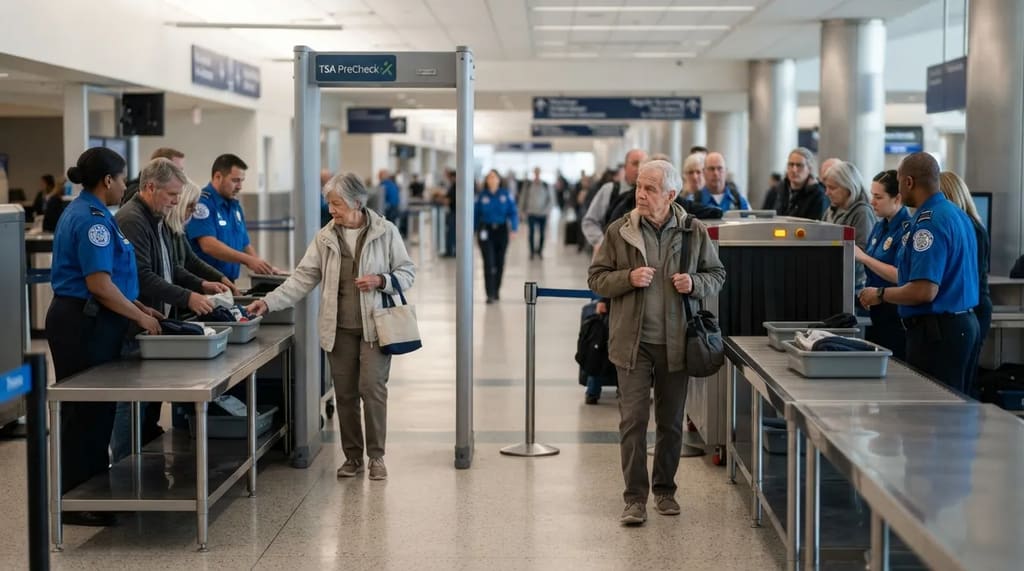
AARP noted that members who paid $75 or more for shoes-on screening now have to decide whether the remaining perks are worth it. For a traveler 75 or older, that decision turns on how often you fly.
If you take one or two trips a year and travel without a laptop, I would skip it. The regular lane now lets you keep your shoes on, and the jacket is the only large step left.
If you fly several times a year, carry a tablet or laptop, or find the jacket, belt and liquids routine tiring, the membership earns its price. The shorter lane and the missing steps come with every trip.
Quick Compare
- Regular lane: shoes on, but the light jacket comes off.
- PreCheck lane: jacket, belt, laptop and liquids all stay put.
- Best fit for regular: one or two trips a year, no laptop.
- Best fit for PreCheck: frequent flyers, or anyone worn out by the unpacking.
Neither choice changes what happens at an airport with older scanners, where the shoes may come off anyway.
#8 – Smaller Airports With Older Scanners May Still Want Shoes Off
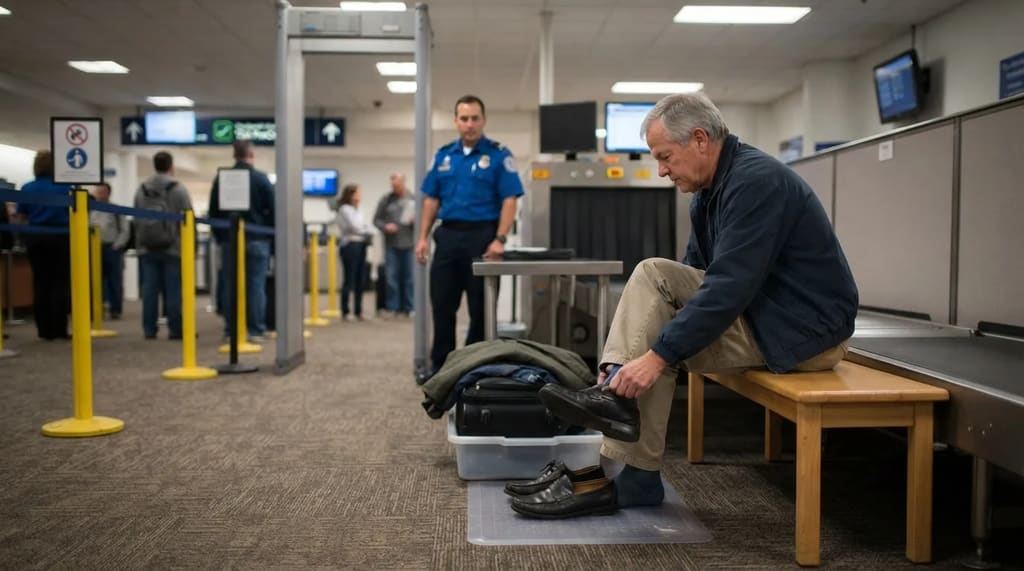
At smaller airports without advanced body-imaging technology, officers may still require shoe removal even under the shoes-on policy. A shoes-on policy does not always mean shoes stay on from start to finish.
An alarm can bring the same request at any airport, large or small. So the sensible preparation is to wear clean socks or hose, even in warm weather, and shoes that come off easily while you sit.
Keep your usual time cushion even at 75. A shoe request or a second look at your bag costs minutes, and a cushion absorbs it without any stress.
The jacket rule is predictable and the shoe exception is not. That is why the jacket comes off while you wait in line, and the shoes stay on until someone asks.
#7 – A Chair for the Pat-Down
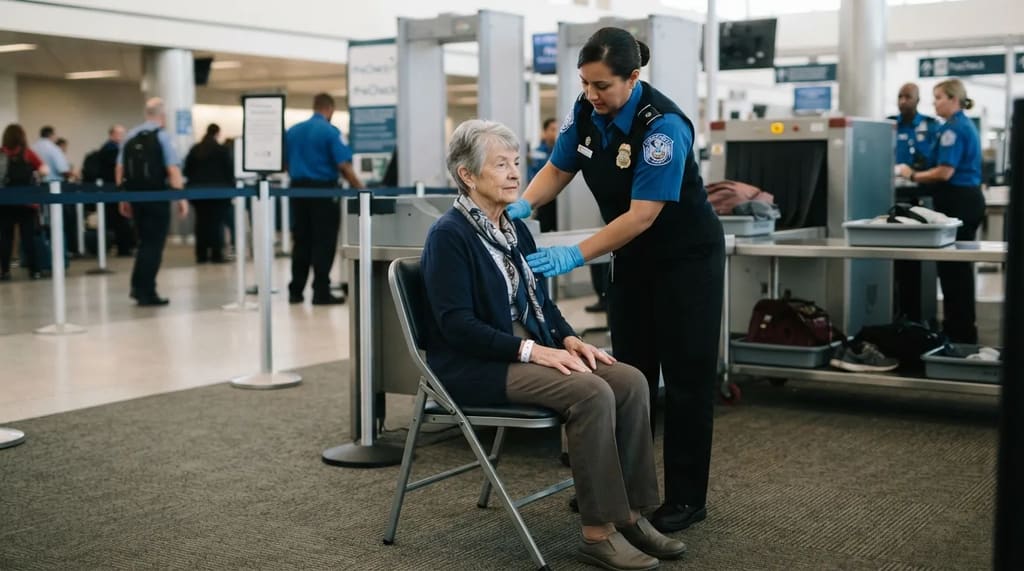
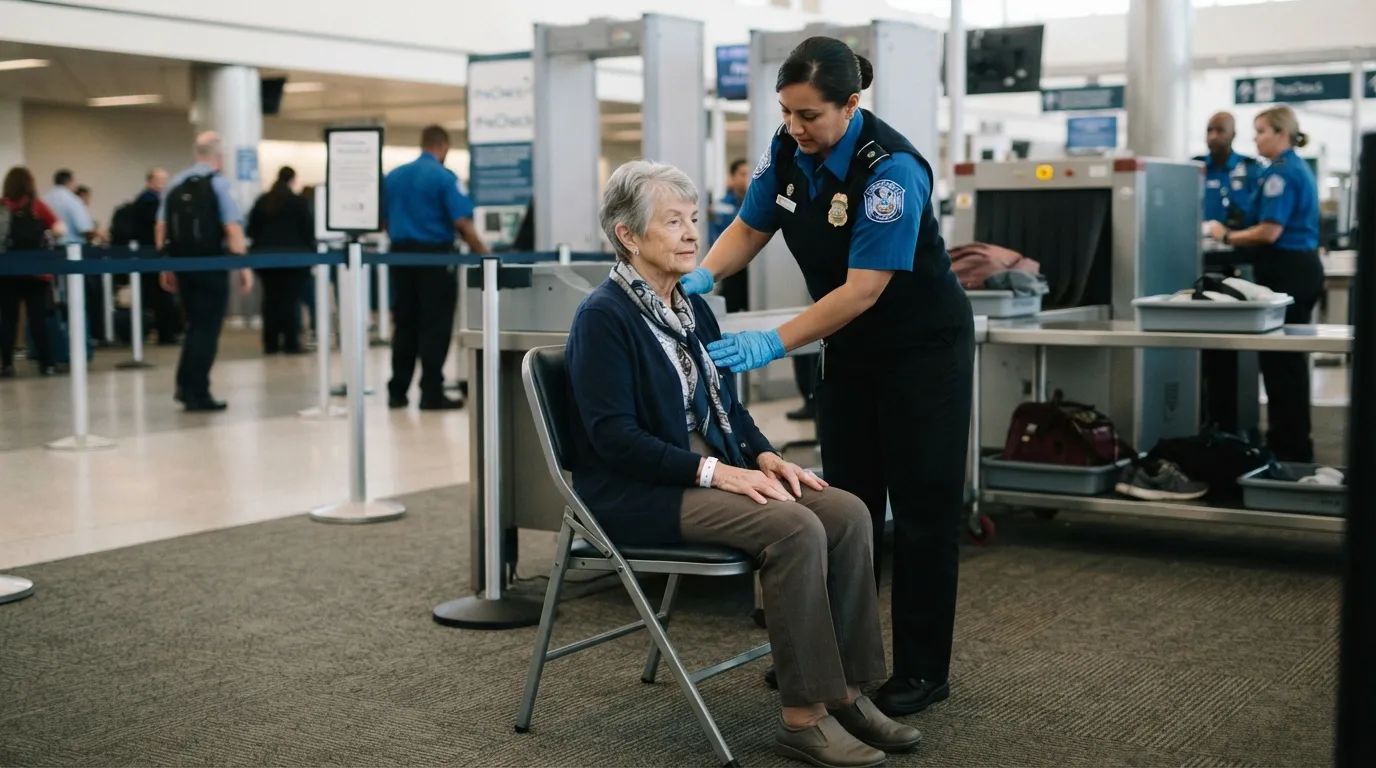
Travelers over 75 who need a pat-down may ask to be seated during that part of the screening. You can make the same request during any extra screening.
Passengers 75 and older who cannot stand for screening will be screened through other security methods. That makes the chair a request to make early, while you can still explain what your legs and back can manage.
- Give your age at the start of the line.
- Say plainly how long you can stand.
- Ask for a seat before any extra screening begins.
Sitting does not shorten or skip the screening. It only keeps a long procedure from becoming a balance problem.
#6 – The Disability Notification Card Speaks First
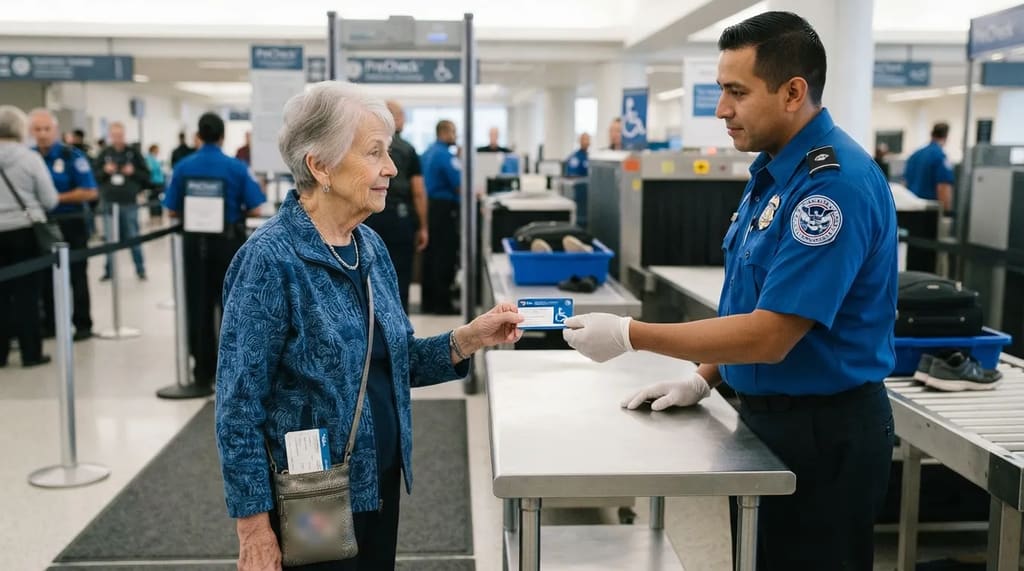
TSA created an optional Disability Notification Card to discreetly inform officers that you have a disability, medical condition or medical device. You may also give the officer other medical documentation to describe your condition.
The card helps most with conditions an officer cannot see. Autism, anxiety, learning disabilities and sensory differences may not be obvious to security staff. A card saves you from explaining the same thing at every step.
Some situations cannot wait for the card. Tell officers immediately if you have low blood glucose and need medical assistance. Do not hold that back until you reach the front of the line.
A card describes your condition, though it does not settle whether a device has to come off your body.
#5 – Medical Devices Can Stay With You
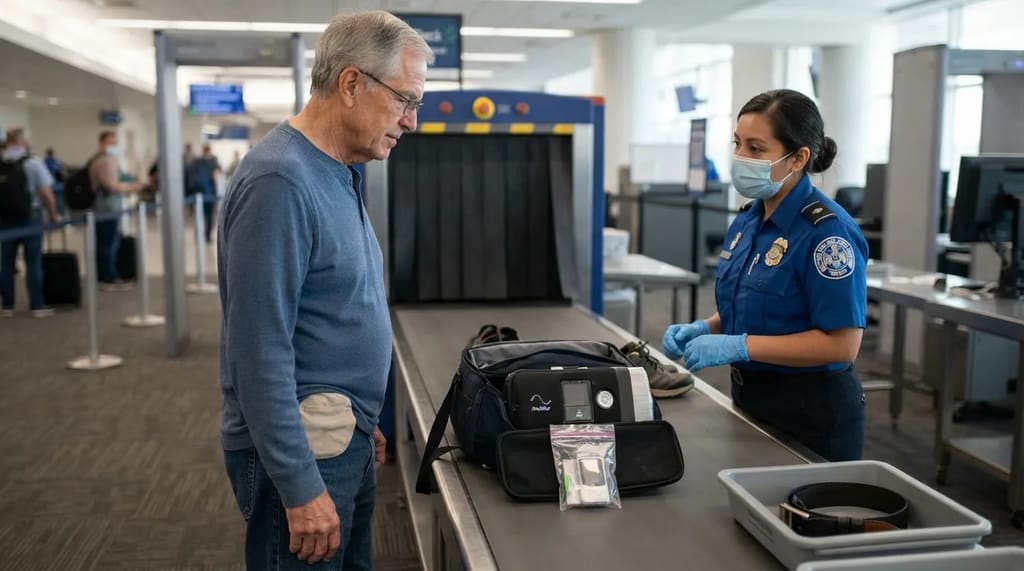
A CPAP machine can go through the checkpoint, and so can an insulin pump or an ostomy pouch. You do not need to treat any of them as a reason to avoid flying.
TSA’s procedures also cover prosthetics and implanted devices. You can decline to remove a medical device and request alternative screening instead.
That choice does not exempt you from screening. The alternative is a different method, not a skipped one. Tell the officer before you step into the scanner, so the choice is yours and not an alarm’s.
Worth Knowing
- CPAP machines, insulin pumps and ostomy pouches can all go through the checkpoint.
- You may decline to remove a medical device.
- Declining means alternative screening, not no screening.
- Speak up before you enter the scanner, not after an alarm.
If you are unsure how a particular pump or implant should be screened, ask your doctor or the device maker before the trip. I would not detach or disconnect anything to save a minute in line.
If the screening itself still worries you, a trained officer can be requested at the checkpoint.
#4 – A Passenger Support Specialist Is Yours to Request
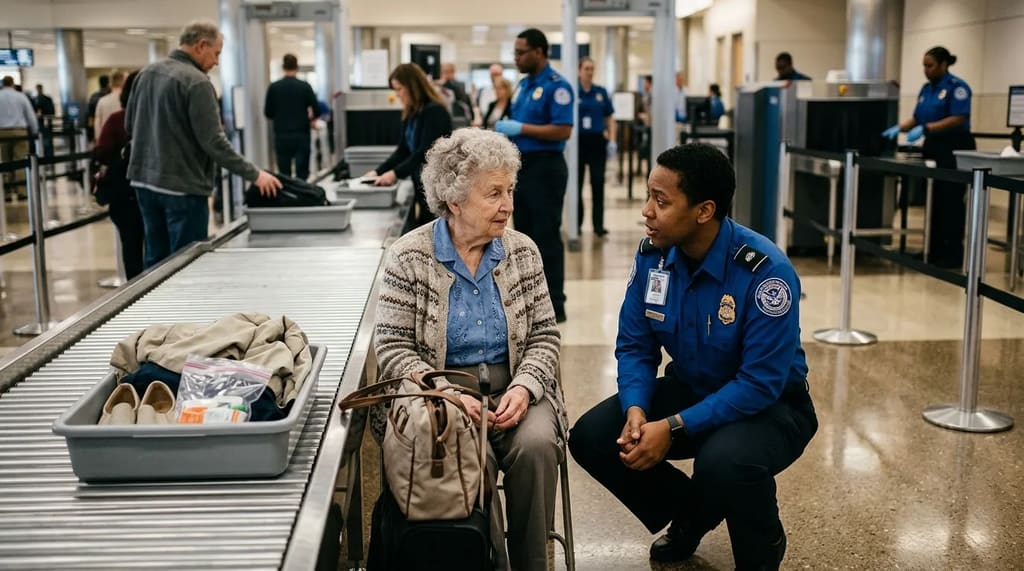
Travelers who need special accommodations or are concerned about screening may ask a TSA officer or supervisor for a passenger support specialist, who can provide on-the-spot assistance. There is nothing to book in advance.
A specialist is a TSA officer with additional training to support passengers whose disabilities, medical conditions or other circumstances make screening more difficult. The method used still depends on the situation and the security requirements, so you may not get exactly what you ask for.
For a first-time problem, such as a device you were not expecting to explain, this is the simplest tool at the belt. It also works for a traveling companion who is worried on your behalf.
Asking on the spot works, though the better time to arrange help is days before you leave home.
#3 – Call TSA Cares Three Days Before You Fly

TSA Cares is a free help line for travelers with a disability, medical condition or device. Call 72 hours before your travel at (855) 787-2227. You can also use the federal relay at 711.3
Hours are weekdays 8 a.m. to 11 p.m. Eastern, and weekends and holidays 9 a.m. to 8 p.m. Eastern.3 If you prefer to write, there is also an official TSA Cares online assistance form.
The 72 hours has a purpose. It gives TSA Cares time to coordinate checkpoint support with a customer service manager at the airport.4 The caller gets screening information that fits the specific condition, or is referred to TSA’s disability experts.
You do not have to make the call yourself. The line is open to families of passengers with disabilities and medical conditions, so a son, daughter or friend can handle it.4
I would call if you use a wheelchair or walker, carry an implanted device, or have a condition that makes standing hard. If all you need is a seat during a pat-down, the request at the checkpoint covered earlier is enough.
Related Stories From Travelbinger
The helpline covers screening, and it does nothing for a traveler who arrives with the wrong card in the wallet.
#2 – What the $45 ConfirmID Fee Buys You
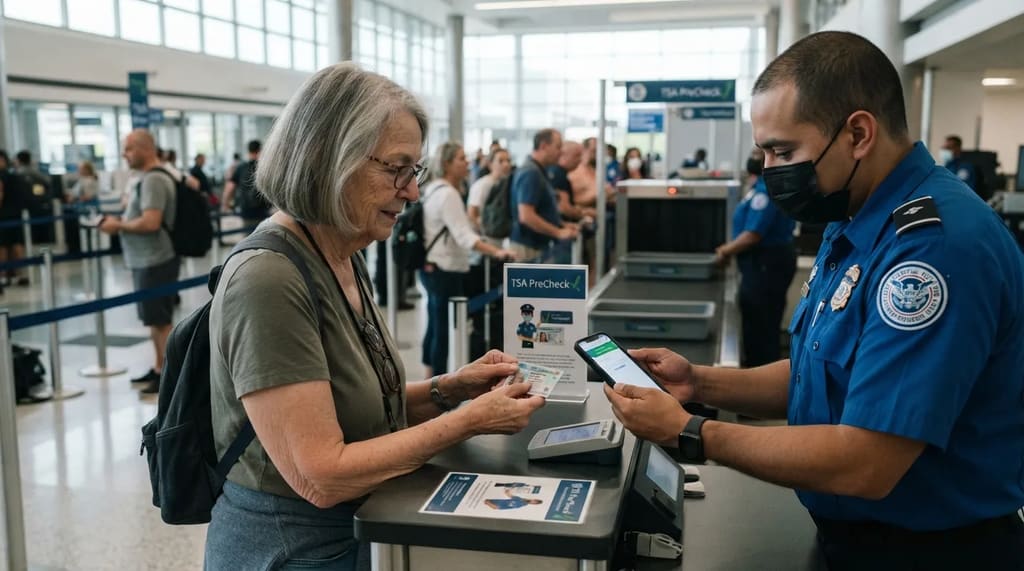
Passengers without REAL IDs or other acceptable forms of identification can use TSA ConfirmID by paying a $45 fee for a 10-day travel period.5 The option began on February 1, 2026.
The fee buys an attempt, not a result. TSA will try to verify your identity so you can go through security, but there is no guarantee it can do so.6 The screening process can take 10 to 30 extra minutes.
TSA advises paying ahead of time. You pay at TSA.gov/ConfirmID, then show the pay.gov receipt, printed or as a screenshot, along with any government-issued ID. Travelers who show up without acceptable ID and have not paid will face additional delays that may result in a missed flight.7
For a traveler with a tight connection or a long drive to the airport, the half hour is the larger cost, bigger than the $45. I would treat ConfirmID as a rescue for a forgotten wallet, not a plan.
Paying at the airport is the expensive way to settle a problem that one visit to the DMV settles for good.
#1 – The Star in the Corner of Your License
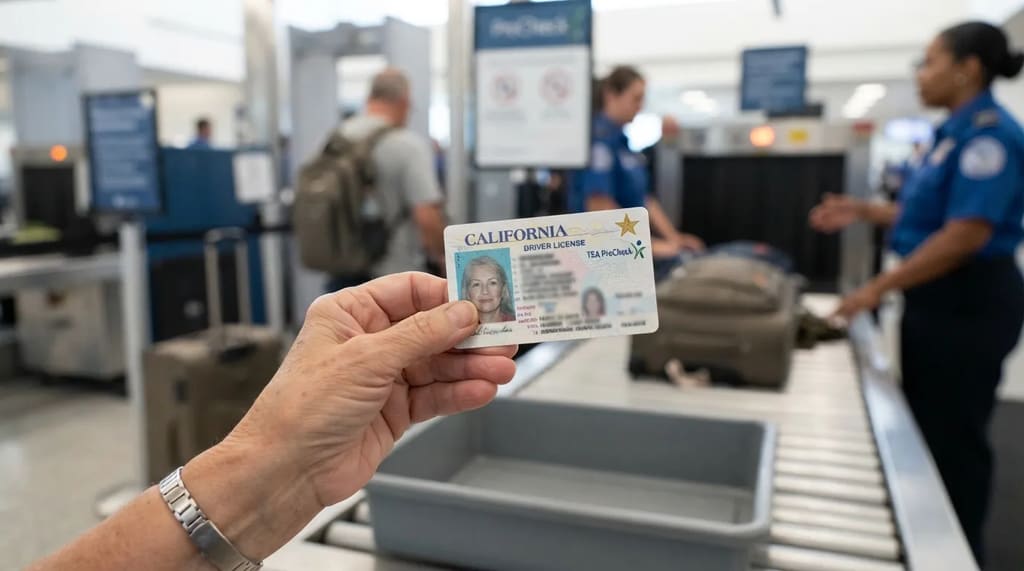
REAL ID-compliant cards have a star marking on the upper top portion of the card.8 Look for it tonight, not at the airport. The check takes seconds and costs nothing.
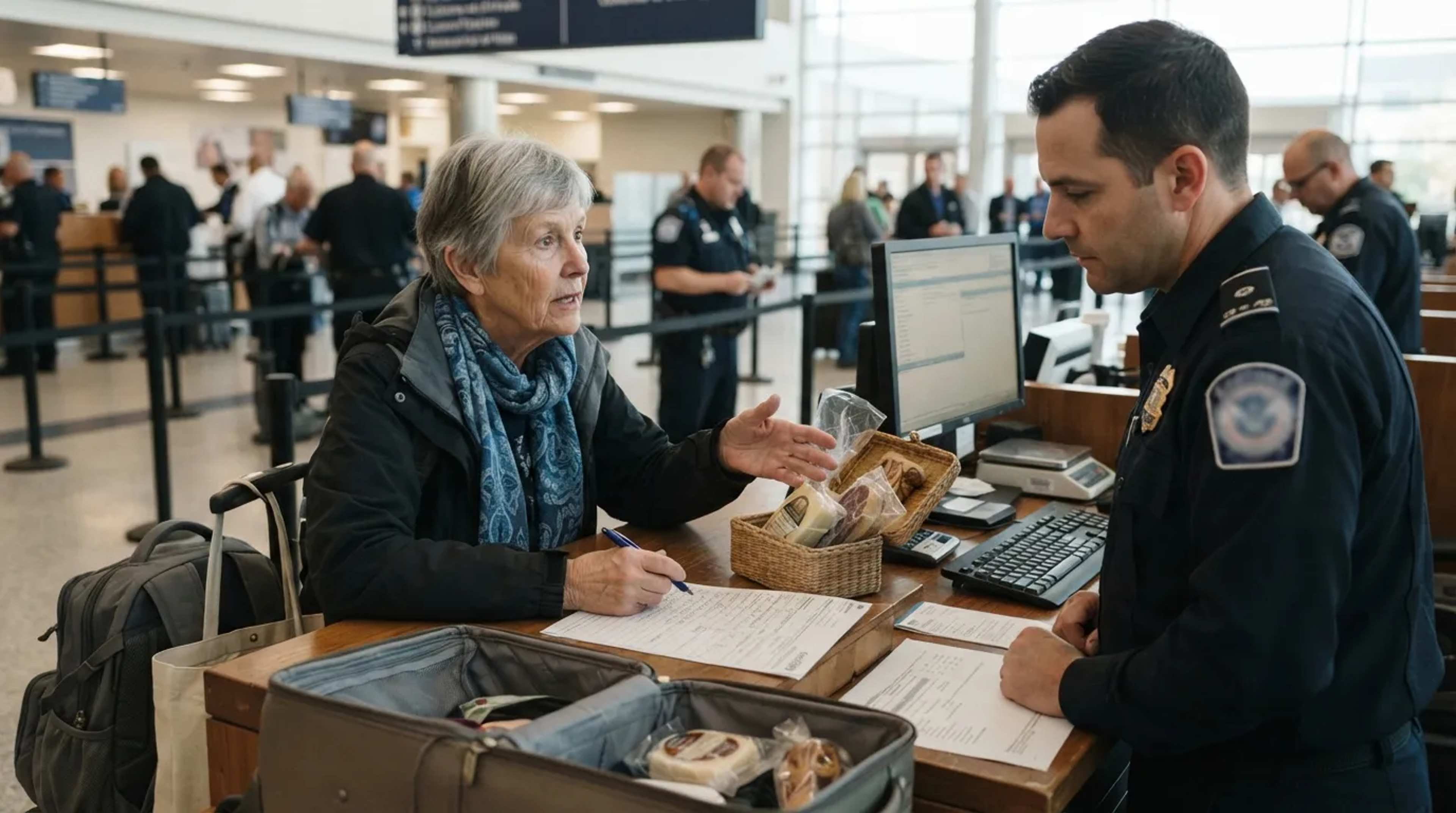
A license without the star is not the only way to be turned back. Those who forget a compliant ID at home, or lose it before or during a trip, will also have to pay the fee to fly.
Several other documents work in its place. They include a U.S. passport or passport card, DHS trusted traveler cards such as Global Entry, NEXUS, SENTRI and FAST, and a state-issued Enhanced Driver’s License.8 Check TSA’s ID page before assuming that any other membership card counts.
TSA encourages travelers without a REAL ID to make an appointment with their state’s DMV before the next time they fly. If you are unsure whether your license qualifies, your state’s DMV can tell you.7
Set that against the rest of this list. The star is free to check, and the cost of missing it is $45, up to half an hour, and no guarantee. That is more than the jacket, the shoes or even PreCheck can cost you, and it is the one problem that can keep you from the belt altogether.
At 75, the birthday matters less than it used to. The shoe perk now belongs to everyone, the jacket rule has its limit, and PreCheck is really a choice about how often you travel.
What decides your morning is what you settled at home: an ID with a star, a call to TSA Cares if you need one, and shoes you can step out of. The belt is a poor place to find out what you forgot.
What is the first thing you check at home before a flight, and how did you come to make it a habit?
- CBS News Shoe Rule: https://www.cbsnews.com/news/tsa-shoes-rule-expires/
- Yahoo News Shoe Removal Ends: https://www.yahoo.com/news/homeland-security-ends-mandatory-shoe-210645417.html
- TSA Customer Service Factsheet: https://www.tsa.gov/news/press/factsheets/customer-service
- TSA Cares Launch Announcement: https://cybercemetery.unt.edu/oilspill/20121020071736mp_/http://blog.tsa.gov/2011_12_22_archive.html
- TSA ConfirmID Rollout: https://www.tsa.gov/news/press/releases/2026/02/05/tsa-successfully-rolls-out-tsa-confirmid-0
- Pay.gov ConfirmID Form: https://www.pay.gov/public/form/start/1820857221
- TSA $45 Fee Announcement: https://www.tsa.gov/news/press/releases/2026/01/15/45-fee-option-for-air-travelers-without-real-id-begins-february-1
- DTMO ConfirmID Article: https://www.travel.dod.mil/About/News/Article/Article/4393216/travelers-without-real-id-could-pay-45-fee-for-tsas-confirmid-beginning-februar/