

Here is the catch behind the title: the research behind this piece found no over-65 waiver for photo or Wi-Fi charges, because age by itself erases nothing on a cruise bill. A 10-by-8 mounted print in Cunard’s photo gallery starts at US$40, and Carnival’s internet page,1 checked on November 27, 2026, lists Premium Wi-Fi from $25.50 a day when bought before sailing.
What it did find is a set of real ways to avoid, trim or correct these charges, most of them settled before port day. And the one discount that truly depends on your age is not a photo or Wi-Fi charge at all, which is why it waits at the very end.
#14 – Posing for the Gallery Camera Costs Nothing

MSC Cruises describes having your photo taken as complimentary and optional, and Cunard states that there is no obligation to purchase your photograph.1 2 The two lines say the same thing in different words.
Cruise Critic’s guide to shipboard photography says posing is free and you are not obligated to buy a print.3 That means the gallery has no fee to waive, because a charge only exists once you pick a picture.
Knowing that changes the question you bring to the desk. A photo line you never ordered is a billing question, while a photo you chose and printed is simply a purchase.
So the first move costs nothing: smile for the camera, keep walking, and let the price list come to you later. The decision to spend is yours, and it comes after you have seen the pictures.
That covers the portraits you sit for, and it leaves the photographers who catch you while you are walking somewhere else.
#13 – Gangway Photographers Who Meet You on Port Day

Photographers may stand at the foot of the grand staircase, shoot passengers coming off the gangway in port, or go table by table on formal night. The gangway shot often involves a crew member dressed as a pirate or a dolphin.3
You can walk past any of them at no cost, because posing is free and you are not obliged to buy a print. The picture goes to the gallery, where you can look at it later.
If a costumed crew member waves you over, you can enjoy the moment and still decline the print. Smiling for the camera never signs you up for anything.
Port day is the wrong moment to decide on a print. You are on your way to a tour or a taxi, and the gallery will still be there when you are back aboard.
#12 – Gallery Screens and the Choice to Wait
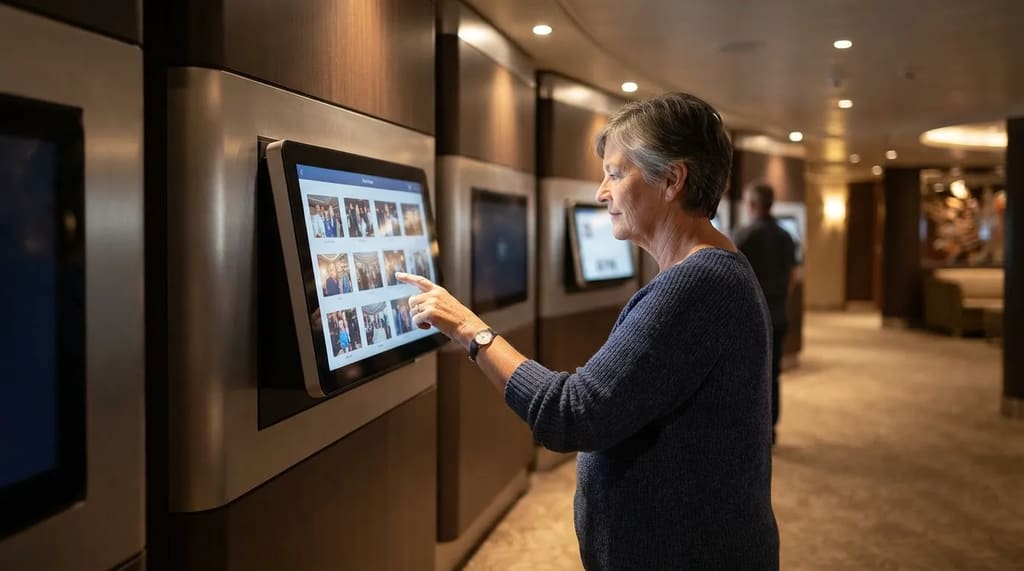
The gallery is where you can view all of your voyage photographs and select some to take home. Cunard suggests visiting later in the voyage and deciding then.1
You can view and order your photos at any time using the photo screens, and the order is collected at the gallery desk during opening hours. Build your pickup around the hours posted at your ship’s desk.
MSC likewise lets you view all the photos and decide which ones, if any, you wish to buy. Cunard adds that you can buy as many or as few of the images as you like.1 2
Think of the screens as a free window display. Look as long as you like, and spend only on the picture you would actually frame.
Waiting costs you nothing, and it lets you see which pictures are worth paying for. Once you do choose, the price list rewards buying one print very differently from buying a bundle.
#11 – One Print Against a Photo Package
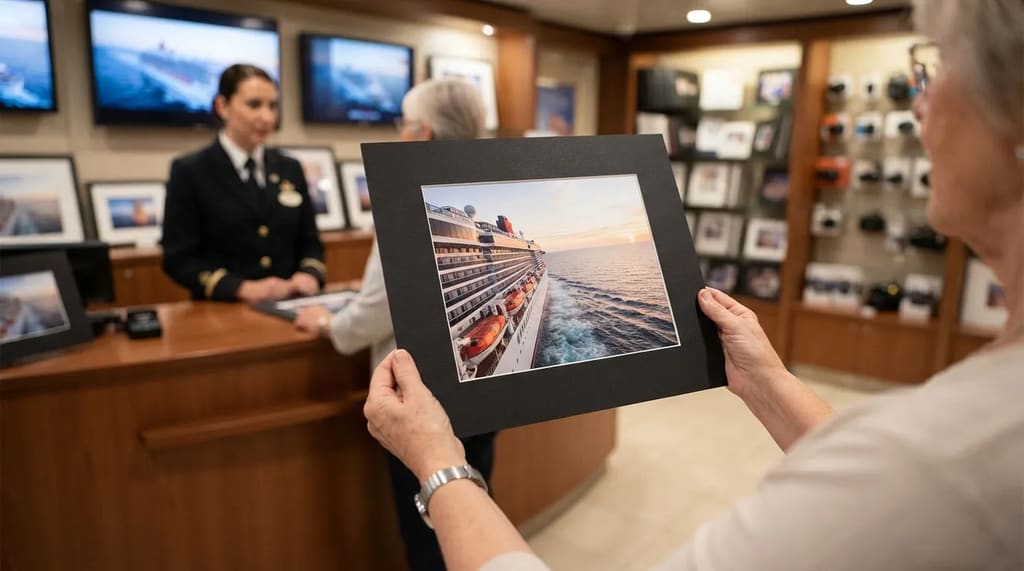
Cunard’s prices start at US$40 for a 10-by-8 mounted print1, and the company says its listed prices reflect what you can expect to pay on board. Its package list looks like this:
- 3 photos, print or digital: US$75
- 10 photos, print or digital: US$1801
- 20 photos, print or digital: US$240
On other lines, a single 8-by-10 print typically costs between $20 and $30, depending on the line and any promotion. Cruise Critic’s guide gives Carnival’s standard prints as $11.99 to $21.99, which sits well below Cunard’s starting price for a mounted print.3
Do the math before you commit. Three photos at US$75 works out to US$25 each, while 20 photos at US$240 comes to US$12 each.
Quick Compare
- Cunard single mounted 10-by-8 print: from US$40
- Carnival standard prints, per Cruise Critic: $11.99 to $21.99
- Cunard 3-photo package: US$25 per photo
- Cunard 20-photo package: US$12 per photo
A package only wins if you would truly buy that many pictures. The cheapest photo on the ship is still the one you decide to skip.
But sometimes a photo charge lands on your account without any decision from you at all.
#10 – The Photo Charge You Never Remember Ordering
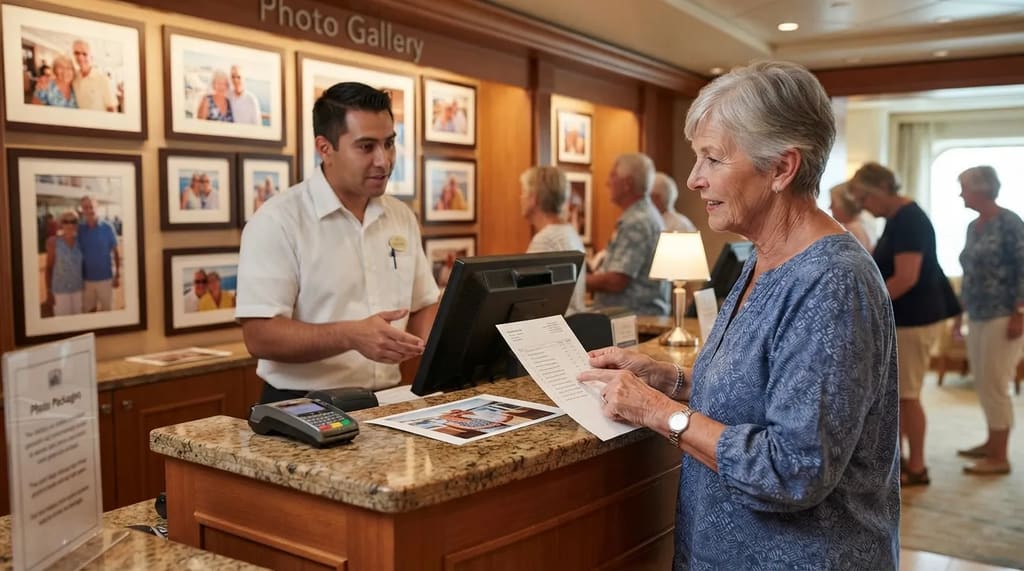
Few things sting like a photo charge you cannot place. It is also one of the easiest to get removed, because you are fixing a mistake rather than asking for a favor.
Start at the gallery desk and ask to see the order behind the charge. Photo orders are collected there, so a real purchase should leave a record of what was chosen.
If the order is not yours, or the pictures are not the ones you picked, say so plainly and ask for the charge to be reversed. A calm, specific request works better than a long speech.
Bring your cabin number and, if you have it, the receipt. The person at the desk can only fix what they can actually see.
Do this before port day, when the desk is not competing with tours and taxis. A mistake corrected aboard is far easier than one chased after you get home.
Photos you never bought remain pictures on a screen, and the choice to buy them stays yours. Nothing is owed for a photograph you did not order.
#9 – Wi-Fi Bought at Sea That Cost Less Before Sailing

The most common internet regret on a cruise is a simple one: paying aboard for something that could have been cheaper before sailing. It tends to start on embarkation afternoon, when everyone wants to tell someone they made it aboard.
Carnival’s internet page lists Premium Wi-Fi from $25.50 a day when bought before sailing.4 5 Lines generally put their best advertised rates on early purchases, so check your cruise line’s site or app before you leave home.
If you already paid aboard, do not expect the difference back automatically. It still costs nothing to ask guest services whether any current offer or adjustment applies to your account.
Ask before port day, because that is when many travelers decide they need a map, a ride or a call home. A calm decision at the desk beats a rushed one at the gangway.
Check the line’s site for the current price and any terms before you buy, because Wi-Fi pricing changes. The $25.50 figure is a snapshot, not a promise.
Nothing here depends on your age. The saving comes from timing, and timing is something you control.
#8 – The Wi-Fi Tier You Never Needed
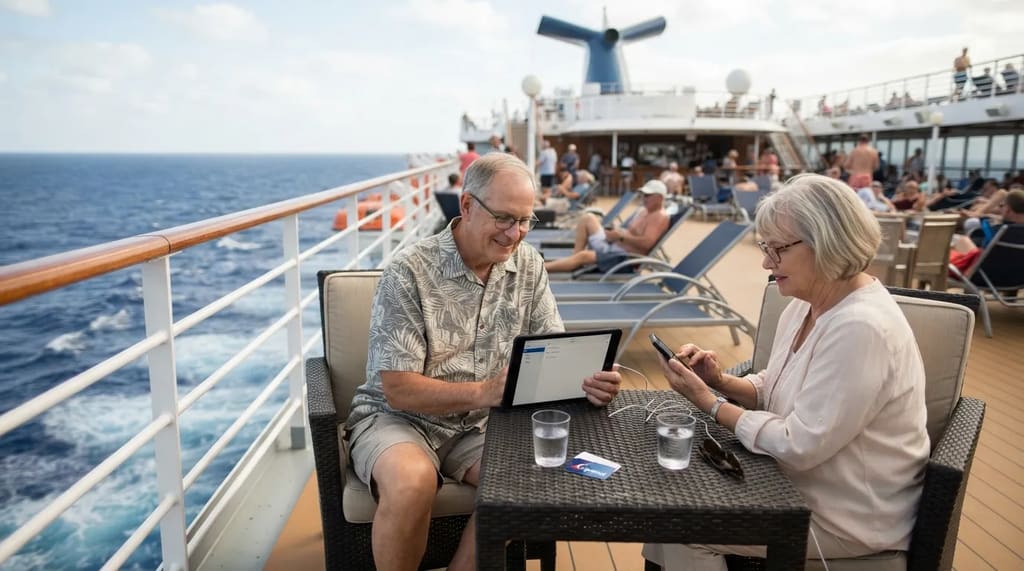
Carnival’s page names Premium as its top-tier plan, and the plans below it generally cost less. Most travelers do not need the version built for streaming video.4
If your goal is email, a message to the grandchildren and a look at tomorrow’s weather, a lighter plan may be plenty. Paying for speed you never use is a charge you can often avoid.
If you bought the bigger plan by mistake, ask guest services whether it can be changed. Policies differ by line, so treat it as a request, not a promise.
Before buying anything, read what each tier allows, including streaming, video calls and the number of devices. Those details are usually where the price difference lives.
A plan matched to your habits is the cheapest kind of Wi-Fi. The only thing you give up is the option to stream a movie from a deck chair.
#7 – Wi-Fi That Barely Worked

A plan you paid for that will not load is a different kind of annoyance. Internet at sea comes by satellite, and speeds can dip depending on where the ship is and how many people are online.
That is not your fault, and you are allowed to say so. Guest services can listen to a complaint about a service that did not do what it was sold to do.
Write down the date, the time, the device and what failed before you walk up. A specific complaint is much harder to wave away than a vague one like ‘it was slow.’
At a Glance
- Note the date and time the connection failed
- Name the device and the plan you bought
- Describe what did not work, such as email or maps
- Bring your cabin number and ask while still aboard
Whether you get a credit, a partial refund or nothing is the line’s decision. Asking while you are still aboard gives you the best chance, because the records are right there.
Do not wait until the last morning. Debarkation day is when everyone queues at the same desk with the same questions.
A calm request outperforms an angry one every time. Guest services staff handle plenty of frustrated passengers, and the polite ones are easier to help.
#6 – The Second Plan You Did Not Need to Buy

Couples sometimes end up buying two plans when one might have done the job. It is a quiet way to double a bill.
Many plans are tied to a single user or device at a time, though the exact rules differ by line. Ask what yours allows before the second purchase, not after.
Some travelers simply take turns, with one person online while the other is at a show or out on deck. It sounds low-tech, and it can save real money.
If you have already paid twice, take both receipts to guest services and explain how the plans were used. They may be able to adjust one and they may not, but the answer is free.
Port day is a good checkpoint. Look at what you have used so far and decide whether the rest of the week needs the same setup.
#5 – The Wi-Fi That Was Already Included
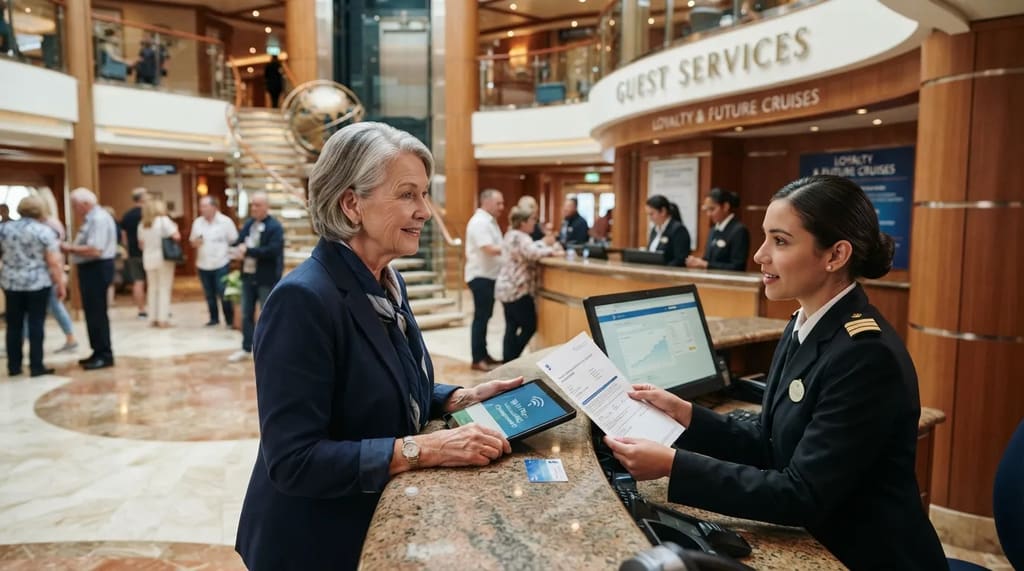
Here is where being a seasoned cruiser can quietly pay off. Several lines include internet with certain suite categories or higher loyalty tiers, and the details vary by line.
Check your booking confirmation and your loyalty account before you pay for anything. The perk may already be sitting there unused.
If you were charged for something your cabin or tier includes, ask for the charge to be removed. That is a far stronger request than asking for a favor.
Loyalty perks come from sailing history, not from your age. Still, people who have sailed with one line for years may hold more status than they realize.
Bring the confirmation or your loyalty number to the desk. Staff can only honor what they can verify.
#4 – Free Messaging Inside the Ship’s App
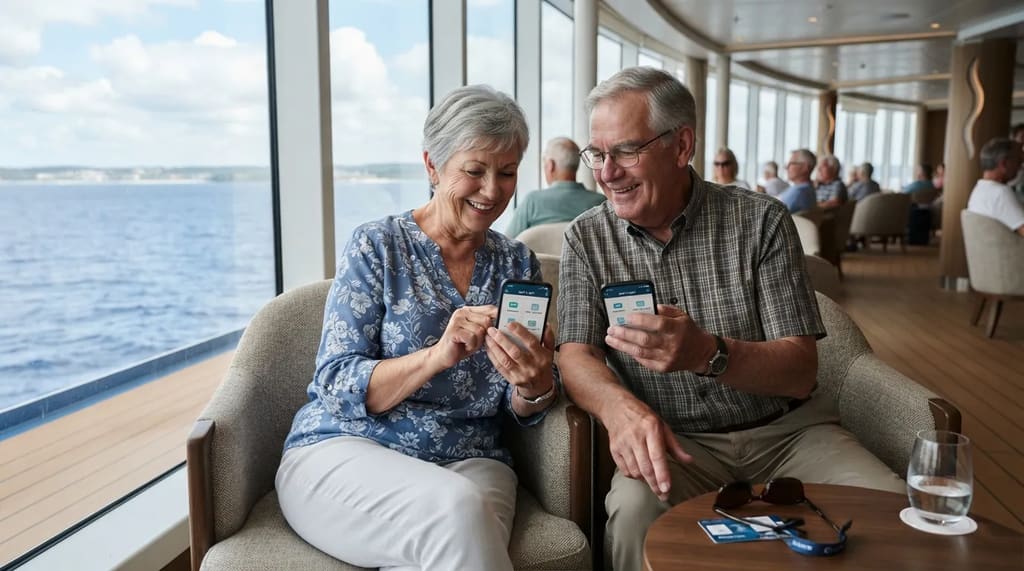
Not every message needs an internet plan. Many cruise lines’ apps let you chat with people in your party on board, check the daily schedule and look at deck plans.
Terms vary by line, so confirm what your app does for free before you rely on it. A quick check at home can save you from buying a plan you never needed.
Download and set up the app before you board, when your home internet costs nothing. Once aboard, you may find that ‘where are you?’ is the most common text of the week.
That one habit can cover dinner meet-ups and show times for the entire trip. It leaves a paid plan for the moments you truly need the open internet.
If you were already charged for a plan you barely used, ask guest services about it before port day. The conversation is easier when you can say exactly what you did use.
Related Stories From Travelbinger

#3 – Port-Day Connectivity That Skips the Ship Entirely

Port day is when most people feel pushed toward paying for Wi-Fi. Often the better answer is to leave the ship’s network out of it.
Download offline maps and tickets to your phone before you sail. Many cafes and terminals offer their own Wi-Fi, though quality and cost vary.
Some major U.S. carriers sell international day passes that have been priced around $10 a day, and others include some international data in certain plans. Check your carrier’s current terms before you sail, because they change.
There is also a trap here. A phone left on can latch onto a ship’s cellular network at sea, and those charges show up on your phone bill, where guest services cannot remove them.
Airplane mode is the cheap fix, with Wi-Fi switched on only where you intend to use it. It is the one connectivity charge you have to prevent rather than dispute.
Worth Knowing
- Offline maps and tickets are best downloaded before you sail
- Some carrier day passes have been priced around $10 a day
- Ship cellular charges bill through your phone company, not the cruise line
- Airplane mode with Wi-Fi on is the safest port-day setting
#2 – The Request That Actually Gets Results

Every item on this list comes down to the same moment: you at the desk, asking. How you ask changes how it goes.
Go in person, bring your cabin number, and be specific about the charge and what you want done. ‘Please remove this photo charge’ beats a general complaint.
Then ask for the result to appear on your account, and check the account afterward. A promise at the desk means more when it shows up in the numbers.
Timing matters. Go the day before port day or early in the voyage, because desks can get crowded at the busiest moments, such as debarkation morning.
Stay friendly. The person helping you can only use the tools the line gives them, and a kind tone tends to make them want to use every one.
No special age card is required for any of this. What works is early, polite and specific.
#1 – The One Discount That Really Does Depend on Your Age

Here is the answer promised at the start. Some cruise lines offer senior fares for guests 55 and older on select sailings, and that is an age-based discount that really exists.
It is a fare discount, not a photo or Wi-Fi waiver, and it is arranged when you book rather than at the guest desk. Terms differ by line and by sailing.
Rules may include a minimum age for at least one guest in the cabin, residency requirements, or limits on which sailings qualify. Read them carefully, or ask a travel advisor to confirm.
Fast Facts
- Senior fares are offered by some lines for guests 55 and older
- They apply on select sailings only
- They are arranged at booking, not at the guest desk
- They do not waive photo or Wi-Fi charges
So the honest picture is this: age by itself will not erase a $40 print or a daily Wi-Fi charge. What it can do is lower the fare before you ever step aboard.
Everything else on this list comes from the same quiet habit of asking before the bill is final. Wrong charges get corrected, extra tiers get dropped, and you keep more of your money for the port itself.
The next time a photographer waves from the foot of the gangway, you can smile, keep walking, and know the cheapest picture on the ship is the one you decide on later.
- Cunard Onboard Photography: https://www.cunard.com/en-us/activity-types/gifts/luxury-framed-portrait-photography
- MSC Onboard Photo: https://www.msccruisesusa.com/onboard/photo
- Cruise Critic Ship Photography: https://www.cruisecritic.com/articles/photography-on-cruise-ships-what-to-expect
- Carnival Wi-Fi Price Increase: https://cruise.blog/2025/10/carnival-cruise-line-quietly-increases-price-of-wifi
- Carnival Wi-Fi Cost 2026: https://deeparrival.com/cruise/cruise-lines/carnival/wifi/